Partnership ads run with a creator's handle. Learn the two permission types, a permission-first checklist and how to measure and rotate creators.
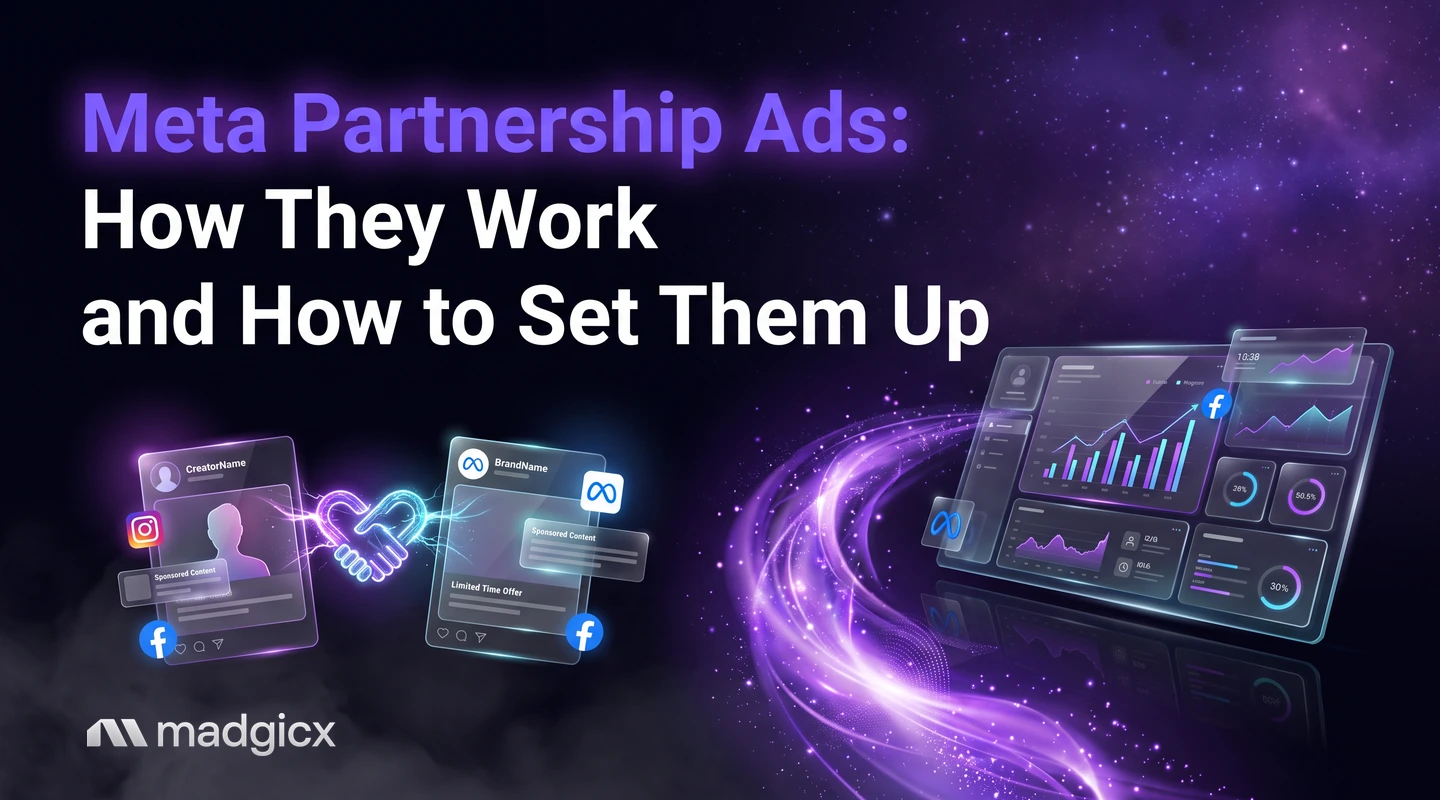
Meta partnership ads are ads that run with a creator's or partner's handle on them, and they are the new name for what Meta used to call branded content ads. To run them, you need permission from the partner whose handle the ad will include, and the partner can revoke that permission at any time.
This guide explains the two permission types, how to choose between them, how to structure and measure a campaign with several creators, and the problems to expect. The facts about permissions come from Meta's page on partnership ad permissions, checked on November 12, 2026.
Creative Insights shows which creatives drive results.
What partnership ads are
Per Meta, branded content ads are now called partnership ads. The ad runs with the partner's handle, so it appears to come from the creator and carries your brand alongside it. That is why Meta requires the partner's permission: the ad uses their account, and it is theirs to give or withdraw.
Partnership ads are the same thing people search for as creator whitelisting. Whichever name you use, the ingredients are the same: a creator's content, a permission from the creator and an ad account that runs the ad.
Permission types
Meta describes two types of partnership ad permissions: content-level and account-level. The difference is how much access you get and for how long.
| Permission | What it gives you | Best for | What you need |
|---|---|---|---|
| Content-level | More restrictive; used for specific content promotions | One-off promotion of a particular post | The partner shares a partnership ad code, then you can create ads from any Instagram or Facebook post, story or reel, whether or not it is branded content or you are tagged |
| Account-level | Broader access | Ongoing partnerships | The partner accepts your request, and you must be tagged using the paid partnership label, an @mention, a people tag, a product tag or a Collab |
How a partner grants account-level permission
Meta says account-level permission requests can be accepted through Partnership Ads Hub, in the Instagram app or in the Facebook app. Tell your creator which of these to use before you send the request, so it does not sit unread.
When you do not need permission
If two Instagram or Facebook accounts are owned by the same business and an employee has ads access to both, Meta says partnership ads can run without partnership ad permissions. That covers a brand running ads from its own founder or ambassador account, for example.
Which one to choose
- Start with content-level if you are testing a new creator. Access is narrower, and you can promote a single post.
- Move to account-level when the relationship is ongoing and you want to promote several pieces over time.
- Agree on the permission in writing before the creator posts, so both sides know what you can promote and for how long.
A permission-first checklist
This guide does not walk through Ads Manager clicks, because Meta changes its interface often and the help page above is the place to confirm current screens. The steps below cover what to settle before you touch the ad setup.
- Pick the creator and the content you want to promote. Choose posts, stories or reels that already show the product the way you want it shown.
- Choose the permission type from the table above, and tell the creator which one you are requesting.
- Get the permission in place. For content-level, the creator shares the partnership ad code. For account-level, the creator accepts your request in Partnership Ads Hub, Instagram or Facebook.
- Confirm the tag requirement. For account-level permission, the content must tag you with the paid partnership label, an @mention, a people tag, a product tag or a Collab.
- Write down what the creator agreed to: which content, how long it may run and what happens if they revoke access.
- Then build the ads from the approved content in the ad account.
Campaign structure for several creators
Meta does not prescribe a campaign structure for partnership ads in the page used for this guide, so treat the following as a testing plan, not a Meta rule. The aim is to compare creators fairly.
- One campaign for the offer. Keep the objective and the audience setup the same across creators.
- One ad set per creator, or one ad per creator in a shared ad set. Choose one approach and keep it, so differences in results come from the creator, not the structure.
- Name everything by creator and content. A name such as "Partner - handle - clip 1" lets you sort results later.
- Hold the offer and call to action constant. Change one thing at a time.
For more on setting up campaigns that grow, see our guide to setting up auto ad campaigns.
Measure and rotate creators
A creator can look great in the feed and still not sell. Judge each one on the result you care about, not on likes.
- Pick the metrics before launch: cost per purchase or lead, click-through rate and the share of viewers who stay.
- Compare creators on the same days and the same budget. Otherwise you compare luck.
- Set a rotation rule. For example, pause a creative that has spent twice your target cost per result without a conversion, and promote the next piece of content.
- Keep a bench. Because creators can revoke permission at any time, always have your next creator's content approved and ready.
Creator content is still creative, so the same discipline applies: look at which hooks and formats win and make more of them. For more on creating Instagram ads, see our guide to the Instagram ad creator.
Common errors
- Missing tag. Under account-level permission, the content has to tag you with one of the accepted tag types. If you cannot create the ad, check this first.
- Wrong permission type. A content-level code covers specific content. If you want to promote several pieces over time, ask for account-level permission.
- A revoked permission. Creators and partners can revoke permissions at any time, and your ads based on that permission can stop. Keep a record of who granted what.
- Requests sent in the wrong place. Account-level requests are accepted through Partnership Ads Hub, Instagram or Facebook. Confirm the creator knows where to look.
- Unclear ownership. If both accounts belong to your business, you may not need permissions at all, so check before you send a request to your own team.
Find which creator creatives win in Madgicx
Once creator ads are running, the hard part is reading the results. Creative Insights shows which creatives drive results and flags creative fatigue, so you can tell which creator content to keep, rotate or retire. Use it next to your naming pattern: names that carry the creator and the clip make the comparison simple.
FAQ
What are Meta partnership ads?
They are ads that run with a creator's or partner's handle. Meta says branded content ads are now called partnership ads.
Do I need permission to run partnership ads?
Yes. You need permission from the partner whose handle the ad will include, unless both accounts are owned by your business and an employee has ads access to both.
What is the difference between content-level and account-level permission?
Content-level permission is more restrictive and covers specific content promotions. Account-level permission offers broader access and suits ongoing partnerships.
Can a creator take back permission?
Yes. Meta says creators and other partners can revoke partnership ad permissions at any time.
Is creator whitelisting the same as partnership ads?
Creator whitelisting is the older name for running ads from a creator's handle. Meta now calls these ads partnership ads.