What incrementality means, how Meta's Conversion Lift test works, the minimum spend and conversions Meta asks for, and a worked example with simple numbers.
Incrementality testing measures how many conversions your ads caused, not how many they were credited with. You split people into a group that can see your ads and a group that cannot, then compare conversions between the two. The difference is the lift: the sales that would not have happened without the ads.
On Meta, the main tool is Conversion Lift, which you can run from Experiments at no extra cost, though your campaigns need to meet spend and conversion minimums. This guide covers how Meta's test works, what you need before you can run one, a worked example and how to act on the result.
Cloud Tracking sends conversions to Meta from the server.
What incrementality means
An incremental conversion is one that happened because of your ad. A customer who was already on their way to buy, saw your ad and bought anyway counts as a conversion in your reports, but not as an incremental one.
Meta defines it in its Conversion Lift help page: lift is the difference in conversions caused by the presence of your ads on Meta's platforms. To measure it, you need a comparison. A test with no comparison group can tell you what happened, not what the ads changed.
Why attribution can mislead
Attribution assigns credit for a conversion to the ads a person interacted with before it. It does not ask what would have happened without the ad. If your ads reach people who were likely to buy anyway, attribution can report strong results while the real effect is small. If your ads plant an idea that later turns into a sale somewhere else, attribution can miss it.
That does not make attribution useless. It is fast, it runs every day and it is what you optimize against. Incrementality is slower and costs effort, and it answers a different question. The two work together. For testing from the creative side, see our guides to ad testing and A/B testing.
Meta Conversion Lift studies
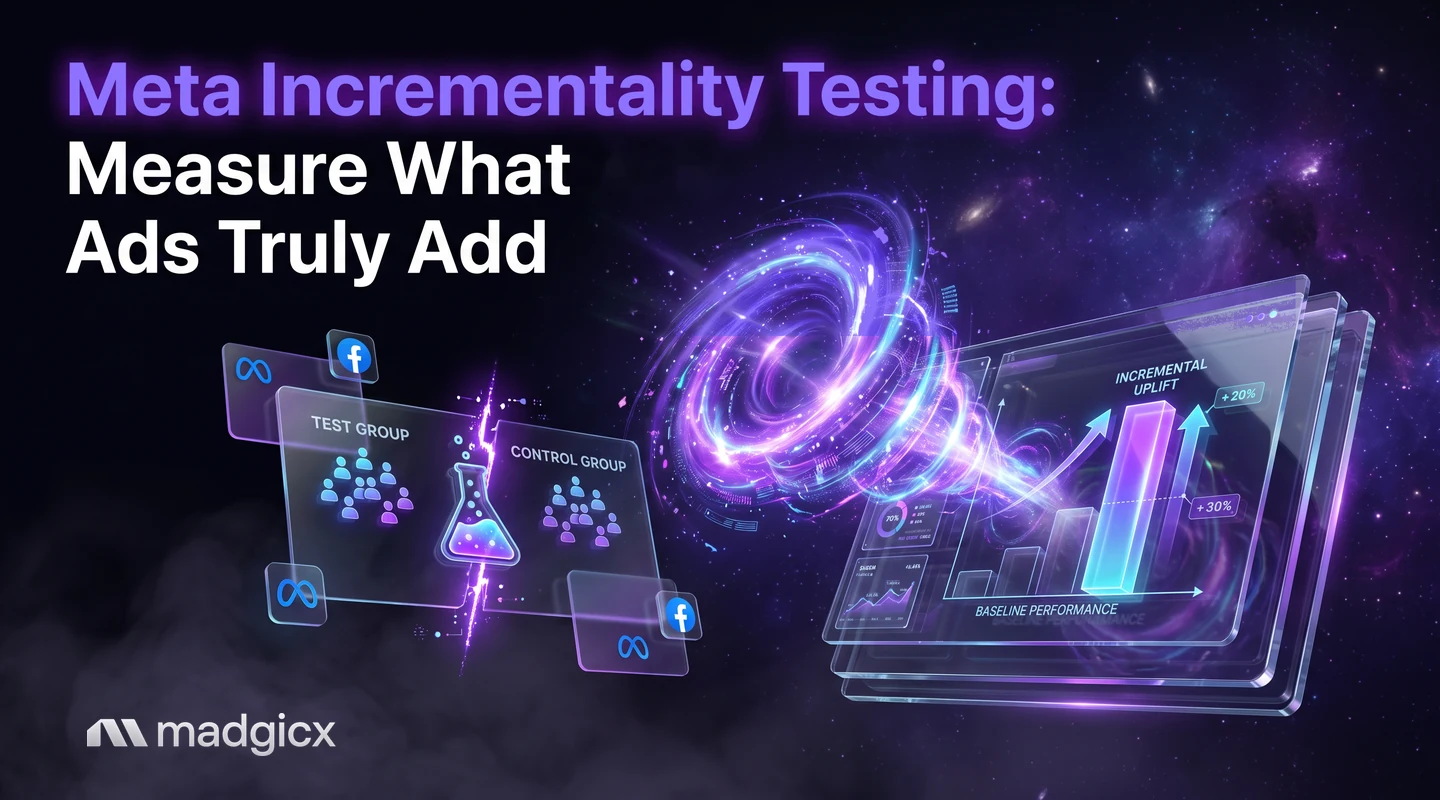
Meta's Conversion Lift splits your audience into two groups. According to Meta, the test group is the people who have the opportunity to see your ads, and the control group is the people who do not.
Conversion Lift uses an intent-to-treat approach, which means the test group is everyone who was eligible to see the ad, even if some of them never did. Meta uses this to estimate the impact of ads on outcomes in an unbiased way. In practice, it means your result describes the effect of running the campaign, not only of the people who happened to notice it.
You can create a test in Experiments, or through your Meta account representative if you have one. There is no additional cost for the test itself.
Geo and holdout tests
Conversion Lift is not the only way to build a comparison. Two other designs are common:
- Holdout test: you keep a randomly chosen share of your audience out of the ads and compare their conversions with the people who were eligible.
- Geo test: you run ads in some regions and not in others that behave similarly, then compare sales across the two sets of regions.
Both need a clean split and enough volume to see a difference. We do not have Meta figures for geo or holdout tests, so the numbers in the next section apply to Meta's Conversion Lift only.
Budget, duration and sample needs
Meta lists requirements as a guide for Conversion Lift tests:
| Requirement | What Meta says |
|---|---|
| Spend | A campaign that started in the past year with spend of $5,000 USD or more |
| Conversions | At least 500 conversions with a 1-day click, 7-day click or 1-day view attribution setting |
| Longer campaigns | Campaigns over 90 days are prorated: a 180-day campaign needs $10,000 USD and 1,000 conversions |
| Signal quality | Self-serve tests need the Conversions API, sending any event with an Event Match Quality score above 5 |
| Cost of the test | No additional cost, though the campaigns or ad sets used may have budget requirements |
If your tracking is browser-only, fix that first: the test can only compare conversions it can see. Before you commit budget, check the setup screen in Experiments for how long the test should run for your campaign.
A worked example
These numbers are made up to show the arithmetic, not taken from a real test. Say an online store runs a Conversion Lift test.
- The test group has 1,000,000 people eligible to see the ads. They place 2,400 orders.
- The control group also has 1,000,000 people and sees no ads. They place 2,000 orders.
The lift is 400 orders, which is 20% more than the control group (400 divided by 2,000). Now compare that with attribution. If Ads Manager credited the campaign with 2,100 purchases, then roughly 1,700 of those would have happened anyway, and about 400 were caused by the ads.
Spend is where it matters. If the campaign cost $20,000, cost per incremental order is $50 ($20,000 divided by 400). The attributed cost per purchase would show about $9.52 ($20,000 divided by 2,100). Neither number is wrong. They answer different questions, and the $50 figure is the one to use when you decide whether to scale.
Read and act on results
- Start with the lift, not the total. Look at the difference between test and control, then the cost per incremental conversion.
- Compare it with your break-even. If the cost per incremental order is below what an order is worth to you, the campaign pays. Our break-even ROAS calculator gives you that line.
- Calibrate your reports. If lift is well below attributed results, treat attributed ROAS as an upper bound for that campaign type and set your scale rules with that gap in mind.
- Change one thing, then test again. A lift result is a snapshot for one campaign and one period. Re-test after big changes in offer, audience or budget.
When a test is worth running
A lift test takes planning, spend and patience, so run one when the answer will change a decision. Good moments include:
- Before a big budget increase. If you are about to double spend on a campaign, check that its first dollars are creating new orders.
- When attributed results look too good. A very high reported return on a campaign that mostly reaches existing customers is the classic case.
- When channels overlap. If several campaigns reach the same people, each may claim credit for the same sale.
- When you retarget. Retargeting reaches people who already showed interest, which is where credit and cause are most likely to differ.
Skip a test when your account is below Meta's spend and conversion minimums. Use careful before-and-after comparisons and keep your tracking clean until you qualify.
Cleaner data for lift tests with Madgicx
Because Meta asks for the Conversions API for self-serve lift tests, the quality of your server feed sets what you can measure. Madgicx Cloud Tracking hosts Meta's Conversions API Gateway and Signals Gateway for you and sends conversions to Meta from the server, so Meta sees and attributes more of them. Copilot, the AI assistant inside Madgicx, can then run dataset quality and Event Match Quality checks, so you can check the score Meta asks about before you start. Read more on the Cloud Tracking page.
FAQ
What is incrementality testing?
It is a controlled test that compares people who could see your ads with people who could not, to find the conversions the ads actually caused. The difference between the two groups is the lift.
Does Meta charge for a Conversion Lift test?
No. Meta says there is no additional cost for the test, but the campaigns or ad sets used may have budget requirements.
How much do I need to spend to run a Conversion Lift test?
As a guide, Meta asks for a campaign that started in the past year with $5,000 USD or more in spend and at least 500 conversions. Campaigns longer than 90 days are prorated, so a 180-day campaign needs $10,000 USD and 1,000 conversions.
Where do I set up a Conversion Lift test on Meta?
Create it in Experiments, or contact your Meta account representative if you have one.
Do I need the Conversions API for a lift test?
For self-serve tests, Meta lists signal quality requirements, such as adopting the Conversions API and sending any event with an Event Match Quality score greater than 5.
What is the difference between the test group and the control group?
The test group is the people who have the opportunity to see your ads. The control group is the people who do not.