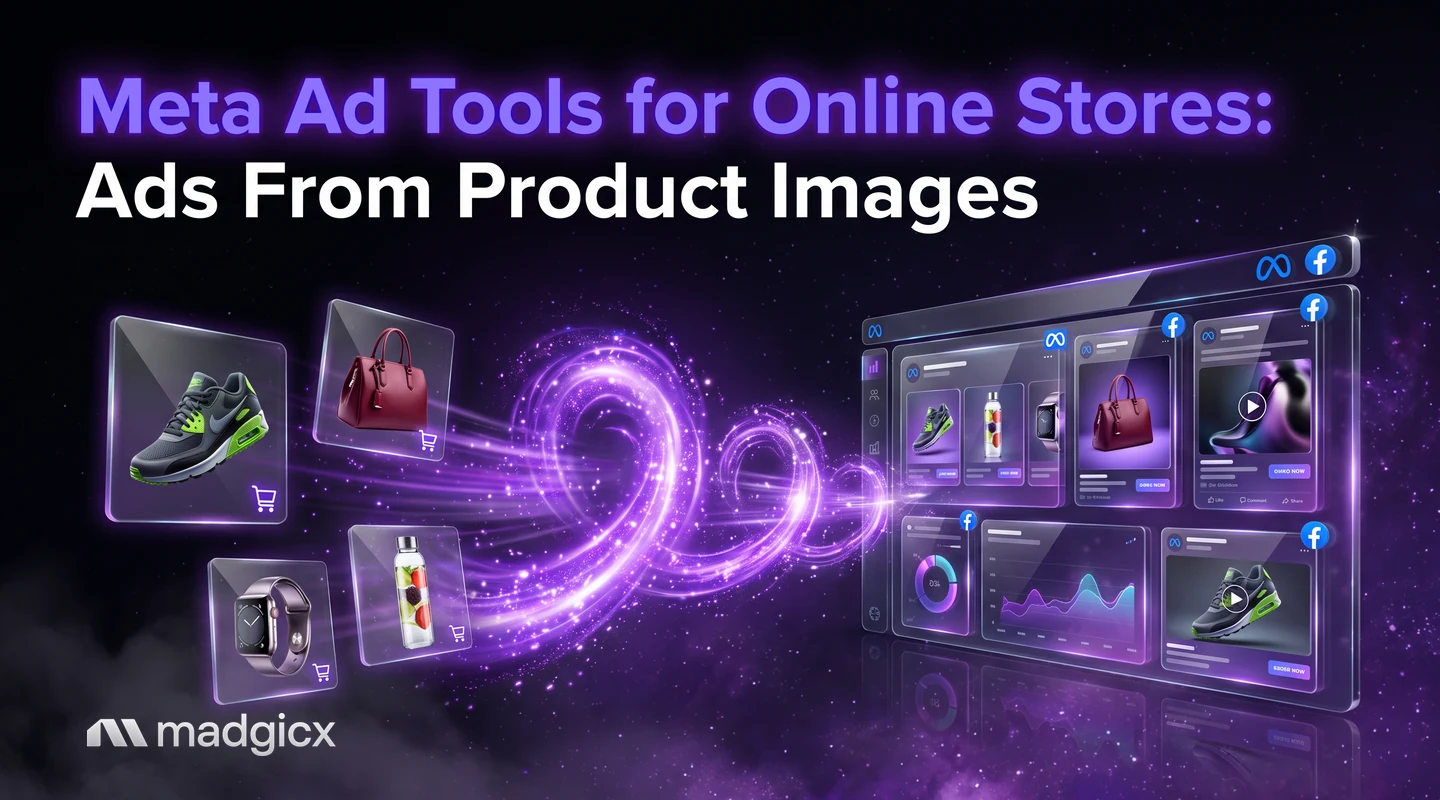
The four layers an online store needs for Meta ads, which tools cover each, and what to run on day one, with prices as of November 2026.
An online store needs four layers of Meta ad tools: a product catalog, conversion tracking, ad creative and optimization. If all you have is product photos, start with Madgicx: its AI Ad Generator makes image ads from a prompt, an image or any ad in the Meta Ad Library, Madgicx Cloud Tracking sends your conversions to Meta from the server, and AI Marketer prepares recommendations you approve.
This guide sorts the tools by layer so you can see what each one covers and what you still need. Prices and trial terms were checked in November 2026, and Madgicx is free to try for 7 days.
Image ads from a photo, server-side tracking and approved recommendations.
The four layers an online store needs
| Layer | The job | What goes wrong without it |
|---|---|---|
| Catalog | Hold your products so Meta can show them in ads | Dynamic product ads cannot run, and products fail to appear |
| Tracking | Tell Meta which ads led to sales | Meta optimizes on a partial picture of your orders |
| Creative | Turn product images into ads people stop on | Ads look like catalog thumbnails and wear out fast |
| Optimization | Decide where budget goes and what to pause or scale | Spend drifts to ads that do not return it |
Most stores fix these in order: catalog and tracking first because everything else depends on them, then creative, then optimization. Our guide to Meta ads for online stores covers the strategy behind each layer.
Madgicx first: AI Ad Generator, Cloud Tracking and AI Marketer
Madgicx covers three of the four layers for a store that has product photos and an ad account.
Creative: image ads from product images
The AI Ad Generator generates new image ads from a prompt, an image or any ad in the Meta Ad Library, ready to edit and use. For a store with only product photos, upload a photo and describe the ad you want, or start from an ad you found and let it build a new version around your product. It also has image editing and templates, and an Ad Library to browse other brands' ads, with boards to save the ones you like. It makes image ads only, not video.
Tracking: send conversions to Meta from the server
Madgicx Cloud Tracking hosts Meta's Conversions API Gateway and Signals Gateway for you and sends conversions to Meta from the server, so Meta sees and attributes more of them. It is available on its own, or as Tracking Pro inside a Madgicx plan.
Optimization: recommendations you approve
AI Marketer audits your Facebook and Instagram ad account and prepares daily recommendations, such as where to move budget. You complete or dismiss each one. Copilot, the assistant on every page, answers questions from your account data, and automation rules run on the conditions you set.
Price: plans are priced by monthly ad spend and start at $45 a month, with a 7-day free trial. See the Madgicx pricing page. Extra ad accounts are $9 each.
Catalog and feed tools
Meta's own catalog tool is Commerce Manager, and the catalog is the foundation for product ads. According to Meta's guide to creating a catalog, a catalog holds the products you want to promote across Meta technologies, and Meta recommends using only one catalog where possible to help ad performance. You can add products three ways:
- A data feed: upload a spreadsheet or XML file once, or schedule uploads hourly, daily or weekly.
- A form: add products one at a time.
- A partner platform: if your store runs on a platform with a Meta integration, connect it to sync products.
A catalog must be added to a business portfolio, and you need full control of the portfolio to do it. You can also connect a Meta Pixel or app SDK to the catalog, so ads can show people relevant products.
If your feed is messy, a feed tool helps. Marpipe sells feed management priced per SKU, and our list of product feed optimization tools compares more of them. Marpipe's Catalog Creative has a free plan for design exploration and previews, Startup at $199 a month (1 channel, 1 market, 3 live designs and a 500 SKU cap) and Enterprise at $999 a month. It is built for stores that run catalog ads and want branded creative for every product.
Tracking: what to fix before you spend
Tracking is the layer stores skip, then wonder why results look off. Meta's Conversions API documentation says it connects your marketing data (website, app, business messaging and offline events) to Meta's systems that optimize targeting, lower cost per result and measure outcomes. Setup has three recommended steps: choose an integration method, send the events, and verify the setup. If you already have a Meta Pixel on your website, you can set up the Conversions API for website events in one click from Meta Events Manager, with no code.
Verification matters as much as setup. It checks that Meta has received the events and that they are deduplicated and matched correctly. Madgicx Cloud Tracking is the hosted route if you would rather not manage the connection yourself.
Triple Whale is a different kind of tracking tool. It brings store, ad and email data into one dashboard with its own attribution and tracking pixel, and it has a free plan for up to 10 users with 12 months of data and limited AI use. Paid plans are priced by your store's annual revenue on 12-month subscriptions. It is built for brands reading their own numbers, and its pages show no campaign creation.
Creative tools for product images
These tools turn product images into ads. All prices are as of November 2026.
| Tool | What it does with product images | Price | Trial |
|---|---|---|---|
| Madgicx AI Ad Generator | Image ads from a prompt, an image or a Meta Ad Library ad; image editing and templates | Plans from $45 a month, priced by ad spend | 7-day free trial |
| AdCreative.ai | Prompt-based images with custom styles or a reference image, banners from templates, plus video and ad text | From $39 a month; credits are used when you download an ad | 7-day free trial with 20 credits |
| Pencil | Generates images and ads from briefs and assets, and scores them with a model trained on your own ad account | Core $14 a month (50 generations), Growth $55 (250 generations) | No trial of the full platform; a guided sign-up creates six ads at no cost |
| Marpipe | Branded designs built from your product feed, tested as variations | Free Catalog Creative plan; Startup $199 a month | Trial length for paid plans not stated |
AdCreative.ai's scoring predicts which ads will perform better before launch, and the "over 90% accuracy" is the vendor's own claim. Pencil's pages disagree on video: its blog presents it as live, while its pricing table marks AI video as not yet available.
What to run on day one for a new store
- Connect your catalog in Commerce Manager, through a partner platform or a data feed, and check that products appear.
- Set up tracking and verify it: a Pixel on your site, the Conversions API for server events, or Madgicx Cloud Tracking. Test a purchase and confirm it shows in Events Manager.
- Make 3 to 5 image ads from your best product photos, each with a different angle: the product alone, the product in use, a benefit headline, an offer.
- Submit ads early. According to Meta's Advertising Standards, ad review is typically completed within 24 hours, though it may take longer, and the status is "In review" while it runs.
- Launch one campaign with a budget you can afford to learn on, and avoid changing it for the first few days.
- Check the results and decide what to pause, keep and replace.
Other tools by layer
| Layer | Tools in this guide | What each adds |
|---|---|---|
| Catalog | Marpipe | Feed management priced per SKU, and branded designs for each product |
| Tracking | Madgicx Cloud Tracking, Triple Whale | Server-side events to Meta; or one dashboard of store, ad and email data with its own attribution |
| Creative | Madgicx AI Ad Generator, AdCreative.ai, Pencil, Marpipe | Image ads from product images, with scoring or testing on some |
| Optimization | Madgicx AI Marketer, AdEspresso | Daily recommendations you approve; or a manual builder with split tests and an optimizer |
AdEspresso by Hootsuite is a campaign builder for Facebook and Instagram where you build each campaign yourself. Starter is $49 a month for up to $1,000 of monthly ad spend, Plus is $99 with no spend limit, and Enterprise starts at $259, with a 14-day free trial on all three plans. Its pages show no AI assistant or AI ad generation. For more automation options for stores, see our guide to ecommerce campaign automation tools, and if you sell on Shopify, Facebook ads for Shopify stores.
Which tool for which store size
| Store stage | Start with | Why |
|---|---|---|
| New store with product photos and a small budget | Madgicx | Image ads from your photos, plus tracking and recommendations in one trial |
| Store with a large catalog and branded product ads | Madgicx plus Marpipe | Marpipe builds a design for each product; Madgicx handles tracking and optimization |
| Store that wants a pure creative-volume tool | Madgicx or AdCreative.ai | AdCreative.ai adds video and ad text; Madgicx adds analysis of which creatives work |
| Brand reading store, ad and email data together | Madgicx plus Triple Whale | Triple Whale brings the data into one dashboard; Madgicx acts on the Meta side |
| Team that builds by hand and wants split tests | AdEspresso | A manual builder with an optimizer, from $49 a month |
Make store ads from product images with Madgicx
Upload a product photo to the AI Ad Generator, describe the ad, and edit the image ads it makes. Turn on Cloud Tracking so Meta sees more of your orders, then let AI Marketer prepare daily recommendations that you complete or dismiss. Creative Insights shows which of your ads are winning and flags fatigue, so you know what to replace.
FAQ
What Meta ad tools does an online store need?
Four layers: a catalog (Commerce Manager), tracking (the Pixel plus the Conversions API), creative for your product images, and optimization. Madgicx covers creative, tracking and optimization.
Can I make Meta ads from product images?
Yes. Madgicx's AI Ad Generator creates image ads from a prompt, an image or an ad in the Meta Ad Library. AdCreative.ai and Pencil also generate ads from images and briefs.
Do I need a product catalog to run Meta ads?
Not for every ad type, but you need one for catalog and product ads. Meta recommends using only one catalog where possible.
How do I set up the Conversions API for my store?
If you have a Meta Pixel on your website, you can set up the Conversions API for website events in one click from Meta Events Manager. Madgicx Cloud Tracking is a hosted alternative.
Which tool is best for a new store with only product photos?
Try Madgicx first, free for 7 days: it makes image ads from product photos, adds server-side tracking and prepares optimization recommendations you approve.