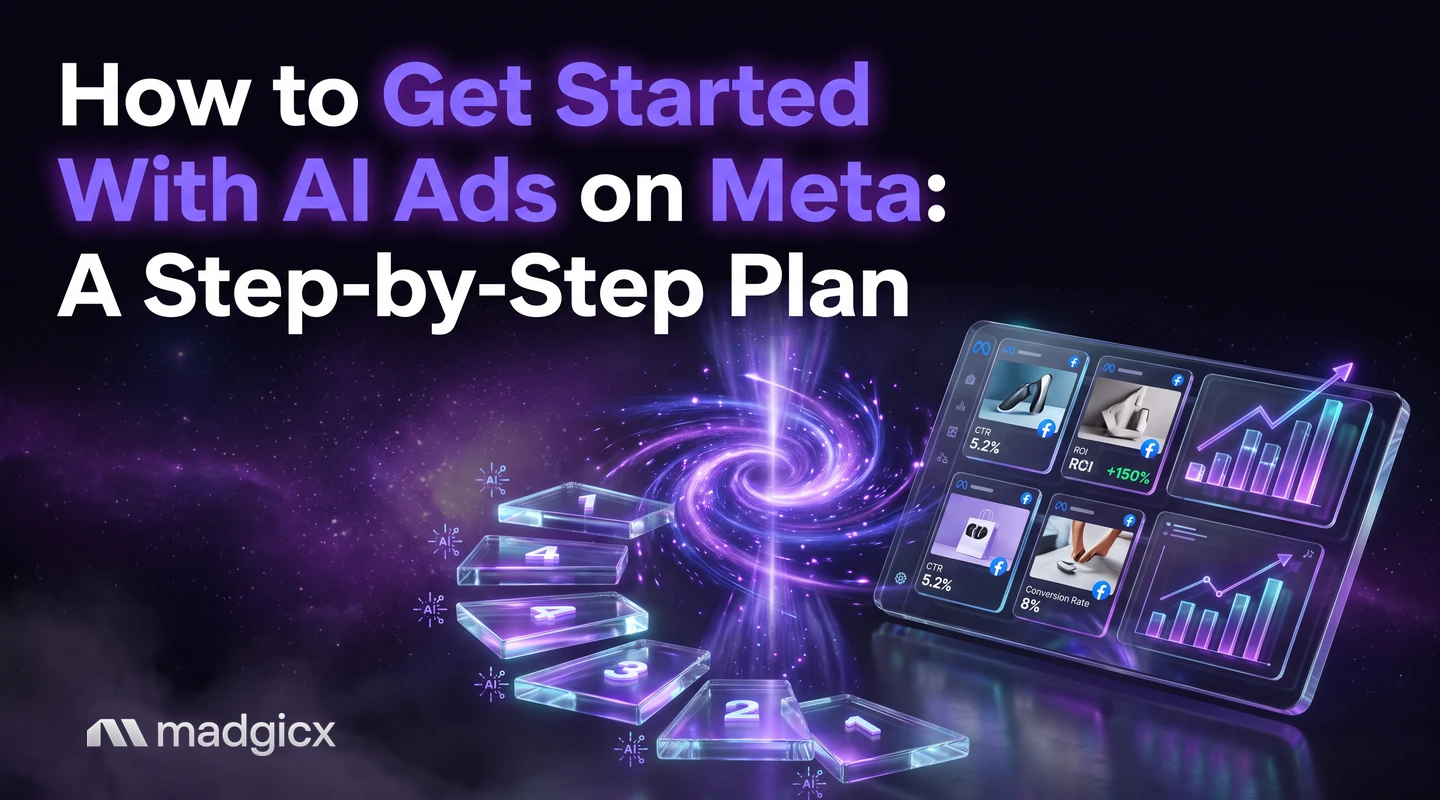
A first-week plan for Meta ads with AI: set up tracking, run an audit, make image ads, launch a small test and approve recommendations yourself.
To get started with AI ads on Meta, work in this order: fix your tracking, connect the ad account and run an audit, make a first batch of image ads, launch a small structured test, then review what the AI recommends and approve only what you agree with. You can do the whole first pass in one week, and you stay in charge of every change that reaches your account.
This plan gives you a decision for each of the six steps, a checklist for the week, and a clear line on what you review yourself. It is written for e-commerce brands, agencies and performance marketers who run Meta (Facebook and Instagram) ads and want AI to do more of the work.
Audit your account, make image ads and approve every change.
What running Meta ads with AI means
AI in Meta advertising covers three jobs. It can read your account and say what to change, it can make ads, and it can set up campaigns from a short description. In each case the AI prepares the work and you decide what goes live.
That split is the thing to hold on to. AI is fast at scanning every campaign, ad set and ad. It is not able to know your margins, your offer or what your brand will and won't say. Those stay with you.
Here is how the first week maps to the jobs:
| Step | The job | What you decide |
|---|---|---|
| 1. Tracking | Send conversions to Meta from the server as well as the browser | Which events count as a result for your business |
| 2. Audit | AI reads the connected account and flags problems | Which findings matter for your goals |
| 3. Creative | AI makes image ads from a prompt, an image or a reference ad | Which ads match your brand and offer |
| 4. Launch | Set up a small test with a clear structure | Budget, audience and how long you let it run |
| 5. Approvals | AI prepares recommended actions | Approve, change or dismiss each one |
| 6. Results | Read what the test says | What to scale, pause or test next |
Step 1: Set up tracking and the Conversions API
Start here, because every AI tool, including Meta's own delivery system, can only optimize on the conversions it can see. If your tracking misses sales, the AI learns from a partial picture.
The Conversions API connects your marketing data (website, app, business messaging and offline events) to Meta systems that optimize targeting, lower cost per result and measure outcomes. Server events are linked to a dataset ID and are processed like events sent with the Meta Pixel. One connection can also carry several event types, so you maintain fewer separate integrations.
Meta lists three recommended setup steps:
- Choose an integration method. If you already have a Meta Pixel on your website, Meta says you can set up the Conversions API for website events in one click from Events Manager, with no code.
- Start sending events. Server events go to Meta as POST requests.
- Verify the setup. Confirm that Meta has received your events and that they are deduplicated and matched correctly.
If your store or setup is more involved, Madgicx Cloud Tracking hosts Meta's Conversions API Gateway and Signals Gateway for you and sends conversions to Meta from the server, so Meta sees and attributes more of them. It is available on its own or as Tracking Pro inside a Madgicx plan.
Your decision: pick the one event that counts as success (a purchase for a store, a qualified lead for a service business) and check it appears in Events Manager before you spend anything.
Step 2: Connect the ad account and run an audit
Once tracking works, connect your ad account to your AI tool and let it read the account before you change anything. An audit tells you what you already have: how campaigns are structured, where spend goes and what looks off.
In Madgicx, AI Marketer is the AI media buyer for Meta ads. It audits your Facebook and Instagram account, identifies optimization opportunities and prepares recommendations for you. You can also ask Copilot, the assistant built into every page of the app, questions about your account and get answers from your own data, with charts.
Read the audit like a to-do list from a new team member. Some items will be obvious fixes. Others will conflict with something you know that the data does not, such as a product you are about to discontinue. Mark those and move on.
Your decision: choose the two or three findings that affect results most, and ignore the rest for now.
Step 3: Generate your first image ads
You need a few distinct ads for the test in step 4. The Madgicx AI Ad Generator makes image ads from a prompt, from an image, or from any ad in the Meta Ad Library, ready for you to edit and use. You can also edit images with AI and use templates.
Make different ads, not near copies. Change the angle (a problem you solve, a result a customer got, an offer), not just the color or the font. A test of five copies of one idea tells you very little.
Check each ad before it goes anywhere:
- Does it say something true about your product and offer?
- Is any text on the image readable on a phone?
- Would you be happy to see it next to your brand name?
Your decision: which ads are good enough to spend money on. Delete the rest.
Step 4: Launch a small, structured test
A first test should be small enough to afford and simple enough to read. A clear structure helps: one campaign with one objective, ad sets that each target one audience, and your different ads inside the ad set.
You can build it in Meta's Ads Manager, or ask Copilot to create the campaign, ad sets and ads in a chat. Copilot also writes the copy for you, and everything it creates is paused, so nothing spends until you have checked it and switched it on. For many ads at once, the Ad Launcher pushes new ads into your campaigns in one flow.
Set the guardrails before you launch, not after:
- A total test budget you can afford to lose. Set the budget on the campaign or ad set, and add a spending limit if you want a hard ceiling.
- A review date. Pick the day you will look at results, and stay away until then.
- A stop rule. Decide in advance what result makes you pause an ad, for example a cost per purchase above what the product can bear.
Avoid editing the test while it runs. Frequent changes make results hard to read, and a test you keep adjusting never gets a clean answer.
Your decision: the budget, the audience and the review date. Set them and write them down.
Step 5: Review recommendations and approve
This is the step that separates using AI from handing your account over. AI Marketer prepares daily recommendations, such as where to move budget or which ad to refresh, and you complete or dismiss each one. Budget changes made through Copilot run only when you approve them on an approval card.
Use a simple filter for each recommendation:
- Does it match your goal? A change that lowers cost per click is not useful if it lowers sales.
- Is the data behind it enough? A recommendation based on a few days of spend deserves more caution than one based on weeks.
- Can you undo it? Pausing an ad is easy to reverse. A big budget jump is harder to read afterward.
Always review yourself anything that touches money, your brand voice or claims about your product. Leave routine analysis, such as finding what changed and listing where spend went, to the AI.
Step 6: Read results and decide next steps
When your review date arrives, look at the metric tied to the event you chose in step 1, not at clicks or likes. Sort your ads by cost per result and by spend, and ask three questions:
- Which ad won, and why? Look at the angle, the first line and the image, not only the number.
- Which ads got almost no spend? Meta's delivery decides where budget goes, so an ad that gets little may simply not have been picked. That is a signal, but not a verdict.
- What is the next test? Take the winning angle and make new versions of it.
Copilot can answer these questions from your data in plain language. If you also want to connect your own AI assistant, the Madgicx MCP for Meta ads lets Claude, ChatGPT or another MCP-compatible assistant read and act on your ad account. For a longer look at the whole practice, see this guide to automating Meta advertising with AI.
First-week checklist
- Day 1: Choose your success event. Set up the Conversions API (or Madgicx Cloud Tracking) and verify in Events Manager.
- Day 2: Connect the ad account and run the audit. Pick two or three findings.
- Day 3: Generate a first batch of image ads with different angles. Delete weak ones.
- Day 4: Build the test with a clear structure. Set the budget, spending limit, review date and stop rule. Launch.
- Days 5 to 6: Leave the test alone. Review and approve recommendations that fit your goal.
- Day 7: Read results. Decide what to scale, pause and test next.
Run your first week of AI ads with Madgicx
Madgicx covers each step in one place. Cloud Tracking sends more of your conversions to Meta, AI Marketer audits the account and prepares recommendations, the AI Ad Generator makes image ads, and Copilot creates campaigns, ad sets and ads in chat, paused, with copy written for you. Madgicx plans are priced by monthly ad spend and start at $45 a month, and you can try everything with a 7-day free trial.
FAQ
How do I start running Meta ads with AI?
Fix tracking first, connect your ad account for an audit, generate a few different image ads, launch a small test with a set budget, and approve only the recommendations that fit your goal. You can do this in about a week.
Do I need the Conversions API to use AI for Meta ads?
It is strongly worth setting up. The Conversions API sends events from your server to Meta, and AI tools can only optimize on conversions they can see. If you have a Meta Pixel, Meta says you can set it up in one click from Events Manager.
Will AI change my campaigns without asking me?
In Madgicx, AI Marketer prepares recommendations that you complete or dismiss, and Copilot's budget changes run only when you approve them. Campaigns Copilot creates are paused until you switch them on.
How much should I spend on a first AI ads test?
Spend an amount you can afford to lose over the whole test, and set it as a budget or spending limit before you launch. The right figure depends on your product price and margin, so there is no single number.
Can AI make my ads for me?
It can make image ads from a prompt, an image or a reference ad, and you edit them before use. You still decide which ads match your brand and your offer.
How much does Madgicx cost?
Madgicx plans are priced by monthly ad spend and start at $45 a month, with a 7-day free trial. See the pricing page for current plans.