The four ways to connect browser and server events, how to verify them, and which tool fits which job, from Madgicx Cloud Tracking to Meta's one-click setup.
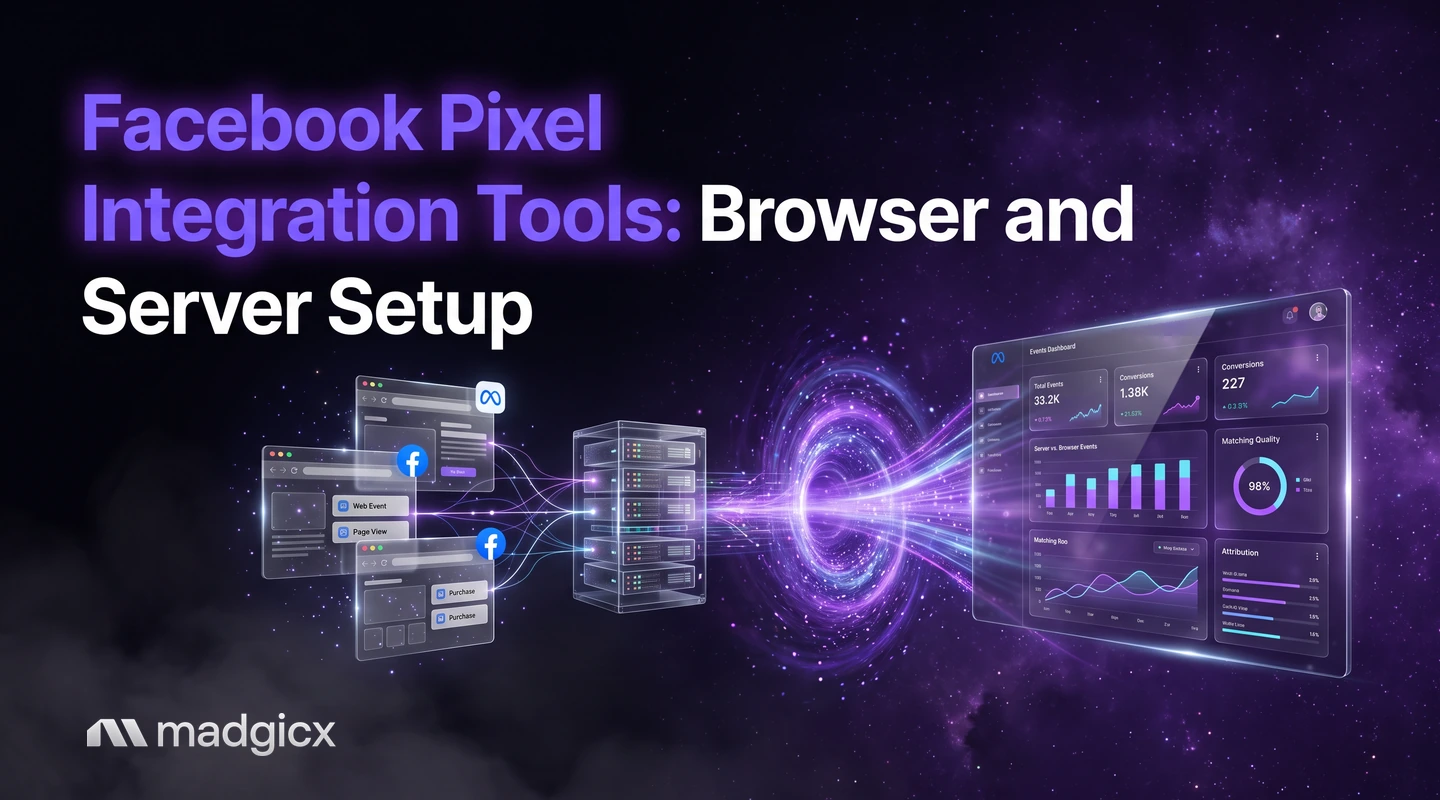
To connect the Meta (Facebook) pixel to your store and track conversions, you need two feeds working together: the pixel in your visitors' browsers, and the same events sent from your server through Meta's Conversions API, matched so Meta counts each purchase once. A few tools handle this for you. Madgicx Cloud Tracking hosts Meta's Conversions API Gateway and Signals Gateway and sends conversions to Meta from the server, Meta's own Events Manager has a one-click setup for website events, and a developer can send the events directly.
This guide explains the four ways to connect the two feeds, how to check that events arrive, match and deduplicate, and which tool fits which job. Tool details were checked in November 2026.
Cloud Tracking sends conversions to Meta from the server for you.
Why the browser pixel alone is not enough
Per Meta's Meta Pixel help page, the pixel is a piece of code you put on your website. Once it is set up, it logs an event when someone takes an action, such as adding an item to a cart or making a purchase. Those events appear in the pixel's dataset in Events Manager, and in Ads Manager you can use them to build custom audiences, retarget visitors and set up automatic bidding toward the action you care about.
The limit is where the pixel lives: on your website, in the visitor's browser. Meta's Conversions API documentation describes a second connection that carries website, app, business messaging and offline events from your own systems to Meta's systems, which use them to optimize targeting, lower cost per result and measure outcomes. Server events are linked to a dataset ID and processed like events sent with the pixel. Meta's AI can only optimize on the conversions it can see, so adding the server feed gives it more to work with.
New to the pixel itself? Start with our explainer on what the Meta Pixel is.
Madgicx first: Cloud Tracking hosts the gateways for you
Madgicx Cloud Tracking hosts Meta's Conversions API Gateway and Signals Gateway for you and sends conversions to Meta from the server, so Meta sees and attributes more of them. It is available on its own, or as Tracking Pro inside a Madgicx plan. See the Cloud Tracking page for what it covers and Madgicx pricing for current plans.
If you want to know how the two gateways differ before you pick one, read our comparison of the Conversions API Gateway and Signals Gateway.
Once events flow, Copilot, the AI assistant inside Madgicx, can run dataset quality and Event Match Quality checks on your account, so you can ask about tracking health in plain language instead of digging through Events Manager. You can try all of this free for 7 days.
The four ways to connect pixel and server events
| Method | What you do | Who it suits |
|---|---|---|
| Pixel only | Put the pixel code on your site and nothing else | A starting point, not a finished setup |
| Meta's one-click setup | With a pixel already installed, switch on the Conversions API for website events in Events Manager, with no code, configuration or setup fees | Stores that only need website events |
| A hosted gateway | Madgicx Cloud Tracking hosts Meta's Conversions API Gateway and Signals Gateway and sends conversions from the server | Advertisers who want the server feed running without hosting it themselves |
| Direct integration | Your developer chooses an integration method and sends POST requests from your own systems | Teams with engineering time and events beyond the website |
1. Start with the browser pixel
Every route above assumes the pixel is installed. If you install it through a tag manager, follow our steps for the Facebook pixel with Google Tag Manager.
2. Switch on Meta's one-click setup
Meta says advertisers with a pixel on their website can set up the Conversions API for website events in one click from Events Manager, with no code. It is the shortest path, and it is Meta's own baseline to compare the other routes against.
3. Host the server feed with a gateway
A gateway is a server that sits between your site and Meta. With Cloud Tracking, Madgicx hosts both Meta gateways for you.
4. Build the integration yourself
Meta's documentation lists three recommended steps: choose an integration method, start sending POST requests, and verify the setup. One connection can carry several event types, so you maintain fewer separate integrations. This is the route for offline events too, which Meta says can be used for attributed offline event measurement and offline custom audiences.
How to check events, match quality and deduplication
Meta's guidance says verification should confirm that Meta has received your events and that they are deduplicated and matched correctly. Run the checks in this order.
- Received: open your pixel's dataset in Events Manager and confirm both browser and server events show up for the same action, such as a test purchase.
- Deduplicated: if you send the same event through both the pixel and the Conversions API, you must set up deduplication so Meta can tell distinct events from overlapping ones. Meta calls this a redundant setup.
- Matched: check that your server events are matched correctly to people. If you use Madgicx, ask Copilot for an Event Match Quality check.
- Errors: Meta documents the error codes the Conversions API returns on a troubleshooting page. Read them before you assume the feed works.
Two ways to deduplicate
According to Meta's event deduplication documentation, there are two methods. The recommended one uses the event ID and event name: the pixel's eventID must match the Conversions API event_id, and the event names must match too. For the pixel, the eventID is the fourth argument of the fbq track call:
fbq('track', 'Purchase', {value: 49.99, currency: 'USD'}, {eventID: 'order_1001'});The server then sends the same order_1001 as event_id with the event name Purchase. The second method uses FBP or external ID and generally works only when the browser event arrives first and the server event follows. Meta also notes that server events are not discarded if no browser event was received in the past 48 hours.
Two more facts help you read your results. If the browser and server versions do not differ meaningfully, Meta generally prefers the event it receives first. And deduplication does not apply to a single source: two browser events in a row, or two server events in a row, are not discarded.
Which tool fits which job
| Tool | What it does for tracking | Price (as of November 2026) |
|---|---|---|
| Madgicx Cloud Tracking | Hosts Meta's Conversions API Gateway and Signals Gateway and sends conversions to Meta from the server | On its own, or as Tracking Pro in a Madgicx plan; plans start at $45 a month, priced by ad spend; 7-day free trial |
| Meta Events Manager | One-click Conversions API setup for website events when the pixel is installed | No setup fees, per Meta |
| Triple Whale | Brings store, ad and email data into one dashboard, with its own attribution and tracking pixel | Free plan for up to 10 users; paid plans priced by store revenue on 12-month subscriptions |
| Pipeboard | Connects AI assistants such as Claude or ChatGPT to your ad accounts through MCP | Free plan, then from $29.90 a month |
Pick Madgicx Cloud Tracking when the goal is a cleaner feed to Meta
If your aim is to send Meta more of the conversions your store records, and you would rather not host and maintain the gateways yourself, try Cloud Tracking free for 7 days. Meta's one-click setup is the baseline to compare it against for website events.
Pick Triple Whale when you want one store dashboard
Triple Whale starts from store data. It brings store, ad and email data into one place with an AI chat on top, and it has its own attribution and tracking pixel. Its pricing page could not be re-read on November 5, so these facts come from our November 4 checks. Four of the ten recent G2 reviews we read name price growing with revenue as the main complaint.
Pipeboard sits next to tracking, not inside it
Pipeboard is a connection service: your own AI assistant reads and changes ad accounts through MCP. It suits marketers who already work in Claude or ChatGPT. It does not replace the pixel and server setup above, so treat it as a companion, not an alternative. Its Free plan allows 30 AI tool executions a week and 2 ad account slots; Pro is $29.90 a month.
For a wider list of platforms with ad-tech integrations, see our roundup of ad optimization tools with ad-tech integrations.
Common setup mistakes
- Sending the same event from both sources with no deduplication. Meta says advertisers in a redundant setup must set up a deduplication method.
- Mismatched event names or IDs. With the event ID method, the pixel and server must use the same event name and the same ID for the same action.
- Expecting deduplication to merge repeats from one source. It does not touch browser-only or server-only duplicates.
- Sharing prohibited information through the pixel. Meta says health, financial and children's data must not be shared with Meta through it.
- Putting your pixel on a site you do not own. Meta does not allow this without permission.
- Skipping verification. A live feed is not a correct feed. Check received, deduplicated and matched, as above.
Set up server-side tracking with Madgicx
With Madgicx, Cloud Tracking handles the server feed: it hosts the Conversions API Gateway and Signals Gateway for you and sends conversions to Meta from the server. Copilot can then check your dataset quality and Event Match Quality, and AI Marketer prepares recommendations from your account data that you review before anything changes.
FAQ
What is the best tool to connect the Facebook pixel to my store?
It depends on the job. Madgicx Cloud Tracking hosts Meta's Conversions API Gateway and Signals Gateway for you, and Meta's Events Manager offers a one-click Conversions API setup for website events when your pixel is installed.
Do I need the Conversions API if I have the pixel?
The pixel only sees what happens in the browser on your website. The Conversions API adds a server connection that can also carry app, messaging and offline events, so Meta sees more of your conversions.
How do I check that pixel and server events are deduplicated?
Send the same event name and the same ID from both sources, with the pixel's eventID matching the server's event_id, then confirm in Events Manager that Meta receives them and counts one event. Meta's verification step covers receipt, deduplication and matching.
Does Meta charge for the one-click Conversions API setup?
Meta says its one-click setup for website events in Events Manager needs no code, configuration or setup fees. You still pay for your ads as usual.
Does Pipeboard set up my pixel or Conversions API?
Its pages describe connecting AI assistants such as Claude or ChatGPT to your ad accounts, not setting up events. Use it alongside a tracking setup, not instead of one.
Can I set up the Conversions API without code?
Yes. Meta says advertisers with a pixel on their website can set it up for website events in one click from Events Manager, and Madgicx Cloud Tracking hosts the gateways for you.