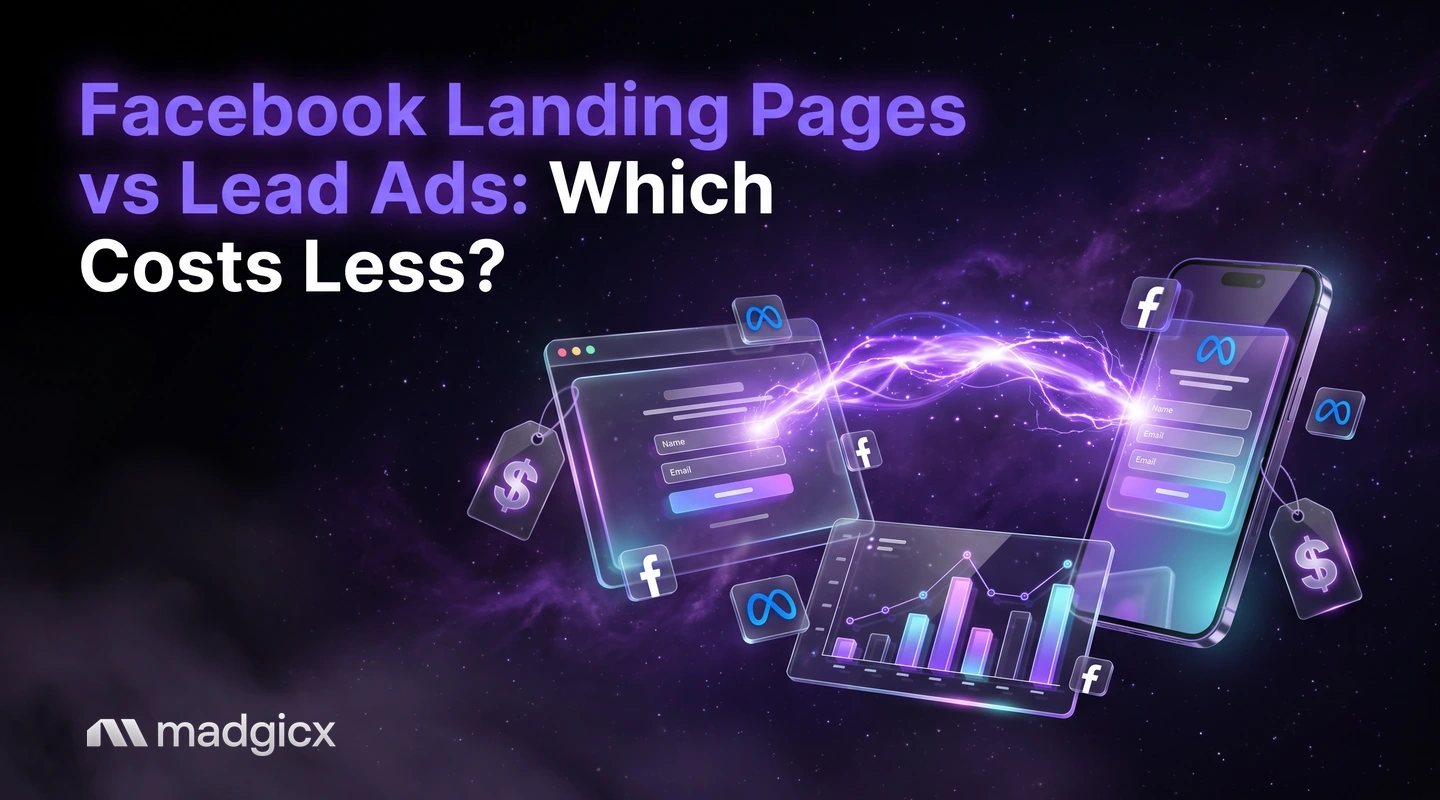
Lead ads or a landing page? A decision grid by offer type, how each route works and a fair test on cost per qualified lead.
Neither route is always cheaper, and Meta publishes no cost comparison between them. Lead ads make the ask smaller, because people submit a form without leaving Facebook or Instagram. A landing page gives you room to explain a higher-priced offer before you ask for contact details. The number that settles it is cost per qualified lead (or cost per booked call), not cost per lead.
This guide gives you a decision grid by offer type, shows how each route works and where it stops, and walks through a fair test you can run on your own account with your own numbers.
Madgicx Cloud Tracking sends conversions to Meta from the server.
The short answer by offer type
Start from what you are asking the person to do and how much they need to know first.
- Low-friction offers (a quote request, a free guide, a webinar seat, a sample): try lead ads first. The ask is small, so a short form inside the app fits.
- Considered purchases (a high-ticket service, a course, anything with a long decision): test a landing page. It gives you room for proof, pricing context and an FAQ before the form.
- Offers that need a conversation (a booked call, a consultation): either route can work. Qualify with a few well-chosen questions on the form, or with a booking step on the page.
- Unsure: run both with the same offer and the same audience, then compare cost per qualified lead. The test below shows how.
Lead ads: how they work, and where they stop
Meta's About lead ads page describes lead ads as ads designed to help you find people who may be interested in your products or services and collect information from them. There are three types: lead ads with calling, lead ads with instant form and lead ads that click to message. Most advertisers mean the instant form, which is the one this guide covers.
What an instant form gives you
According to Meta's instant form help page, when you pick Leads as the objective in Ads Manager you can choose Instant forms as the conversion location. People submit their details without leaving Facebook or Instagram. Contact details such as name, email address and phone number may be prefilled if the person has already given them to Meta, which is why the form is quick to complete.
A form typically has four sections: form type, an optional intro, questions and an optional privacy policy, plus an ending. The details that matter for your setup:
- Form types are more volume (the default), higher intent and rich creative. With rich creative, the intro section is mandatory.
- At least one question is required, and a privacy policy is required to run instant forms on Facebook or Instagram.
- Quality features include custom questions, conditional logic, phone number verification by one-time password and work email validation.
- The extra quality features work only on forms created in Ads Manager. A form created in Meta Business Suite is limited to a simple contact form.
- You can save up to 100 instant forms.
Where lead ads stop
The form is only as good as the follow-up. After a form is submitted, you can download leads from Ads Manager or Leads Center in Meta Business Suite, or connect to a CRM system. If nobody calls for a day, the speed advantage of the easy form is gone. Plan the CRM connection and who calls whom before you spend a dollar.
Lead ads also follow Meta's Advertising Standards. For housing, employment or financial products and services in the US or Canada, Meta says you may not collect certain information, including age, gender, marital status and location details such as street address, city or zip code. Check the form against the rules for your category before launch.
Landing pages: how they work, and where they stop
A landing page sends people from the ad to a page you control, where you decide the message, the proof and the form. That control is the main reason to use one. You can match the page to the ad, explain pricing, show reviews and filter out visitors who are not a fit before they submit anything.
The cost is friction and tracking work. Each click to a page is a step where people can leave, the page has to load fast on a phone, and the conversion has to be reported back to Meta correctly or the campaign optimizes on incomplete data. Meta's Conversions API documentation explains that server events are linked to a dataset ID and processed like events sent with the Meta Pixel. It also says advertisers with a Meta Pixel on their website can set up the Conversions API for website events in one click from Events Manager, with no code. Whichever route you use to send events, verify that Meta receives them and that they are deduplicated and matched correctly.
Cost per lead vs cost per qualified lead
Cost per lead is easy to read and easy to be fooled by. A short prefilled form can produce many cheap leads, and some of them will never answer the phone. A landing page may produce fewer leads that each cost more, and a larger share may be ready to buy. So compare on a metric that sits further down the funnel.
| Metric | How to calculate it | What it tells you |
|---|---|---|
| Cost per lead | Ad spend divided by form or page submissions | How cheaply each route collects contact details |
| Cost per qualified lead | Ad spend divided by leads that meet your own criteria | How cheaply each route finds people you want to talk to |
| Cost per booked call | Ad spend divided by calls actually on the calendar | How cheaply each route creates a sales conversation |
| Cost per customer | Ad spend divided by new paying customers | The real result, which takes longest to see |
Define "qualified" before the test starts, in writing: budget, location, timeline or any other filter your sales team uses. Then count leads against that definition, not against a gut feeling at the end.
Decision grid
| Situation | Lean toward lead ads | Lean toward a landing page |
|---|---|---|
| Offer price | Low-cost or free offer with a small ask | Higher price, so the visitor needs proof first |
| Decision length | Short: an impulse or a quick quote request | Long, with comparison shopping |
| Lead quality control | Custom questions, conditional logic and phone verification | Page copy and a longer form that filter visitors |
| Follow-up speed | Fast, with a CRM link and someone ready to call | Fast, plus a booking step on the page |
| Tracking effort | Leads are collected in Meta, so fewer moving parts | Pixel, server events and UTM tags to set up and check |
| Messaging | Fixed form layout in the app | Full control of message, layout and proof |
| Regulated categories | Check which questions the policy allows | Check page claims and the privacy policy |
How to test both fairly
A test is only fair if the two routes differ in one thing: where the person fills in the form. Keep everything else the same.
- Pick one offer and one audience. Do not change the offer between routes, or you are testing the offer.
- Use the same creative and headline. Only the destination changes.
- Split the budget evenly and run both at the same time, so seasonality and the weekday mix hit both equally.
- Match the questions. If the lead form asks five questions, the page form should ask the same five.
- Tag every link with UTM parameters so you can tell leads from each route apart in your CRM. The Facebook UTM Builder builds the tags.
- Follow up at the same speed on both sets of leads, or the comparison measures your team, not the route.
- Wait for enough data. Decide how many leads you need on each side before you start, and judge on cost per qualified lead once you reach that number.
For the mechanics of running a clean split, see our guide to landing page split testing.
Audit your page before sending traffic
If you go the landing page route, check the page before you pay to send people to it. The free Landing Page Analyzer audits your page for Meta ads. A quick manual pass covers the basics too:
- The headline repeats the promise made in the ad.
- The form is visible without scrolling on a phone.
- The page loads quickly on mobile data.
- There is proof (reviews, results, logos) near the form.
- The conversion event fires once, and Meta shows it in Events Manager.
Get your lead conversions to Meta from the server
Both routes depend on Meta seeing your conversions. Madgicx Cloud Tracking hosts Meta's Conversions API Gateway and Signals Gateway for you and sends conversions to Meta from the server, so Meta sees and attributes more of them. That keeps a landing page test from being weakened by events that never arrive, and it gives the campaign better data to optimize on.
FAQ
Are Facebook lead ads cheaper than landing pages?
It depends on your offer and audience, so test both. Lead ads make the ask smaller because people stay inside Facebook or Instagram, but cost per qualified lead or per booked call can tell a different story than cost per lead.
What is a lead ad with instant form?
It is a Meta ad where people submit information in a form without leaving Facebook or Instagram. You choose Instant forms as the conversion location when the campaign objective is Leads.
Can I make lead ads collect better leads?
Yes. Forms created in Ads Manager can use custom questions, conditional logic, phone number verification by one-time password and work email validation. Forms made in Meta Business Suite are limited to a simple contact form.
Do I need a privacy policy for lead ads?
Yes. Meta says a privacy policy is required to run instant forms on Facebook or Instagram.
How do I test a landing page against lead ads?
Use the same offer, audience, creative and questions, run both at once with an even budget, tag every link and judge on cost per qualified lead once you reach a sample size you chose in advance.