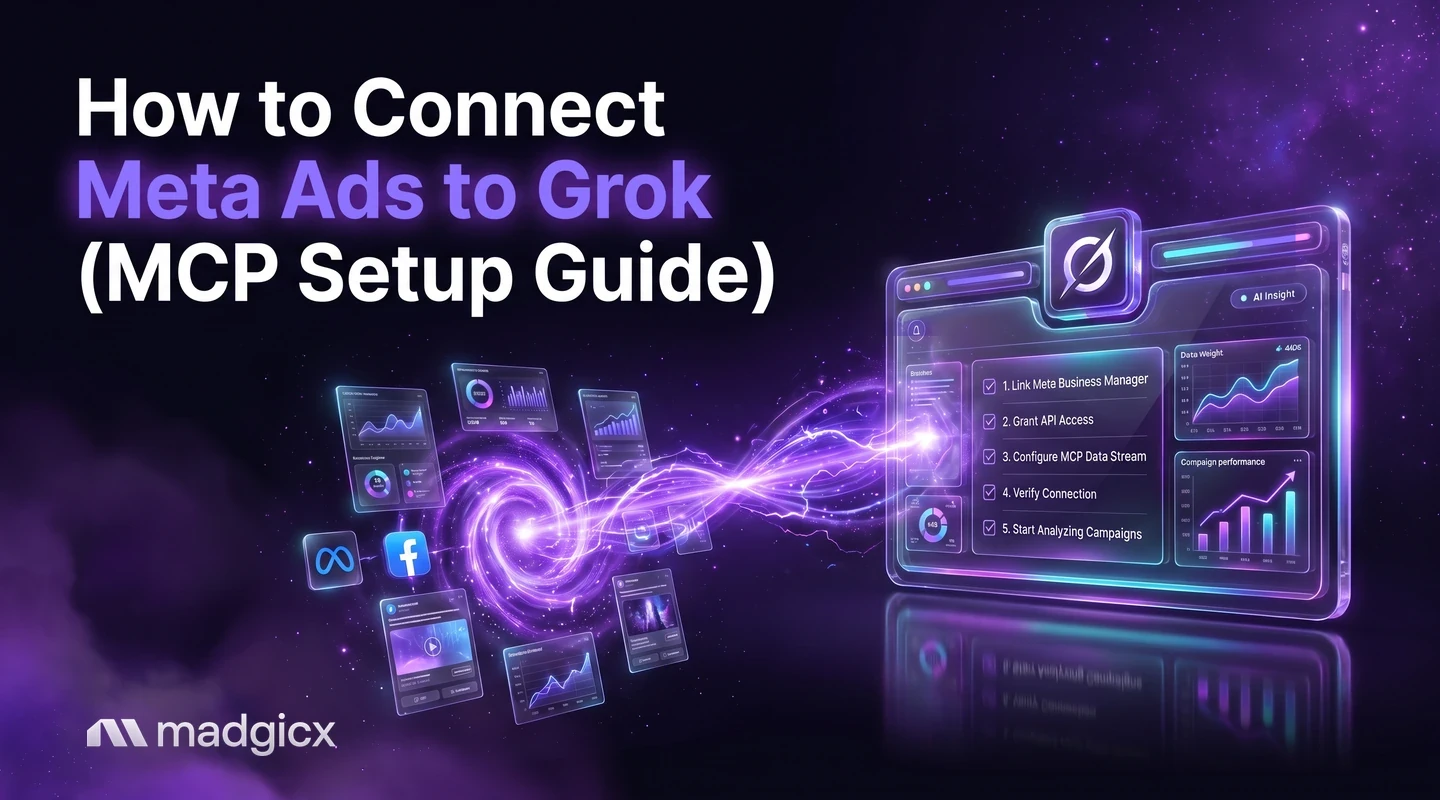
Add the Madgicx MCP to Grok as a custom connector at grok.com/connectors, sign in with Madgicx, and ask about your Meta ads in plain English.
You can connect Meta ads to Grok in a few minutes: open Grok's connectors page, add a custom connector, and paste the Madgicx MCP server address, https://mcp.madgicx.com/mcp. Then sign in with your Madgicx login, pick your team, and ask Grok about your ad accounts in plain English.
This guide follows xAI's own documentation for custom connectors. It covers what you need, the exact steps, the first prompts to try, and what to do if something does not show up.
Add the Madgicx MCP as a custom connector, sign in with your Madgicx login and ask Grok about your campaigns. Included in the 7-day free trial.
What you need before you connect Meta ads to Grok
- A Madgicx subscription or the 7-day free trial. The trial includes the MCP, so you can set this up before you pay.
- A Facebook ad account connected in Madgicx. If it shows under Settings, Ad Accounts in Madgicx, the assistant can reach it.
- Grok access. According to xAI's connectors documentation, connectors are available to all Grok users.
- For Business and Enterprise teams: xAI says a team admin must first provision a connector in the cloud console before it is available to members. Ask your admin to do this first.
- A reachable server. xAI requires custom MCP servers to be reachable over the public internet. The Madgicx MCP is hosted by Madgicx, so there is nothing to tunnel.
For the bigger picture, see the Madgicx MCP hub, which lists what the connection can read and change. To connect other assistants, here is how to connect your AI assistant.
Set up the Madgicx MCP in Grok, step by step
- Go to
grok.com/connectorsand sign in to Grok. - Click New Connector, then select Custom.
- Enter a name, such as Madgicx, and paste the server URL:
https://mcp.madgicx.com/mcp - Complete the authentication step Grok shows. Choose OAuth if Grok offers it, so you can sign in with your Madgicx login. xAI's page only says to complete any required authentication, so the exact screen may differ from this description.
- Save the connector and make sure it is enabled for your chats.
Sign in with your Madgicx login
When the sign-in window opens, log in to Madgicx and pick a team before you approve access. The team decides which Facebook ad accounts Grok can use, so choose the team that owns the accounts you want to ask about. Your Madgicx password is never shared with Grok.
If Grok asks for a client ID and client secret instead of opening a sign-in window, copy them from Workspace Settings, MCP Integration in Madgicx. This is the fallback Madgicx documents for clients without built-in OAuth.
Check that the connection works
Start a new chat in Grok and ask: “What Madgicx team am I connected to?” Grok should answer with your name and team. If it answers from general knowledge without naming your team, the connector may not be enabled for that chat yet.
How to get clear answers from Grok
Grok only knows what the Madgicx MCP returns, so be specific. Name the ad account if you have more than one, give a date range such as the last 7 days, and say which numbers you care about, such as spend, cost per result or ROAS. If an answer looks off, ask Grok to show which account and dates it used, then compare with Ads Manager. Keep early questions read only until you trust the setup.
Prompts to try first in Grok
Start with questions that only read, and name the date range each time so the answer is clear.
Who am I connected as? “What Madgicx team am I connected to, and which Facebook ad accounts can you see?” Once that works, you can audit a Facebook ad account in one conversation.
List my ad accounts. “List my Facebook ad accounts with their status, currency and amount spent.” If you run several, here is how to manage multiple ad accounts.
Last 7 days by campaign. “Show the last 7 days by campaign: spend, results, cost per result and ROAS, as a table.” To turn that into a shareable summary, see how to make a Facebook ads report.
Once those work, try these, each with a step-by-step page:
Weekly review. “Compare this week with last week by campaign and tell me what moved most.” Details: compare campaigns side by side.
Wasted spend. “Which ads spent over $100 in the last 14 days with no purchases?” Details: find wasted ad spend.
Creative fatigue. “Which ads have high frequency and a falling click-through rate over the last 14 days?” Details: check creative fatigue.
Results come back as one total per campaign for the dates you choose, using Meta's own calculated rates. To see a trend, ask for two periods separately, such as this week and last week.
What Grok can and cannot do here
Grok can read your Facebook ad accounts, campaigns, ad sets, ads, creatives and results, and the account change history. It can propose changes such as pausing an ad or changing a budget, and it runs them only after you confirm. Results arrive as one total per account, campaign, ad set or ad for the dates you choose, not a daily split, so ask for two periods to see a trend. On xAI's side, the documented limits are that custom MCP servers must be reachable over the public internet, and that Business and Enterprise teams need an admin to provision the connector first.
What the Madgicx MCP reads and changes
The connection can read your ad accounts, campaigns, ad sets, ads, creatives, Facebook Pages and posts, results at every level, the account change history and Event Match Quality.
It can also change things: pause and restart campaigns, ad sets and ads, change budgets and bids, and edit names in bulk. Every change needs your confirmation. Grok shows the exact change first, such as which campaign and what new budget, and waits for you to say yes before anything runs. See how to pause ads after you confirm and scale budgets after you confirm. For how access is limited, read how to connect AI assistants to Meta ads safely.
Add the Google Ads MCP to Grok (read only)
Madgicx also runs a Google Ads MCP. It only reads: Grok can analyze search terms, keywords, placements and performance by device or hour, and it changes nothing in Google Ads. It needs a Google Ads account linked in Madgicx. The same Madgicx login authorizes both servers, and Grok picks the right one for each question.
Repeat the connector steps once more with the Google Ads address:
https://mcp-google-ads.madgicx.com/mcpTroubleshooting
- No sign-in prompt. The client may not offer OAuth for this connector. Use the client ID and secret from Workspace Settings, MCP Integration in Madgicx as the fallback.
- Tools do not show up, or Grok cannot see your accounts. Confirm your Madgicx subscription or trial is active and a Facebook ad account is connected in Madgicx. Then remove the connector, add it again and re-authorize. On a Business or Enterprise team, check that your admin has provisioned the connector.
- Grok shows the wrong accounts. The team you picked at sign-in sets the accounts. Switching teams means authorizing again.
- The connection times out. Check the URL for typos, including the
/mcpat the end, and try again.
More detail is in the Madgicx MCP docs.
Try it on your own ad account
The MCP gives Grok a read on your Facebook ad accounts. Madgicx is also the agentic AI advertising platform for Meta ads and an official Meta Business Partner, with an AI marketer that prepares actions for you to approve. To see the connection working before you commit, the 7-day free trial includes the MCP.
FAQ
Can Grok connect to Meta ads?
Yes. Grok supports custom connectors, so you can add the Madgicx MCP server and ask Grok about your Meta ad accounts. It reads campaigns, ad sets, ads and results, and it can change things only after you confirm.
Is the Grok connector available on every plan?
According to xAI, connectors are available to all Grok users. On Business and Enterprise teams, an admin has to provision the connector first.
Does Grok see my Madgicx password?
No. You sign in on a Madgicx page and Grok receives only access for the team you chose. You can disconnect the connector at any time.
Can Grok change my campaigns?
It can pause and restart ads and change budgets and bids, but only after it shows you the exact change and you confirm. Without your confirmation, nothing runs.
Can I use the Google Ads MCP in Grok too?
Yes. Add a second connector with the Google Ads address. It is read only, so Grok can analyze Google Ads but changes nothing there.
Working in a different assistant? See how to use ChatGPT for Facebook ads, connect Meta ads to Gemini or connect Meta ads to Perplexity.