Five AI ad generator mistakes on Meta, each with a fix, and a quality gate to run on every generated image ad before it goes live.
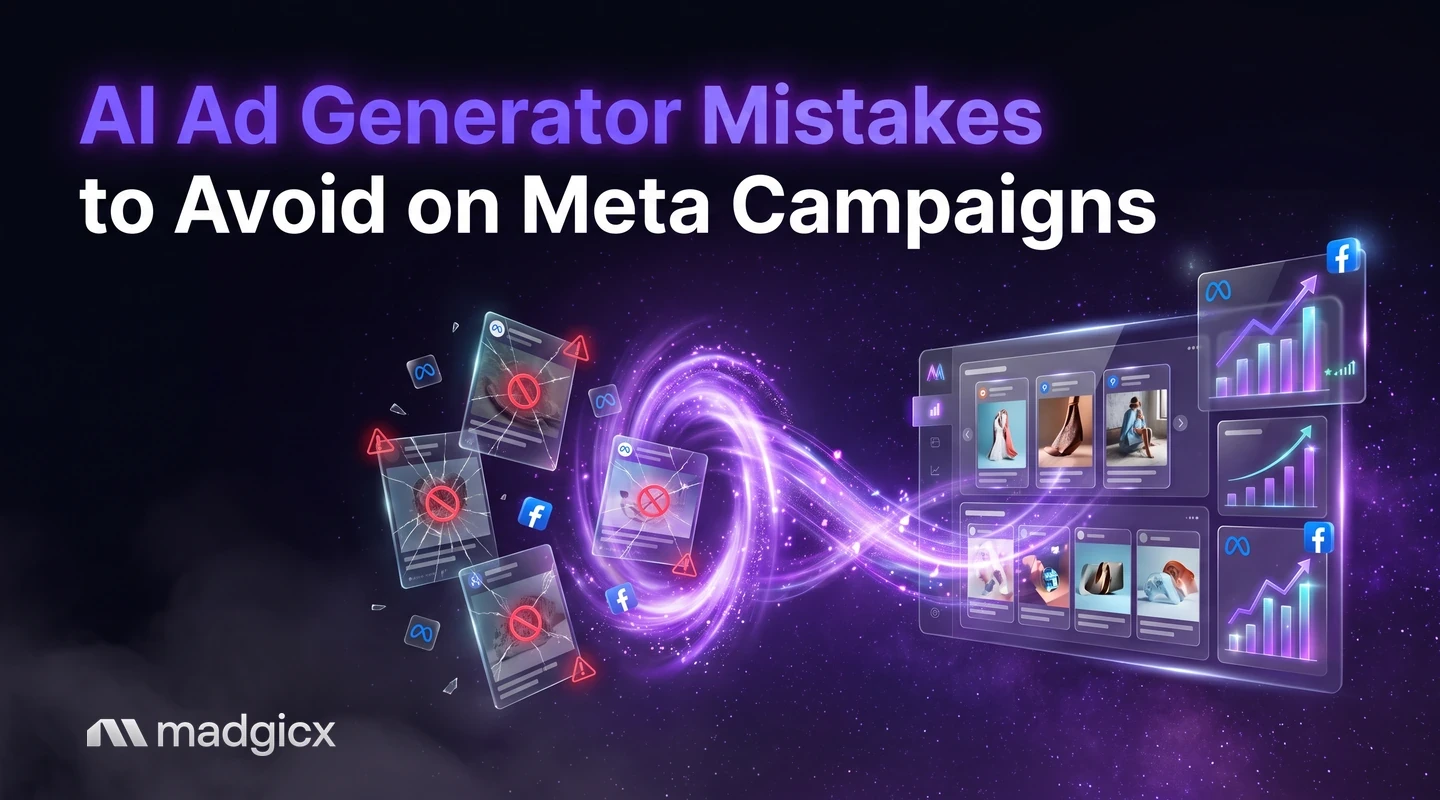
The biggest AI ad generator mistakes on Meta are generating ads before you know the offer, launching without checking them against Meta's ad rules, launching far more variants than you can test, skipping a test plan and stop rule, and never reading what won. Each one wastes budget, and the first two can get ads rejected.
This guide gives you the five mistakes with a fix for each, then a quality gate to run on every generated ad before it goes live. It is written for image ads, the format most AI ad generators handle best.
Generate image ads, then see what the winners share.
Mistake 1: generating before knowing the offer
An AI ad generator is fast, which makes it easy to produce a batch of nice-looking ads for an offer you have not settled. The ads then say different things, and you cannot tell afterward whether the offer or the image made the difference.
Meta's advertising policy checklist raises the stakes. It says ads must accurately represent the company, product, service or brand, must not make potentially misleading claims or set unrealistic expectations, and must lead to a website that works and is clearly relevant to the ad. A generator that invents a benefit or shows a product you do not sell breaks the first of those rules.
The fix: write down the offer before you open the tool. One sentence for who it is for, one for the main benefit, one for the proof you really have, and the landing page the ad will point to. Give the generator those, and nothing it makes up.
Mistake 2: skipping brand and policy checks
AI can add errors you did not ask for: odd text, details that look functional but are not, or faces that resemble real people. Meta's checklist names several things to look for:
- Non-existent functionality: images that portray features that do not exist, such as a play button that does not play actual content.
- Exaggerated language: sensationalized or exaggerated wording, or withholding key information to entice a click.
- Improper grammar or punctuation: generated text on the image and in the copy needs a proofread.
- Personal characteristics: referencing or implying a user's race, ethnicity, religion, beliefs or sexual orientation.
- Celebrity-bait: falsely using the name, likeness or imagery of a public figure. Generated faces that look like a known person are a risk.
- Restricted products: Meta lists tobacco, unsafe supplements, prescription drugs, recreational drugs and illegal drugs.
Meta also says the checklist is not a full list of its policies, so use it as a starting point, not a clearance.
The fix: put a person in charge of a final read of every generated ad, using the list above plus your own brand rules for colors, fonts and tone.
Format is part of this check too. Per Meta's ad creative requirements, different placements need different aspect ratios. Facebook Feed supports 1.91:1, 16:9, 1:1 and 4:5, with 4:5 recommended. Stories support 2:3 with 2:3 recommended, and Instagram Reels recommends 9:16. Meta also advises keeping critical text and visuals inside the safe zone, because it may zoom a creative or show it on a black background on taller screens.
Mistake 3: launching too many variants
Generators make it cheap to produce 50 versions. The cost shows up later, when your budget is spread across ads that each get too little spend to tell you anything, and you have 50 things to review and 50 names to track.
The fix: launch a small set where each ad tests one clear idea, such as a different hook or a different offer framing. Hold the rest back. A small batch you understand beats a large one you cannot read. Our guide to practical AI use cases in ad campaigns shows where AI helps most in the workflow.
Mistake 4: no test plan or stop rule
Without a plan, every ad gets judged by feel, and losers run too long because nobody set the point where you stop. A plan can be short. Decide these before launch:
- The question: what are you testing, for example a product photo against a lifestyle image?
- The metric: the one result that decides it, such as cost per purchase.
- The budget and time: how much and how long each ad gets before you judge it.
- The stop rule: for example, "pause any ad that spends twice our target cost per purchase with no sales."
The numbers in that example are placeholders. Set yours from your own margins.
Mistake 5: not reading what won
A winning ad is a lesson only if you write down why it won. Many teams scale the winner, then ask the generator for new ads with no idea what to keep from the old one. The next batch starts from zero.
The fix: after each test, record what the winners share: the hook, the offer, the image style, the format. Use that to brief the next round. A tool that breaks creatives into elements makes this faster than reading ads one by one. For a wider comparison of generators, see our lists of the best AI ad generators, AI ad generators and the best ad generators for ecommerce.
A quality gate to run on every generated ad
Print this list and do not launch an ad that fails an item.
| Check | Pass looks like |
|---|---|
| Offer | The ad states your real offer and nothing you cannot deliver |
| Product | The image shows the product as it is, with no features that do not exist |
| Text | Spelling, grammar and punctuation are right, and numbers and dates match your site |
| Claims | No exaggerated or misleading language, and no key details withheld |
| People | No faces or names that suggest a public figure, and no references to personal characteristics |
| Format | The aspect ratio fits the placements you chose, with key text inside the safe zone |
| Landing page | The link works and the page matches what the ad promised |
| Test plan | The ad has a named test, a metric and a stop rule |
An example batch through the gate
Say a skincare store wants ads for a "first order, 20% off" offer. The generator returns eight image ads. Here is how the gate trims them:
- Two fail on text. One has a misspelled product name on the image, and one shows "20% off" while the landing page says 15%. Both go back for edits.
- One fails on claims. Its headline promises results that sound too good to be true. Meta's checklist warns against exaggerated language and unrealistic expectations, so it is rewritten or dropped.
- One fails on format. It is a wide image, and the store plans to run Stories and Reels. It is regenerated in a vertical shape.
- Four pass. The store launches them as a test with one named question (lifestyle photo against product close-up), cost per purchase as the metric and a written stop rule.
The numbers here are an illustration, not a benchmark. The point is the order of work: review first, launch a small set, then read the result.
What a score from an AI tool can and cannot tell you
Some tools rate a generated ad before you launch it. That can help you rank a batch, and it can save review time. It cannot tell you whether the ad breaks a Meta rule, whether the offer is correct, or whether the landing page matches. It also does not replace a live test with your audience and your price. Treat a score as a way to sort ads, and run the gate above on whatever you pick.
Madgicx: AI Ad Generator plus Creative Insights
Madgicx's AI Ad Generator creates image ads from a prompt, an image or any ad in the Meta Ad Library, ready to edit and use, so you can fix text and details before launch. Creative Insights then breaks down every creative to show what makes winning ads win, and flags creative fatigue so you know when to refresh. That closes the loop from mistake 5: you see what the winners share and brief the next batch from it.
| Tool | What it makes | Before launch | After launch |
|---|---|---|---|
| Madgicx | Image ads from a prompt, an image or a Meta Ad Library ad | Ads are ready to edit before you use them | Creative Insights shows what winning ads share and flags fatigue |
| AdCreative.ai | Images, video and text; from $39 a month | Scores creatives before launch (its over 90% accuracy figure is its own claim) | A Creative Insights feature analyzes ad performance with a score |
| Pencil | Images and ads from briefs; from $14 a month | A model trained on your ad account's data scores new creatives | Shows which of your creatives perform best and why, from 90 days of history |
Prices are as of November 2026. The score from any tool is a guide, not a replacement for your own review against Meta's rules.
FAQ
What are the most common AI ad generator mistakes?
Generating before the offer is clear, skipping checks against Meta's ad rules, launching too many variants, having no test plan or stop rule, and not reviewing why winners won.
Can AI-generated ads get rejected on Meta?
Yes. Meta reviews every ad against its Advertising Standards, whoever made it. Exaggerated claims, non-existent functionality in an image, grammar errors and likenesses of public figures are all on Meta's checklist.
What image sizes should I check before launching?
Meta recommends 4:5 for Facebook Feed, 2:3 for Stories and 9:16 for Instagram Reels. Keep critical text inside the safe zone.
How many AI-generated ads should I launch at once?
Launch only as many as you can review and read. Each ad should test one clear idea, and a small batch is easier to learn from than a large one.
Do I still need to review ads an AI generator makes?
Yes. Check the offer, text, claims, people, format and landing page on every ad, using the quality gate above, before it goes live.
How does Madgicx help avoid these mistakes?
The AI Ad Generator makes image ads you can edit before use, and Creative Insights shows what the winners share, so the next batch builds on results.