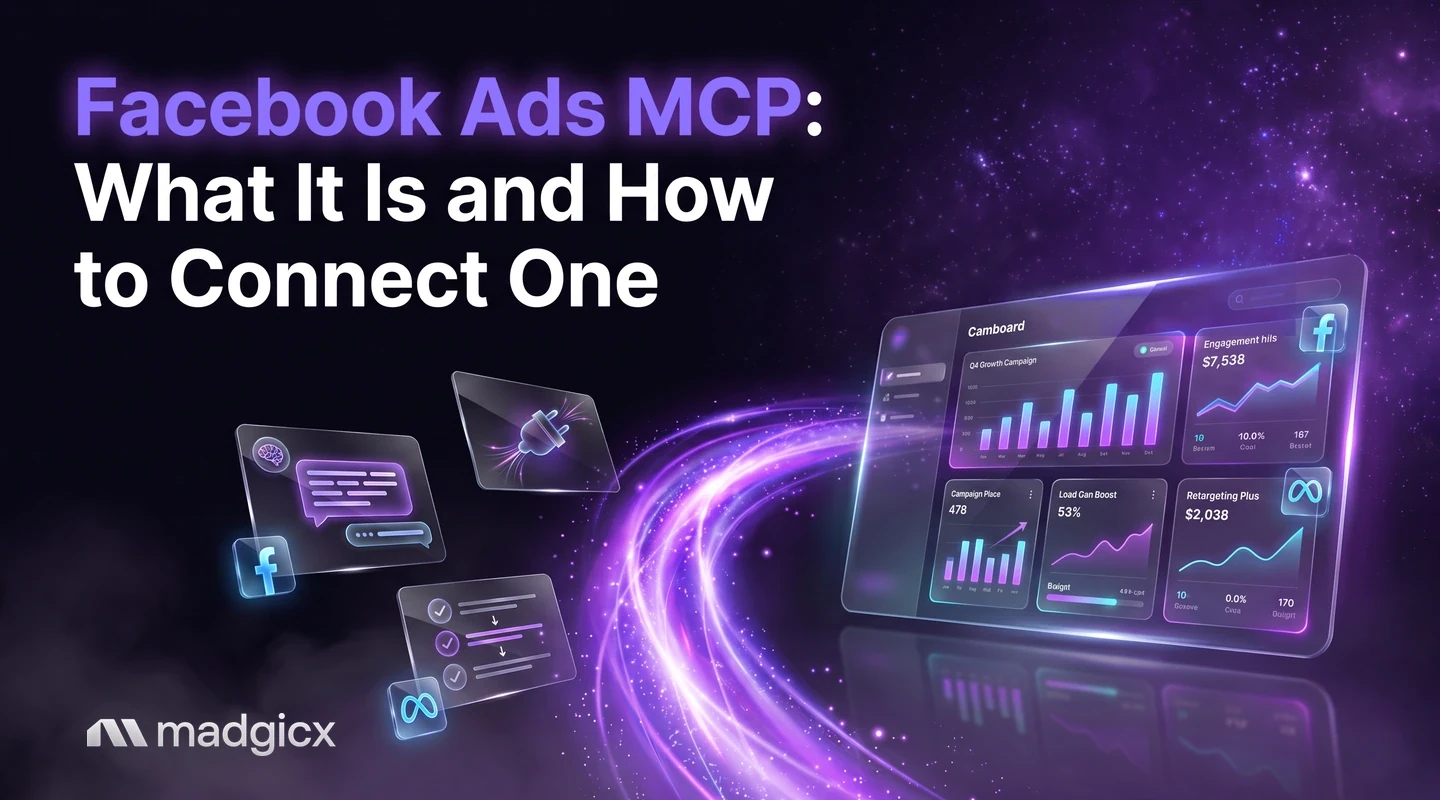
A Facebook Ads MCP lets an AI assistant read your ad account. See what it does, how Meta, open-source and Madgicx options compare, and how to connect one.
A Facebook Ads MCP is a connection that lets an AI assistant read your Facebook ad account and answer questions about it in plain language. MCP stands for Model Context Protocol, an open standard for connecting AI tools to outside systems. You add a server address to your assistant, sign in, and ask things like "which campaigns spent the most this week?" A "Meta ads MCP" is the same thing under Meta's newer name.
This guide explains what a Facebook Ads MCP can and cannot do, compares your three main options, and shows how to connect one in a few minutes.
The 7-day free trial includes the Madgicx MCP. Ask about your own campaigns, and every change waits for your confirmation.
What a Facebook Ads MCP does
Without one, an AI assistant can only guess about your ads. With one, it can pull your real data: accounts, campaigns, ad sets, ads, creatives and their results. You ask a question, the assistant calls the server, and you get an answer built from your own account.
Servers differ in what they can do. Some only read data. Others can also change things, such as pausing an ad or changing a budget. For a deeper look at the moving parts, see how an ads MCP works.
Your three options for a Facebook Ads MCP
There are three main ways to connect an assistant to Facebook ads. They differ in setup, what they can do, and where they stop.
Meta documents its server, with the address, permissions and sign-in options, in its Ads MCP server overview and its get started page. It is a good baseline if you want a direct line to Meta. If you want to read your account and make small, confirmed changes without any developer setup, the Madgicx MCP is built for that. If you work from the terminal instead, see Meta ads from the terminal. For a ranked look at the field, see the best MCP for Meta ads.
How to connect a Facebook Ads MCP in five steps
These steps use the Madgicx MCP, which needs no server of your own. You need a Madgicx subscription or the 7-day free trial (the trial includes the MCP) and a Facebook ad account connected in Madgicx. Read the details of the server in Meta Ads MCP by Madgicx.
- Open your assistant's connector settings and choose to add a custom connector or remote MCP server.
- Paste the server address: https://mcp.madgicx.com/mcp
- Sign in with your Madgicx login and pick the team whose ad accounts you want the assistant to use.
- Enable the connector in your chat.
- Check it works by asking: "What Madgicx team am I connected to?"
Each assistant words its menus a little differently. The steps for each are in the guide to how to connect your AI assistant, and there are walkthroughs for connecting Facebook ads to Claude and for using ChatGPT for Facebook ads. For everything the server covers, see the Madgicx MCP hub.
You can add Google Ads too. The Google Ads MCP uses the same login and is read only.
What to ask once it is connected
Specific prompts get specific answers. Name a date range and a metric. Results come back as one total per account, campaign, ad set or ad for the dates you choose, so to see a trend, ask for two periods and compare them.
- "Show spend, results, cost per result and ROAS for every campaign over the last 14 days, sorted by spend."
- "Compare last week with the week before for my top five campaigns."
- "Which ad sets spent money this month with no results?"
- "What changed in this ad account in the last seven days, and who changed it?"
Each of these has a ready-made page that shows the full prompt and what the answer looks like: make a Facebook ads report, find wasted ad spend and check creative fatigue.
Can it change my ads?
With the Madgicx MCP, yes, but only after you confirm. You can ask the assistant to pause or restart campaigns, ad sets and ads, change budgets by an amount or a percentage, or edit names. It shows you the exact change first and waits for your go-ahead. To see how that works, read about how to pause ads after you confirm.
Is it safe to connect an AI assistant to my ad account?
It can be, if you keep control of changes:
- Start by reading. Ask for reports before you ask for any change.
- Check every change. Read the exact change the assistant shows you before you confirm it.
- Limit access. The team you pick at sign-in decides which ad accounts the assistant can use.
- Review the history. The account change history shows what changed, when, and who did it.
FAQ
Is a Meta ads MCP the same as a Facebook Ads MCP?
Yes. Meta is the company behind Facebook and Instagram, so many people now say "Meta ads MCP." Both names describe a connection between an AI assistant and your Meta ad account.
What is a Facebook MCP server?
It is the program that sits between your AI assistant and your ad account. The assistant asks the server for data, and the server returns it. Meta hosts one, and so does Madgicx. Others you host yourself.
Do I need to code to set one up?
Not for a hosted server. With the Madgicx MCP you paste an address, sign in and enable the connector. Meta's server also has a hosted address, but connecting your own app means creating a Meta developer app and a system user token.
What does it cost?
The MCP is included in a Madgicx subscription and in the 7-day free trial. Plans are priced by monthly ad spend, starting at $45 a month. See Madgicx pricing for current plans.
Can I use it with more than one ad account?
Yes. It reads every ad account that your Madgicx team can reach. Read the page on how to manage multiple ad accounts for prompts.
Try it on your own account
The fastest way to see a Facebook Ads MCP work is to connect one and ask about your own campaigns. The 7-day free trial includes the Madgicx MCP, and every change waits for your confirmation.