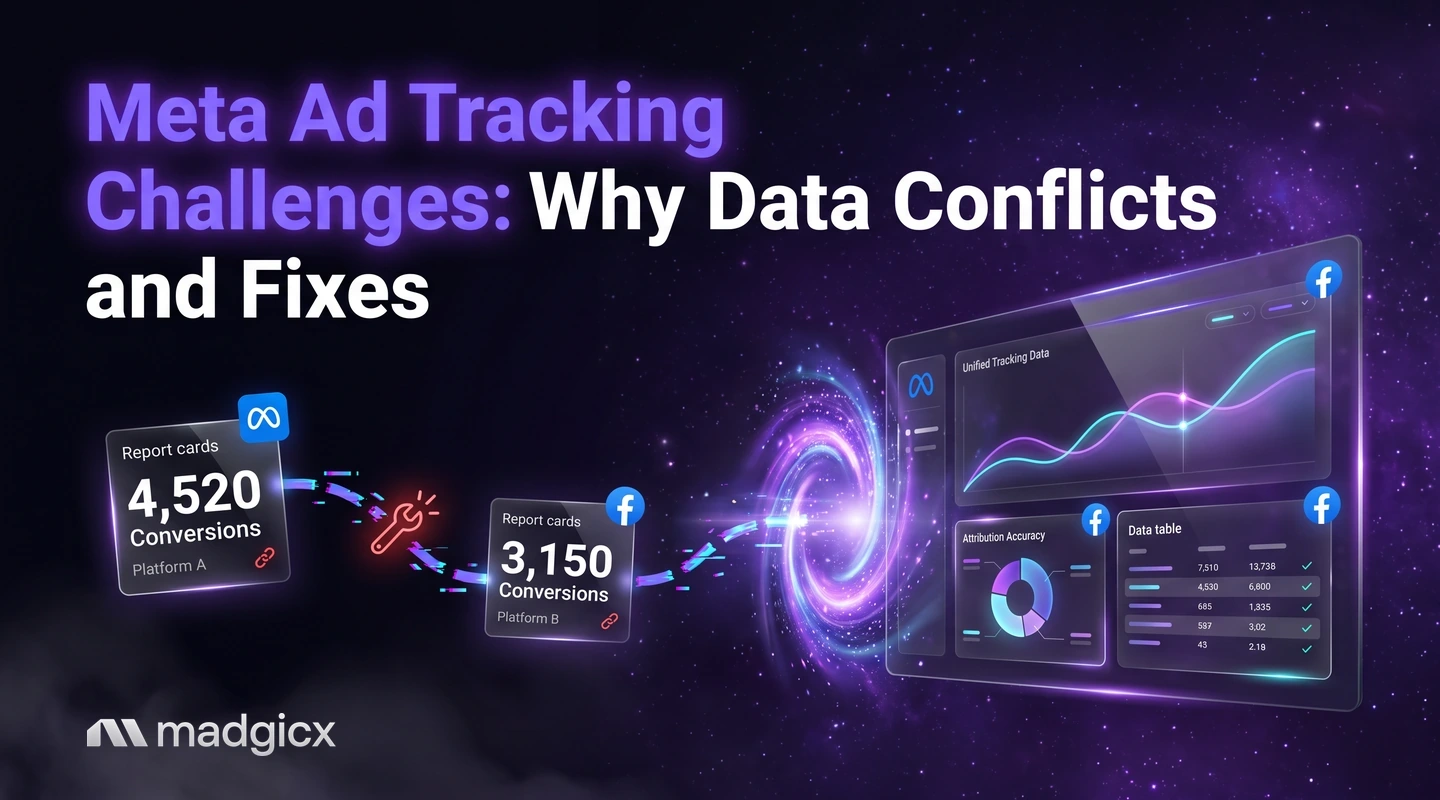
Why Meta ad data conflicts across Ads Manager, analytics and your store, how to diagnose it by symptom, and three fixes in order.
Meta ad tracking data conflicts because Ads Manager, your analytics tool and your store each decide for themselves which sale an ad gets credit for, and each sees a different slice of the events. The two biggest causes are different attribution windows and conversions that never reach Meta. You fix the first by agreeing one counting rule, and the second by sending conversions from the server as well as the browser.
This guide explains where the gaps come from, gives you a symptom table to find your own cause in a few minutes, and lays out three fixes in the order that usually pays off.
Send conversions from the server and read one report instead of four.
Why Ads Manager, analytics and your store disagree
Three systems are counting the same sale in three ways. Ads Manager counts a conversion when it can tie the event to an ad using its attribution setting. Your analytics tool counts it using its own crediting rule. Your store counts every order, whether or not any ad touched it.
So the numbers are not three versions of one truth. They answer three questions: which sales Meta can credit to an ad, which sales your analytics tool credits to a channel, and how many orders you actually took. A gap between them is normal. A gap you cannot explain is the problem.
Most explanations fall into four groups:
- Different windows. The tools look back over different numbers of days.
- Different credit rules. One tool credits a view, another only a click.
- Missing events. A purchase happens but the browser never reports it to Meta.
- Messy labels. Links without tags land in "direct" or "unassigned" in your analytics tool.
Attribution windows and views: the biggest cause
Start here, because it is the easiest to fix and the most common. According to Meta's help page on comparing attribution settings, you choose an attribution model, and for standard attribution a set of attribution settings, at the ad set level. Standard attribution can count three kinds of action:
| Type | What it counts | Window |
|---|---|---|
| Click-through | Events after a link click on your ad | 1 day or 7 days |
| View-through | Events after someone saw your ad | 1 day after an impression |
| Engage-through | Events after a non-link action, such as a reaction | 1 day after the action |
For video ads, engage-through also counts a video played for 5 seconds, or for 97% of the video if it is shorter than 5 seconds.
Now compare that with a tool that credits only the last click. If a shopper sees your ad on Monday, does not click, and buys on Tuesday, Ads Manager can count the sale under view-through while the other tool credits it somewhere else. Neither is wrong. They use different rules.
Meta also warns that you cannot compare results in the campaign overview table across ad sets that use different attribution models, because each model counts differently. If your account mixes settings, a single column of "purchases" mixes definitions. Meta's fix is its Compare Attribution Settings feature, or checking performance in an external analytics tool.
Meta also supports custom attribution, which lets you share attribution data from an external analytics tool with Meta. That is a way to bring the two views closer if you already trust your analytics tool.
Signal loss: conversions that never reach Meta
The second group is missing events. Meta can only credit a sale it knows about. If a purchase is reported by the browser alone, anything that stops the browser from sending it also removes that sale from your Meta numbers: a blocked script, a closed tab, a checkout that finishes on another domain.
Meta's Conversions API documentation describes the other route. It connects data from an advertiser's server, website platform, mobile app or CRM to Meta systems that optimize targeting, lower cost per result and measure outcomes. Server events are linked to a dataset ID and are processed like events sent with the Meta Pixel.
A second issue sits on top of that. Even when an event arrives, Meta has to match it to a person. The quality of that match depends on the customer information you send with the event. We cover that under Fix 2.
Diagnose by symptom
Match what you see to the likely cause before you change anything. Each row names the first thing to check.
| What you see | Likely cause | First check |
|---|---|---|
| Ads Manager shows more purchases than your analytics tool | Meta counts views and 7-day clicks that the other tool does not credit | Open the ad set's attribution setting and note the windows in use |
| Ads Manager shows fewer purchases than your store | Some orders come from other channels, or events never reach Meta | Compare the store's order count with the events received in Events Manager |
| Two ad sets look wildly different in one column | The ad sets use different attribution models | Check each ad set's setting, then use Compare Attribution Settings |
| A large share of sales sit under "direct" in analytics | Ad links carry no UTM tags | Open a live ad and read the full URL it sends people to |
| Purchase counts double | Browser and server both send the same event with no deduplication | Check the Conversions API verification for deduplication |
| Cost per result swings after a tracking change | The event mix changed, so the number is not comparable with last month | Note the date of every setup change next to the chart |
Fix 1: clean up your UTMs and naming
This is the cheapest fix and it makes the other numbers readable. Every ad link should carry the same set of tags, so your analytics tool can group sessions by campaign, ad set and ad.
- Pick one pattern for source, medium and campaign names and write it down.
- Put the campaign name into the tag so a session can be traced back to an ad in one step.
- Apply the pattern with a template, not by hand. Our Facebook UTM builder creates tagged links in the same format every time.
- Keep campaign, ad set and ad names readable, so a row in one tool matches a row in another.
Test one live ad before you trust the setup. Click it, then confirm the session appears in your analytics tool under the tags you expect.
Fix 2: send conversions from the server
If the browser is the only sender, add the server. Meta's documentation recommends three steps: choose an integration method, start sending requests, and verify the setup. For website events, advertisers with a Meta Pixel can set up the Conversions API in one click from Events Manager, with no code, configuration or setup fees.
Then work through Meta's best practices from its Event Match Quality guidance:
- Send both. Use the Conversions API alongside the Meta Pixel and share the same events through both.
- Deduplicate. Events from the browser and the server must be deduplicated to avoid double reporting.
- Aim for coverage. Meta advises a 75% event coverage ratio of Conversions API to Meta Pixel events.
- Add customer information. More events with customer information parameters raise the chance of a match, and better event match quality can increase the additional conversions reported.
- Send in real time, or as close to it as you can.
- Get consent first. You need lawful permissions and the necessary consents before you share customer information with third parties.
Our guide to why automation needs clean pixel data explains why this matters beyond reporting.
Fix 3: report in one place and agree on one number
Once the inputs are cleaner, stop comparing three dashboards by eye. Choose one place where the team reads results, and write down which number is the decision number for each question:
- Budget decisions: pick one attribution setting and use it across every ad set you compare.
- Business health: use store revenue and order count, not any ad platform's count.
- Channel mix: use your analytics tool with the UTM pattern from Fix 1.
Expect Ads Manager to stay a little higher than your analytics tool because of view-through and the longer click window. What you want is a gap that is stable and explained, not a gap of zero. For more on choosing which numbers to track, see our playbook on tracking KPIs to optimize campaign performance, and our overview of the main challenges in performance marketing.
Fix your Meta ad tracking with Madgicx
Madgicx covers the two gaps that are hardest to close by hand. Madgicx Cloud Tracking hosts Meta's Conversions API Gateway and Signals Gateway for you and sends conversions to Meta from the server, so Meta sees and attributes more of them. It is available on its own, or as Tracking Pro inside a Madgicx plan.
For the reading side, One-Click Report brings Meta, Google Ads, TikTok, Shopify and Klaviyo data into one place, so you check one report instead of four tabs. And Copilot, the AI assistant built into every page of the app, checks your dataset quality and Event Match Quality when you ask in chat, with answers drawn from your own account data.
FAQ
Why does Meta Ads Manager show different numbers from Google Analytics?
They use different rules to credit a sale. Ads Manager can count views and clicks inside the windows set on each ad set, while your analytics tool applies its own rule to the sessions it records.
What attribution windows does Meta use?
Standard attribution counts click-through events within 1 day or 7 days of a link click, view-through events within 1 day of an impression, and engage-through events within 1 day of a non-link action on the ad.
Can I compare ad sets that use different attribution settings?
Not in the campaign overview table. Meta says results cannot be compared there across ad sets with different attribution models. Use its Compare Attribution Settings feature instead.
Does the Conversions API replace the Meta Pixel?
No. Meta recommends using the Conversions API alongside the Pixel, sharing the same events through both and deduplicating them.
How do I know my tracking is healthy?
Check that Meta receives your events, that they are deduplicated and matched, and that Event Match Quality is high. You can run the Event Match Quality check from Events Manager or ask Copilot in Madgicx.