A seven-step workflow from brief to tested image ad variants with AI, including what to review and how to learn from winners.
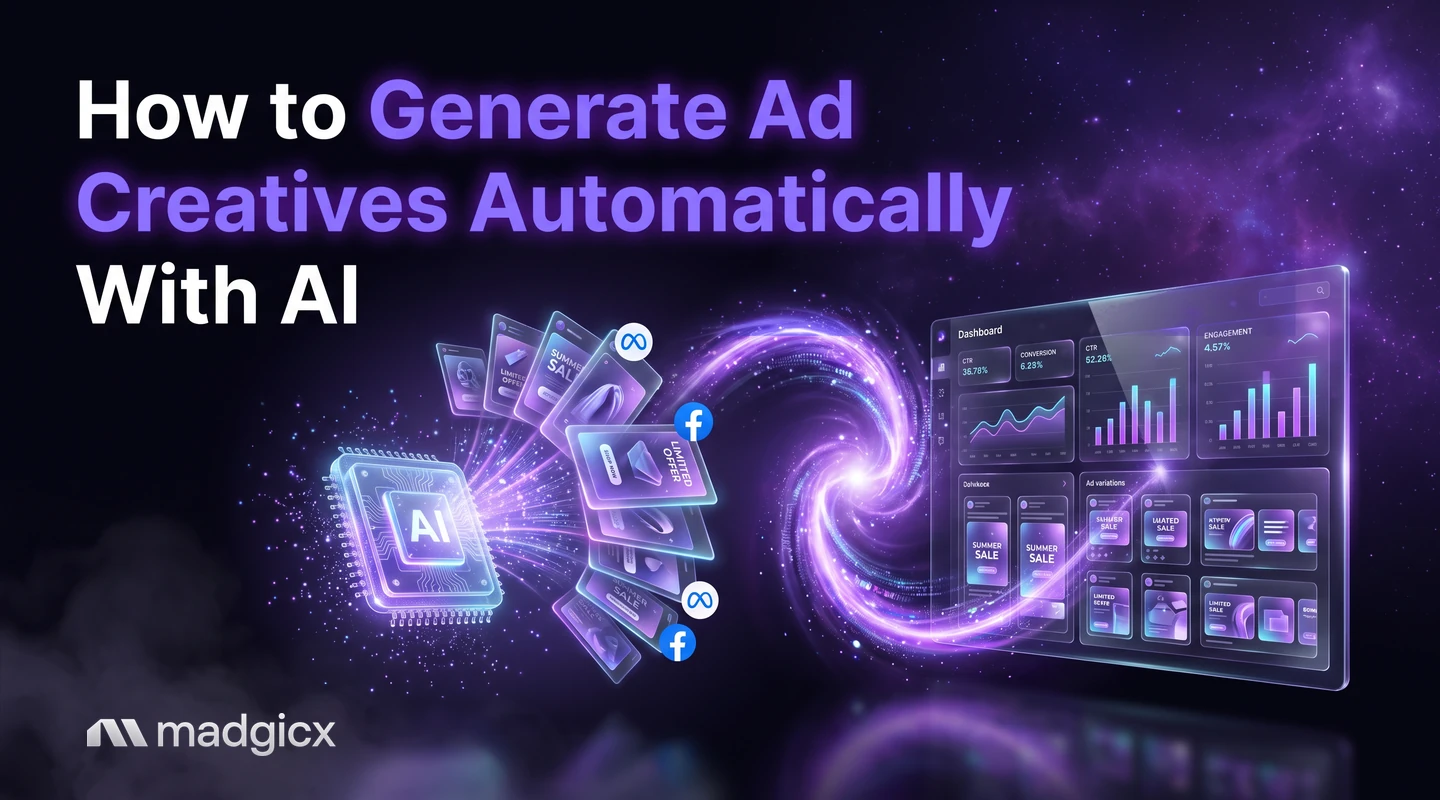
You can generate ad creatives automatically with AI by giving a tool a short brief, your brand assets and a starting point (a prompt, an image or an ad you admire), then reviewing the options it produces and testing the best ones. The AI makes the options fast. You still decide which ones are good enough to run.
This guide is a step-by-step workflow for image ads on Meta: from brief to tested variants to the next round. It stays honest about what AI does well, what it gets wrong and what you should approve yourself.
AI Ad Generator creates the ads; Creative Insights shows why winners win.
What automatic creative generation can and cannot do
AI is good at speed and volume. It can turn one idea into many image options in minutes, restyle an image, and adapt a layout to a new format. That removes the slowest part of creative work: the blank page.
It is less reliable at the things that need your judgment:
- Knowing your offer. It does not know which claim is allowed, accurate or on brand unless you say so.
- Product detail. Logos, labels, packaging and fine print can come out wrong, so check them against your real product.
- Choosing the winner. Which ad earns sales is something only a test can tell you.
So treat AI as a fast first draft. You write the brief, you review the output, and you approve what goes live. The sections below follow that order. This workflow covers image ads; it does not cover video.
Step 1: Gather brand assets and a short brief
A tool can only work with what you give it. Collect these before you start:
- Your logo, brand colors and fonts, in the files you actually use.
- Three to five clear product photos, ideally on a plain background and in use.
- The one offer for this batch, in a sentence: who it is for, what they get and why it is better.
- Claims you can back up, such as reviews and results, and claims you must avoid.
- Two or three ads you admire, from your category or another.
Write the brief in five lines: audience, problem, offer, tone and what the ad must show. A short, specific brief gives better options than a long vague one.
Step 2: Generate image ads from a prompt, an image or a reference ad
Most tools start from one of three inputs, and each suits a different case.
| Start from | Best when | What to give it |
|---|---|---|
| A prompt | You have an idea but no image yet | Your five-line brief in plain words |
| An image | You have a strong product photo | The photo plus the angle you want |
| A reference ad | You saw an ad whose layout or style fits | The ad, plus what to change for your brand |
Madgicx's AI Ad Generator works from all three: it generates new image ads from a prompt, an image or any ad in the Meta Ad Library, ready to edit and use. Madgicx also has an Ad Library you can browse and save ads from, so you can find a reference ad and turn it into a new one for your brand. Starting from a proven layout often gives better first results than a blank prompt.
Generate more options than you need. Ten rough options beat three polished ones, because you will cut most of them in the review.
Step 3: Review before you keep anything
This is the step that decides quality. Check every image against this list:
- Product accuracy: the product, logo, label and packaging match the real thing.
- Text: spelling is correct and prices and offers are right. Meta's guidance says to avoid text on top of images and use the text, headline and link description fields instead, so keep on-image words to a minimum.
- Claims: nothing in the image promises a result you cannot deliver.
- Hands, faces and details: look closely for odd shapes or artifacts.
- Fit: it looks like your brand and it reads clearly on a phone.
Delete anything that fails. Edit the near misses: AI image editing and templates let you change a background, text or layout without starting over.
Step 4: Create variants for testing
Pick your best two or three options and build variants that change one thing at a time. A useful way to organize them is by idea:
- Angle: a benefit-led image against a problem-led image.
- Visual: product alone against product in use.
- Hook: a different opening line on the same image.
Meta's guidance on dynamic creative says it is better to combine 2 strong assets than several you are not confident about, and a dynamic creative ad can use up to 10 assets. The same logic applies to your own testing: fewer, stronger variants teach you more. Meta also says that dynamic creative may no longer be available in Ads Manager when you pick sales or app promotion as the objective, and recommends the flexible ad format for a similar result. Read Meta's creative best practices to see what applies to your objective.
Step 5: Launch and set a testing budget
Put the variants in a testing campaign, apart from your main spend, so a weak batch does not drag down proven ads. Use the same audience and the same budget for each variant so the creative is the only difference.
Set the testing budget as an amount you are willing to spend to learn: decide it before you start. Work out how many purchases or leads you need to call a result, and divide your testing budget accordingly. The ad budget calculator can help you size it. Madgicx's Ad Launcher launches ads in bulk, which saves time when a batch has many variants.
Step 6: Read results and spot creative fatigue
Judge variants by cost per result (cost per purchase or cost per lead), not by clicks alone. For a sense of normal click costs, Madgicx's Meta ads benchmarks show an overall median link CPC of $0.53 and a median CPM of $9.72 for September 2026, with large differences by industry. Compare yourself to your own industry's row and your own history.
Also watch for creative fatigue: a winning ad slowly gets worse as the same people see it again and again. The signs are rising cost per result and falling click rate on an ad that used to work. When you see them, it is time for fresh creative. Madgicx flags creative fatigue so you know when to refresh.
Step 7: Feed winners into the next batch
A test is only useful if the next batch learns from it. After each round:
- Write down what the winners share: the angle, the visual style, the hook.
- Use the winning ad as the reference for the next round of generation, then change one element.
- Retire the losers, and keep a note of why they lost.
- Keep your brief up to date with what you learned.
Over a few rounds this builds a loop: brief, generate, review, test, learn. For more on keeping a steady supply of new ads, read our guide on how to scale ad creative production, and see how AI and human work compare in AI vs human creatives.
Run this workflow in Madgicx
Madgicx covers both halves of the loop. The AI Ad Generator creates the image ads from a prompt, an image or a reference ad from the Meta Ad Library. Creative Insights then breaks down every creative, including video, to show what makes winning ads win, so you know what to feed into the next batch. You review and approve each ad before it runs.
If you are comparing options, see our roundup of leading AI tools for generating ad creatives, and our answer on whether AI can create Meta ad creatives.
FAQ
Can AI generate ad creatives automatically?
Yes. AI tools can make many image ad options from a prompt, a photo or a reference ad. You still review each one for accuracy and approve what runs.
How do I generate ad creatives with AI without a designer?
Gather your logo, colors and product photos, write a short brief, generate several options, check them against your real product and test the best two or three. Madgicx's AI Ad Generator works from a prompt, an image or an ad in the Meta Ad Library.
What should I check in an AI-generated ad?
Check that the product, logo, spelling, prices and claims are right, that faces and hands look natural and that it reads clearly on a phone.
How many creative variants should I test?
Fewer, stronger ones. Meta advises that combining 2 strong assets is better than several you are not confident about. Change one element at a time so you learn what made the difference.
How do I know when an ad creative is fatigued?
Cost per result rises and click rate falls on an ad that used to work. Madgicx flags creative fatigue so you know when to refresh.
Can AI replace my creative team?
It speeds up first drafts and variations, but people still set the brief, judge quality and decide what goes live.