When to use a Facebook custom conversion instead of a standard or custom event, how to set up URL and event rules, how to verify them, and the limits.
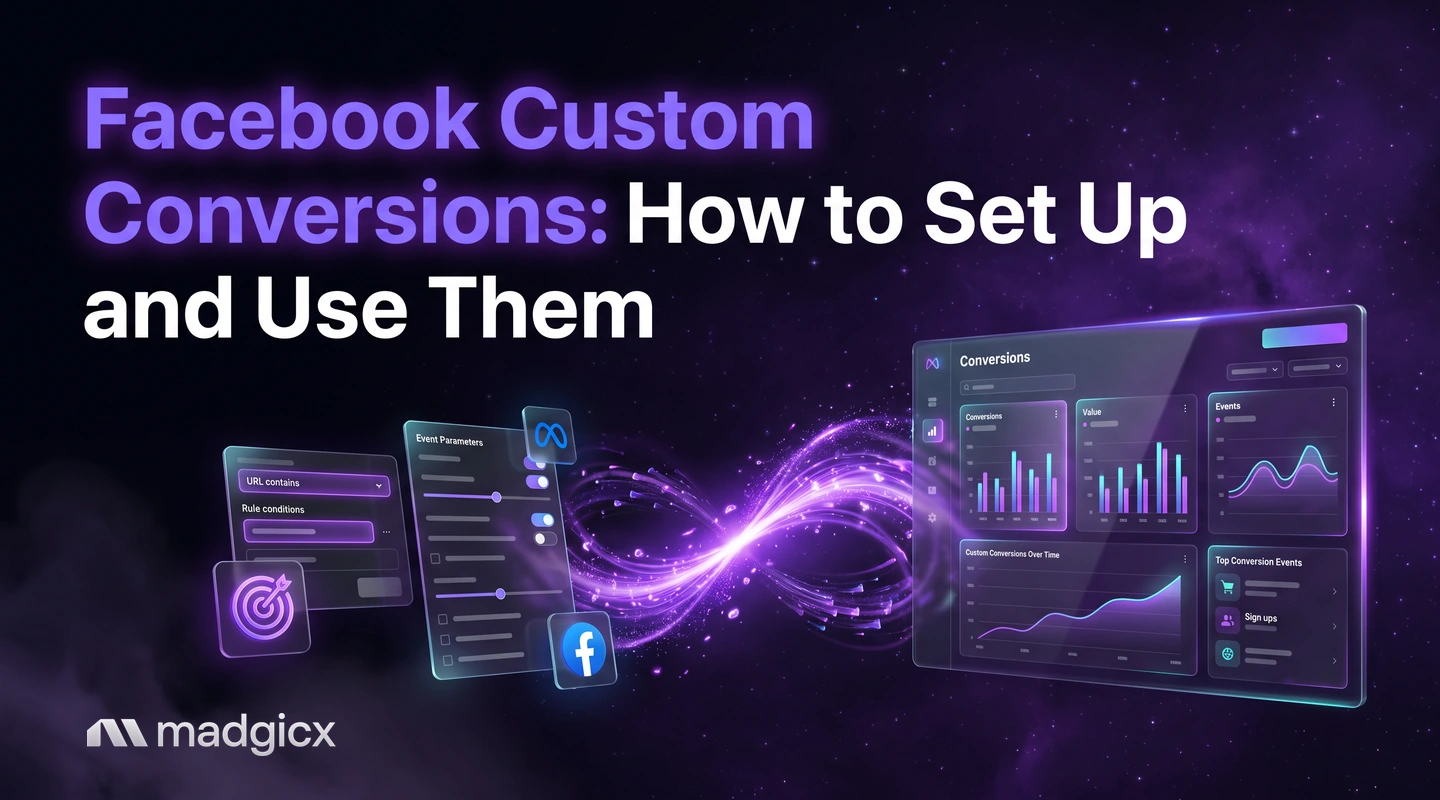
A Facebook custom conversion is a rule you create in Meta Events Manager that turns a more specific slice of your existing events or website traffic into its own measurable conversion. Use one when a standard event is too broad, for example when you want to measure only purchases over a set value or only visits to one thank-you page, and you do not want to change your website code.
This guide helps you decide between a custom conversion, a standard event and a custom event, then walks through setup, checks and limits using Meta's current documentation.
Send conversions from the server and act on results with rules.
Custom conversion vs standard event vs custom event
These three get mixed up, and the choice decides how much work you do. Meta's help page on custom conversions says custom conversions let you create rules for events, so you can measure more specific customer actions.
| Option | What it is | Needs code change? | Best for |
|---|---|---|---|
| Standard event | A predefined action such as Purchase or Lead, sent by your pixel or server | Yes, unless a partner platform adds it for you | Core actions every business tracks |
| Custom event | An action you name and send yourself | Yes, you add event code | Actions that fit no standard event |
| Custom conversion | A rule applied to standard events, custom events or all URL traffic | No, if the base code is installed | A narrower version of an action you already track |
Put simply: a standard or custom event is something your site sends. A custom conversion is a filter that Meta applies afterwards to what it received.
When you need one
Reach for a custom conversion in these cases:
- You want one product or category. Meta's own example: filter all purchases to measure just purchases of women's shoes over $40.
- You cannot add event code. If the Meta Pixel base code is on your website, URL rules can log standard events without extra event code.
- You want to optimize toward one action. Once enough events come in, you can select the custom conversion as the performance goal when you create an ad in Ads Manager.
- You share data with partners. You can share individual custom conversions with business partners instead of your entire data source.
You do not need one when a standard event already describes the action. Adding a rule that matches the whole event adds nothing.
Create a URL-based custom conversion
A URL rule is the simplest route, because it uses a page people reach after the action, such as a thank-you page. Here is the flow in Events Manager:
- Open Events Manager and go to the custom conversions area for the data source you use.
- Choose to create a custom conversion and give it a clear name, such as "Webinar sign-up, thank-you page".
- Select the rule's base: All URL Traffic. Meta says you can add rules to standard events, custom events or All URL Traffic.
- Add a URL rule. Meta's example is a URL that contains a keyword, such as "mens".
- Choose the conversion category that best fits the action, and add a value if the action has one.
- Save it.
Menu labels in Events Manager change from time to time, so follow the on-screen steps that match your goal. Meta recommends reading its best practices for custom conversion setup first, then choosing the setup instructions that match your objective.
Create an event-based custom conversion
An event-based rule starts from an event you already send, then narrows it. It is the better route when the same page serves several outcomes, or when the value of the event matters.
- Choose a standard or custom event as the base, such as Purchase.
- Add a URL rule if the product page tells you what was bought. A URL that contains "mens" is Meta's example.
- Add a parameter rule if the value tells you. Meta's example is a value parameter greater than $50.
- Combine them if you need both: Meta shows a rule that joins a Purchase event, a URL rule and a parameter rule.
- Name it by what it measures, not by how it is built.
A rule that mixes a URL and a parameter is stricter, so it counts fewer events. That is the point, but check that it still collects enough to be useful.
Verify it works
Do not trust a new custom conversion until you have seen it count something.
- Trigger the action yourself, for example by visiting the matching page or placing a test order, then check that the conversion registers in Events Manager.
- Compare its count with your store or CRM for the same dates. A custom conversion should be a subset of its base event, never larger.
- Check the rule text for typos in the URL keyword. A single wrong character matches nothing.
- Make sure the base event is deduplicated if you send it from both the browser and the server. Meta's Conversions API documentation says verification should confirm that events are received, deduplicated and matched correctly.
Limits and gotchas
- Website events only. Meta says custom conversions are for website events and are not available for app events at this time. A custom conversion can also be created from offline events, per a separate Meta article.
- They filter, they do not add. A custom conversion cannot count an action your site never sent. If the base event is missing, so is the custom conversion.
- The performance goal needs enough events. You can select it once enough events have been received.
- Edit, delete and share in Events Manager. That is where you change a rule or share it with a partner.
- Access follows the account. If a custom conversion is created with an ad account in a business portfolio, people with portfolio access can view or manage it. People with only ad account access can manage only the ones that ad account created.
- Menus move. The names of buttons and tabs change, so match the steps to the goal, not to the exact label.
Use it in optimization and rules
A custom conversion pays off when you use it in three places:
- As the performance goal of an ad set, so Meta optimizes delivery toward the narrower action.
- As a reporting column, so you see results for the action you care about, not only the general event.
- As a trigger for your own checks, such as pausing an ad set whose cost per custom conversion passes your limit.
Our guide on how to optimize Facebook ads for conversions covers what to do once the goal is set. If you also send conversions from your server, our walkthrough of how to set up the Conversions API shows how, so the base event reaches Meta more completely.
Track and act on custom conversions with Madgicx
Madgicx Cloud Tracking sends conversions to Meta from the server, so the events your custom conversions are built on reach Meta more completely. Then Madgicx's custom automation rules run on conditions you set, so you can act on your results around the clock without checking the dashboard by hand.
FAQ
What is a custom conversion in Facebook ads?
It is a rule you set in Events Manager that measures a more specific action, such as purchases of one product over a set value, using events or URLs Meta already receives.
What is the difference between a custom conversion and a custom event?
A custom event is an action your website sends with event code. A custom conversion is a rule applied afterwards to events or URL traffic Meta already has, so it needs no extra code.
Can I use custom conversions for app events?
Not at this time. Meta says custom conversions are for website events and are not available for app events.
Do I need the Meta Pixel for a custom conversion?
For URL rules, yes: with the Pixel base code installed, URL rules can log standard events without extra event code.
Can I optimize an ad set for a custom conversion?
Yes. Once enough events are received, you can select the custom conversion as the performance goal when you create an ad in Ads Manager.