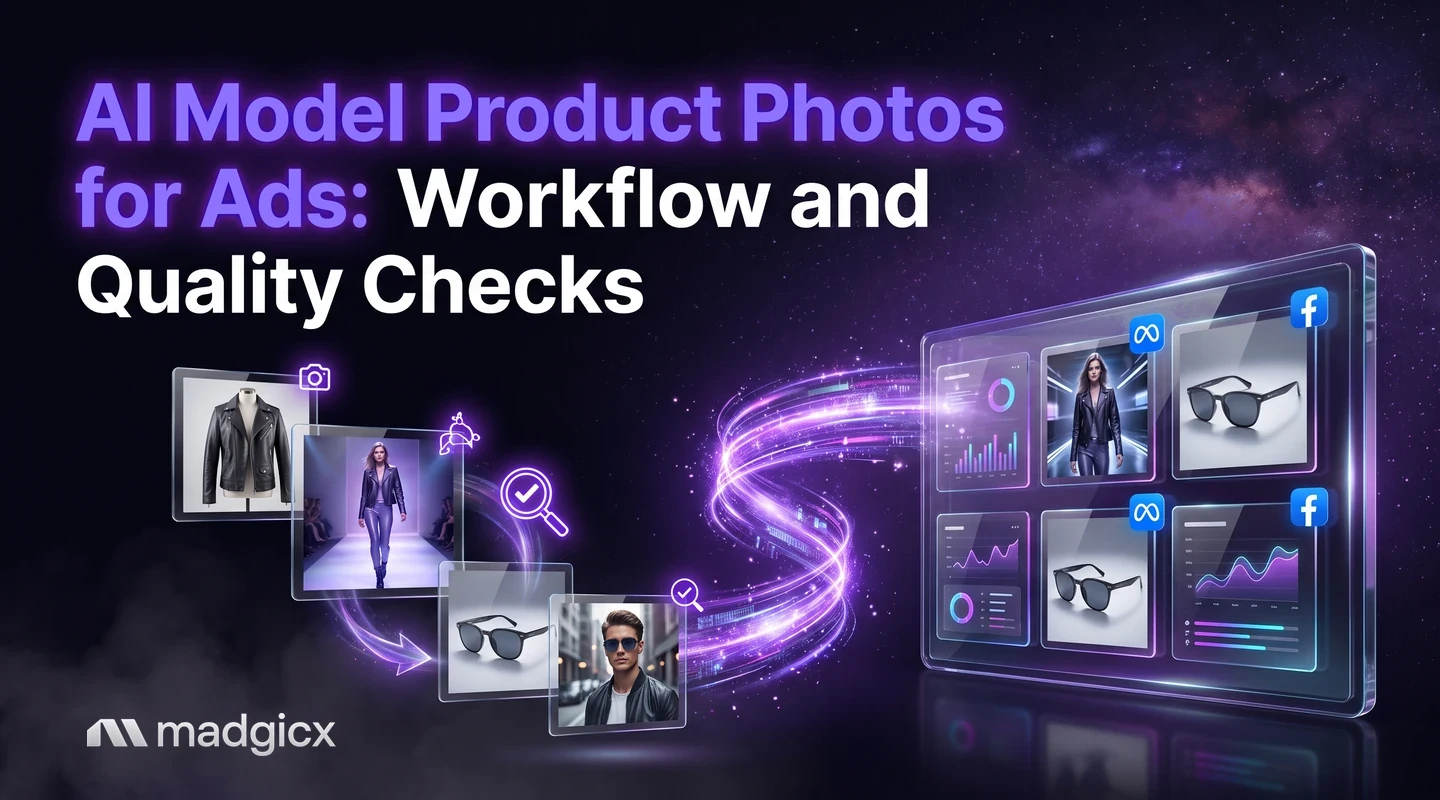
A practical workflow for AI product photos in Meta ads: source photo checks, variations, a quality checklist, policy points and testing against real photos.
AI model product photos are images where AI places your product on a generated person or in a generated scene, so you can make ad images without a photoshoot. The workflow is simple: start from a clean source photo, generate backgrounds and variations, check every image against a quality list, confirm it follows Meta's ad rules, then test it against your real photos.
The step most guides skip is the quality check. An AI image that looks great but shows your product wrong creates returns, complaints and rejected ads. This guide gives you the workflow and the checklist.
AI Ad Generator makes image ads from a prompt, an image or a Meta Ad Library ad.
What AI product photos are
There are three common kinds, and they carry different risk:
- New background or scene. Your real product photo stays as it is; AI replaces what is behind it. Lowest risk, because the product itself is untouched.
- Variations. AI changes the color of the setting, lighting, crop or layout around your real product to give you several versions to test.
- A generated person using or wearing the product. The highest risk, because the AI redraws the product on a body or in a hand and can alter fit, size, logo or details.
The more the AI has to redraw your product, the more carefully you need to check the result.
Source image requirements
AI works from what you give it, so the source photo sets the ceiling. Before you generate anything, make sure your source images pass this check:
- Sharp and well lit. Blurry or dark photos produce blurry, odd results.
- Product fully in frame. Nothing cropped, hidden or covered by a hand or shadow.
- Plain, simple background. It is easier for AI to separate the product from a clean backdrop.
- True color. If the source color is off, every AI version inherits the mistake.
- Several angles. Front, side and detail shots give the AI more to work from and give you something to compare against later.
- Labels and logos readable. If the packaging text cannot be read in the source, AI will often invent it.
Generate backgrounds and variations
Work in small batches rather than asking for everything at once. A repeatable process looks like this:
- Pick one product and one source photo. Start with a best seller so you can judge the result against real sales.
- Describe the scene the customer will recognize. A kitchen counter for a blender, a trail for a pair of boots. Be specific about setting, light and mood.
- Generate several versions. Keep the product the same and change one thing at a time: background, light or angle.
- Discard anything that changes the product. Do not try to fix a changed product with a new prompt; start the version again.
- Keep the winners and name them. Note which scene and prompt produced them so you can repeat it for the next product.
For a catalog, repeat the same scene recipe across products so the ads look like one brand, then check a sample from each batch rather than every image.
A quality checklist before launch
Review every AI image at full size, not as a thumbnail. Put the real product photo next to it and tick off each of these:
| Check | What to look for |
|---|---|
| Product shape | Same proportions and features as the real product |
| Color | Matches the real item under normal light |
| Logo and text | Spelled right, in the right place, nothing invented |
| Scale | Size looks right next to the person or objects |
| Hands and faces | Correct fingers, natural expression, no warped features |
| Fit and use | Clothing sits as it really would; the product is used the way it works |
| Shadows and reflections | Consistent with the light in the scene |
| Edges | No halo or cut-out look around the product |
| Background details | No strange objects, garbled signs or melted shapes |
If a customer would feel misled when the real product arrives, the image fails, however good it looks.
Common failures to watch for
- The "almost" product. A bag with an extra strap, a bottle with a different cap, a shirt with the wrong collar. Customers notice these, and returns follow.
- Too-perfect results. A flawless skin or a result no product could produce sets an expectation you cannot meet.
- Inconsistent scenes. If every product in your catalog has a different style, the account looks like several brands. Reuse one scene recipe.
- Text on the product that is not yours. AI often fills labels with made-up words. Replace or remove them.
Meta policy checks
Meta reviews ads against its Advertising Standards. Meta's advertising policy basics checklist applies to AI-made images exactly as it does to any other. These are the points that matter most for product images:
- Represent the product accurately. Ads must accurately represent the company, product, service or brand being advertised.
- No misleading claims or unrealistic expectations. An image that shows a result the product does not deliver is a risk.
- No non-existent functionality. Meta lists images that portray functionality that does not exist, such as a play button that does not play content, as not allowed.
- No sensationalized language or withheld key information to entice a click.
- Proper grammar and punctuation in any text on the image.
- Do not use a public figure's name, likeness or imagery falsely. Meta prohibits celebrity-bait scams, so do not generate a lookalike of a well-known person to endorse your product.
- Follow all applicable laws and advertising codes. Meta notes the checklist is not an exhaustive list of its policies.
Meta also has features that generate ad text. Its text generation feature in Ads Manager can create up to five variations of primary text and headline, and Meta says some industries and countries may not have immediate access to all of its generative AI features. Check the current help pages for the rules that apply to your account and category; this guide is not legal advice.
Turn photos into ads
A good image is not yet an ad. Add the pieces that make it work:
- A clear headline and primary text that state the offer in plain words.
- The right shapes. Make versions for feed and for full-screen placements so nothing important is cropped.
- A product page that matches. The landing page should show the same product the ad shows.
- For stores with a catalog, consider letting product data feed your ads; product feed optimization with AI covers the feed side, and dynamic product ads for e-commerce explains how catalog-driven ads work.
Test against real photos
Do not assume AI images win, or lose. Test them. Run the AI version and your real photo as separate ads with the same text, audience and budget, then compare cost per purchase or lead, not likes. Give both enough time to collect results before you decide.
Keep notes on what happens beyond the ad: returns, complaints and customer replies that say "it looked different". If the AI image lowers cost per purchase but raises returns, the saving is not real. To put the test in a clean campaign setup, see our Facebook campaign structure guide.
Make AI product images into ads with Madgicx
The Madgicx AI Ad Generator creates image ads from a prompt, an image or any ad in the Meta Ad Library, ready for you to edit and use. Start from your product image, describe the scene and review each result against the checklist above before it goes into a campaign. For teams producing many versions, our list of AI tools for agency creative workflows compares the options.
FAQ
Can I use AI to create product photos for ads?
Yes. You start from a clean photo of your product and let AI change the background, add a scene or create variations. Check each image against your real product before you use it.
Do AI product photos violate Meta's ad policies?
Not by themselves, but the usual Advertising Standards apply. Ads must accurately represent the product and must not make misleading claims or set unrealistic expectations.
What makes a good source photo for AI?
A sharp, well-lit image with the whole product in frame, true color, a simple background and readable labels. A poor source gives a poor result.
How do I check an AI product image before launching it?
View it at full size next to the real product and check shape, color, logo text, scale, hands and faces, shadows and background details. Reject any image that changes the product.
Should I test AI images against real photos?
Yes. Run them as separate ads with the same text, audience and budget, and compare cost per result. Also watch returns and customer comments for signs that the image set the wrong expectation.