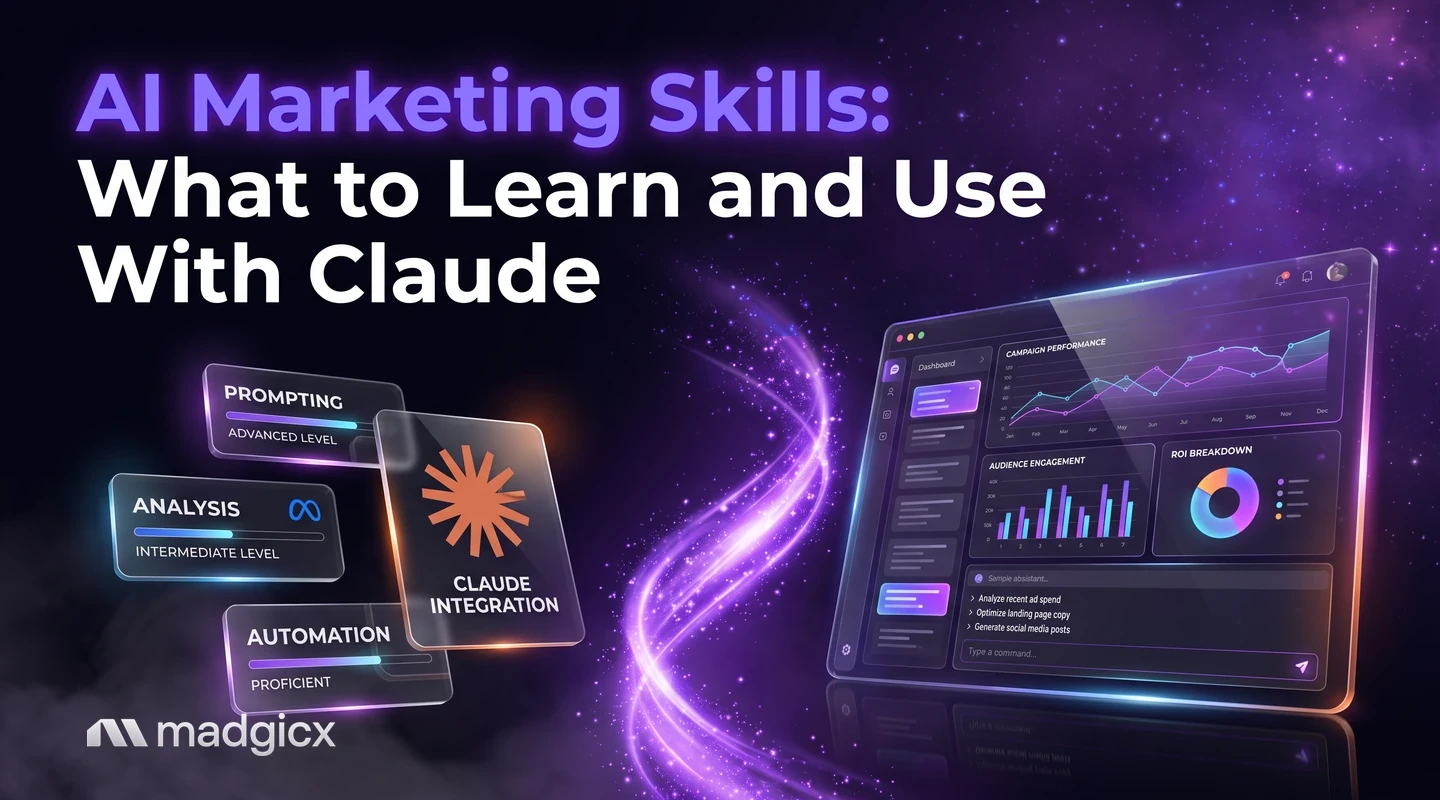
The skills that matter when you work with AI assistants: briefing, checking output against data, connecting real accounts and saving repeatable work as a Skill.
The AI marketing skills worth learning are prompting with context, checking AI output against your own data, connecting an assistant to real ad data, and knowing which decisions stay with you. "Skills" also has a second meaning with Claude: a Skill is a saved set of instructions Claude loads when a task matches. This guide covers both, with practice tasks you can run on real ad data.
The short version: AI makes the first draft fast, and your job is to give it good inputs and to check what comes back. Marketers who do that get reliable work out of Claude, ChatGPT and other assistants. Marketers who skip it get confident-sounding mistakes.
Use your real ad account in Claude, ChatGPT or any MCP assistant.
The skills that matter
Five skills carry most of the value when you work with an AI assistant:
| Skill | What it means in practice | How to tell you have it |
|---|---|---|
| Briefing | Giving the assistant the goal, audience, offer and limits before asking for work | First drafts need light edits, not rewrites |
| Checking | Comparing AI claims with your numbers before you act | You can name the source of every figure in a report |
| Data access | Connecting the assistant to your real accounts, with limits | Answers come from your data, not from guesses |
| Judgment | Deciding which suggestions fit your margins, brand and goals | You reject some suggestions for a stated reason |
| Repeatability | Saving a good process so it runs the same way next week | Weekly reports follow one format without re-explaining it |
None of these needs code. All of them improve with practice on tasks you already do, such as reporting, copywriting and spotting what changed in an account.
Prompting for marketing
A prompt is a brief. The more your assistant knows about the job, the less it has to guess. For a marketing task, include:
- The goal: "Lower cost per purchase on the spring sale campaign," not "improve my ads."
- The audience and offer: who you are talking to and what they get.
- The limits: claims you cannot make, words you avoid, the length and format you want.
- The data: paste it in, or connect the account (see below), and name the date range.
- The output you want: a table, three options, a one-paragraph summary.
Ask for the reasoning too. "Tell me which numbers you used" makes errors easier to catch, because you can see what the answer rests on.
Turn a good prompt into a Skill
When you repeat the same instructions every week, save them. Per Anthropic's documentation on Agent Skills, a Skill is a directory whose main file is SKILL.md, with optional reference files and scripts. The file starts with YAML frontmatter holding a name and a description. The name is at most 64 characters, uses only lowercase letters, numbers and hyphens, and cannot contain the reserved words anthropic or claude. The description is required, can be up to 1,024 characters, and must say both what the Skill does and when Claude should use it.
Skills load in levels. The documentation says the name and description cost about 100 tokens per Skill and load at startup, while the body of SKILL.md loads only when the Skill is triggered. Reference files load only when the instructions point to them. In Claude Code, you place custom Skills in ~/.claude/skills/ for personal use or .claude/skills/ for a project, with no upload needed. On claude.ai, custom Skills are uploaded as zip files on plans that include code execution.
Good marketing Skills are narrow: "weekly Meta ads report in our format," "write ad copy in our brand voice and banned-claims list." Keep the facts a Skill depends on, such as brand rules, inside it, and keep numbers out, because numbers should come from live data each time. Anthropic's advice is also to use Skills only from trusted sources: ones you wrote yourself or got from Anthropic.
Checking AI output against data
This is the skill that separates careful users from careless ones. An assistant can write a fluent paragraph about your ROAS that is wrong in a detail you would only catch by looking at the dashboard.
Use a short checklist on every AI-made report or recommendation:
- Trace each number. Pick three figures at random and find them in Ads Manager or your reporting tool. If any is off, check them all.
- Check the date range and the definition. Link clicks and all clicks are different metrics, and a week that includes a sale day is not a normal week.
- Check the logic, not only the math. "CPA fell, so the ad is working" ignores whether sales fell too.
- Ask what would change the advice. A good answer names the conditions under which the recommendation is wrong.
- Test small before you scale. Apply an AI suggestion to one ad set before you apply it to the account.
Connect an assistant to your data
An assistant that sees your real account gives better answers than one working from pasted screenshots. The usual way to connect them is the Model Context Protocol (MCP). According to the MCP specification, MCP is an open protocol that enables integration between LLM applications and external data sources and tools. A server can offer resources (context and data), prompts (templated messages and workflows) and tools (functions the AI model executes).
The specification also sets safety expectations that you should hold any setup to. Hosts must obtain explicit user consent before invoking any tool and before exposing user data to servers, and the specification says tools represent arbitrary code execution and must be treated with caution. In practice, read what each tool can do before you approve it, and prefer read-only access until you trust the workflow.
For ad accounts, the Madgicx MCP for Meta ads lets you analyze Meta ad accounts and take action on status, budgets, bids, spending limits and names, from Claude, ChatGPT or any MCP-compatible assistant. It is listed in Claude's connector directory. The Madgicx Google MCP covers read-only analysis of Google Ads accounts, including custom GAQL queries. Both are included with Madgicx plans, and the MCP documentation explains how to connect an assistant.
Practice tasks
Skills come from repetition on real work. Try these, in order, and check each result against your own numbers.
- Summarize last week. Ask your connected assistant for spend, purchases, cost per purchase and ROAS by campaign, then verify three figures in Ads Manager.
- Explain a change. Pick the campaign whose cost per purchase moved most and ask what changed. Check each reason it gives against the data.
- Write ad copy with limits. Give the offer, audience, a list of banned claims and a character limit. Review every line before use.
- Draft a client or team report. Ask for a one-page summary in a fixed format. Then save that format as a Skill, so next week's run needs one line.
- Stress-test a recommendation. Take one suggestion and ask, "What evidence would show this is wrong?" Then look for that evidence.
For related reading, see this guide to using Claude for Meta ads, step by step, and the overview of generative AI for marketing.
Common pitfalls
- Trusting a number you did not trace. Fluent writing makes wrong figures look right.
- Pasting stale data. An export from last month answers last month's question.
- Giving write access too early. Start with analysis. Allow actions such as budget changes only after you have seen the assistant read your account correctly.
- Vague briefs. "Make it better" gets generic output. A goal, an audience and limits get specific output.
- Installing Skills you did not read. A Skill can include scripts, so use only ones you wrote or that came from a trusted source.
- Skipping the human decision. The assistant can recommend, but the call on margin, brand and risk is yours.
Use your ad data with Claude through Madgicx
If your work is Meta ads, the shortest route from "skills" to results is to connect your assistant to your real account. The Madgicx MCP gives Claude, ChatGPT or another compatible assistant access to your ad data and to actions on status, budgets, bids and names, and you approve each tool call in your assistant. Inside Madgicx, Copilot answers questions about your account from your own data, with charts. Madgicx plans are priced by monthly ad spend and start at $45 a month, with a 7-day free trial.
FAQ
What are the most important AI marketing skills?
Briefing an assistant with goal, audience and limits, checking its output against your data, connecting it to real accounts, and deciding which suggestions fit your business. Saving repeatable work as a Skill or template helps too.
What is a Claude Skill?
A Skill is a directory with a SKILL.md file, plus optional reference files and scripts, that gives Claude instructions for a type of task. Claude loads the full instructions only when the Skill's description matches what you ask.
Do I need to code to use AI for marketing?
No. Prompting, checking and judgment need no code. A Skill is mostly a text file with a name and a description, and connecting an ad account through MCP is a setup step, not programming.
How do I check that AI marketing output is accurate?
Trace at least three numbers back to your ad platform, confirm the date range and metric definitions, and test any recommendation on a small part of the account first.
What is MCP and why does it matter for marketers?
MCP is an open protocol that connects AI applications to outside data and tools. For marketers it means an assistant can read your ad account directly instead of working from pasted exports.
Can Claude work with my Meta ad data?
Yes, through the Madgicx Facebook MCP, which is listed in Claude's connector directory. Your assistant asks for your consent before it uses a tool.