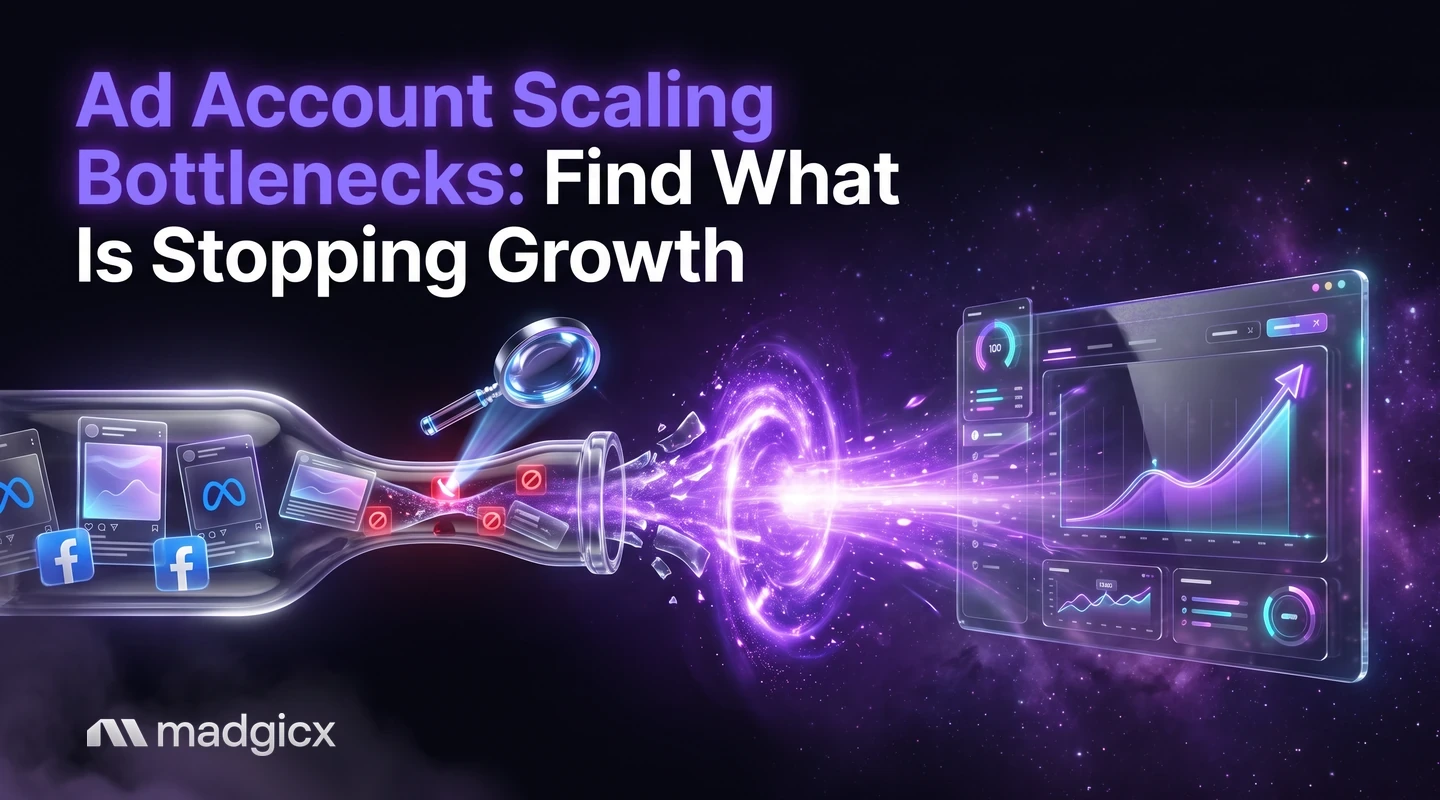
The five bottlenecks that stop an ad account from scaling, the symptom that points to each and a decision table from symptom to fix.
An ad account stops scaling when one of five things becomes the limit: creative that has worn out, an audience that has been reached too often, tracking that misses conversions, a budget that is changed too often or spread too thin, or a team that cannot keep up. Find the one in front of you first, because fixing a different one will not move results.
This guide explains each bottleneck, the symptom that points to it, and the fix. A decision table near the end maps symptoms to causes, so you can go from "results are flat" to a specific next step.
AI Marketer audits your account and Creative Insights flags fatigue.
Why accounts plateau
Scaling means spending more and keeping the cost per result steady. It breaks when something that worked at a small budget stops working at a larger one. A budget of $50 a day can run on one good ad and a small audience. At ten times that, the same ad gets seen too often and the audience runs out.
Two things make plateaus hard to read. First, several bottlenecks look alike: rising cost per purchase can come from tired creative, a crowded audience or missing conversions. Second, Meta's delivery system needs time and results to settle after changes. According to Meta's learning phase article, the learning phase is the period when the delivery system still needs to learn how an ad set may deliver and perform. During it, ad sets are less stable and usually have a higher CPA. So a dip after a big change is not always a sign the change was wrong.
Scaling in a planned way also helps. If you are thinking about adding new ad sets rather than raising budgets, read about horizontal scaling.
Creative exhaustion
This is the most common bottleneck. People see the same ad again and again, then stop responding to it.
Symptoms: click-through rate falls week over week while the audience and budget stay the same, cost per click and cost per purchase rise, and frequency climbs.
Fixes:
- Add new angles, not new colors. A new problem, proof or offer gives people something fresh to react to.
- Keep a steady flow of new ads rather than a big refresh once a quarter.
- Retire an ad when its results drop and the new options are ready, not before.
Creative Insights flags creative fatigue so you know when to refresh, and breaks down every creative, including video, to show what makes winning ads win. The Madgicx AI Ad Generator can make new image ads from a prompt, an image or a reference ad.
Audience pressure
An audience is finite. As you raise budget, you reach the same people more often, and the cheapest buyers are gone first.
Symptoms: frequency rises, new-customer share falls, and cost per purchase goes up even though the ads still look good.
Fixes:
- Open a new audience (a different lookalike source, a new interest group) rather than pushing more spend into the old one.
- Test broader targeting where your tracking is solid.
- Keep audiences from overlapping heavily, so your own ad sets do not compete for the same people.
Tracking gaps
Meta's AI can only optimize on the conversions it can see. If purchases are missing from your data, the system learns from a partial picture and may favor the wrong ads. The problem often grows as you scale, because more spend means more missed conversions in absolute terms.
Symptoms: sales in your store exceed the purchases Meta reports, results swing without a clear reason, and ad sets stay stuck in learning because too few results arrive.
Fixes: send conversions from the server as well as the browser, check that events are deduplicated, and compare Meta's purchase count with your store's. Madgicx Cloud Tracking hosts Meta's Conversions API Gateway and Signals Gateway and sends conversions to Meta from the server, so Meta sees and attributes more of them. It is available on its own or as Tracking Pro inside a Madgicx plan.
Budget limits
Budget causes trouble in two ways: changing it too often, and spreading it too thin.
Meta's guidance is clear on the first. It says to avoid frequent budget changes, which can cause an ad set to re-enter the learning phase. Editing an ad, ad set or campaign during the learning phase resets learning and delays the system's ability to optimize.
The second comes from structure. Meta says that when you create many ads and ad sets, the delivery system learns less about each than when you create fewer. If an ad set does not get enough results to exit the learning phase, which usually takes about 50 results in the week after the last significant edit, the Delivery column reads "Learning limited."
Symptoms: many ad sets marked "Learning limited," cost per result that jumps after each budget change, and spend that stalls in some ad sets while others overspend.
Fixes:
- Consolidate small ad sets so each gets enough results.
- Change budgets on a schedule and in steps you can read, not daily.
- Check the "Last significant edit" column in Ads Manager before you change anything. Meta says to add it through Columns if you do not see it.
Meta also says you should not try to avoid the learning phase completely, because testing new creative and strategies is needed to improve performance. The aim is fewer unplanned resets, not zero changes.
Know what your costs should be
Compare your numbers with a baseline before you decide something is broken. In Madgicx's Meta ads benchmarks for September 2026, the overall median CPM was $9.72 and the median link CPC was $0.53, but the spread across industries is wide: Home and Local Services had a median link CPC of $3.55, while Apparel and Fashion had $0.45. A high cost in an expensive industry may be normal. Use the break-even ROAS calculator to find the return you need before scaling.
Operations
The last bottleneck is people. As an account grows, the work grows: more ads to make, more reports to build, more changes to review. A team that spends its week pulling numbers has no time to decide.
Symptoms: new creative ships late, reports take most of a day, nobody has time to review recommendations, and small problems stay unnoticed for days.
Fixes:
- Set a weekly rhythm: one day to review results, one to launch tests.
- Write down simple rules for when to pause, scale or refresh, so decisions do not depend on one person's memory.
- Hand routine analysis to AI and keep the decisions with your team.
AI Marketer is Madgicx's AI media buyer for Meta ads. It audits your account, finds optimization opportunities and prepares daily recommendations that you complete or dismiss. For tools that help with growth, see this list of the best AI tools for scaling Meta ads.
Decision table: symptom, cause, fix
| What you see | Likely bottleneck | First thing to check | First fix |
|---|---|---|---|
| CTR falls while audience and budget are unchanged | Creative exhaustion | Frequency and age of your top ads | Launch new angles |
| Frequency rises and new-customer share falls | Audience pressure | Audience size against spend | Open a new audience |
| Store sales exceed Meta's purchases | Tracking gap | Events and deduplication in Events Manager | Add server-side tracking |
| Many ad sets show "Learning limited" | Budget spread too thin | Results per ad set in the past week | Consolidate ad sets |
| CPA jumps after each budget change | Budget changes too frequent | "Last significant edit" column | Change on a schedule, in steps |
| Reports and launches run late | Team capacity | Hours spent on routine work | Automate reporting and analysis |
| Costs look high, but ads are healthy | Industry baseline | Your industry's medians | Compare with benchmarks before changing |
Find your bottleneck and get past it with Madgicx
Work through the table, fix one bottleneck at a time and give each change time to show in the data. AI Marketer audits the account and recommends actions you approve, and Creative Insights flags fatigue so you see creative wear before it hits cost per purchase. Cloud Tracking helps Meta see more of your conversions.
Two more tools are in beta. A budget planner paces spend against a monthly plan and rebalances budgets nightly, and a creative testing program gives a verdict for every tested creative and suggests what to test next. It's in beta; contact our support team to get beta access. Madgicx plans start at $45 a month and include a 7-day free trial.
FAQ
Why did my Meta ads stop scaling?
Usually one of five causes: creative exhaustion, audience pressure, tracking gaps, budget limits or team capacity. Check the symptom against the decision table to find which one applies.
How do I know if creative fatigue is the problem?
Click-through rate falls and cost per result rises while the audience and budget stay the same, and frequency climbs. Refreshing the ads with new angles is the usual test.
Does changing the budget reset learning?
Meta says frequent budget changes can cause an ad set to re-enter the learning phase. Make changes on a schedule and in steps you can read.
How many results does an ad set need to exit the learning phase?
Meta says ad sets usually exit the learning phase after about 50 results in the week after the last significant edit. If it does not get enough, the Delivery column shows "Learning limited."
Can poor tracking limit scaling?
Yes. Meta can only optimize on conversions it can see, so missed purchases lead it to learn from a partial picture. Server-side tracking sends more of them.
Should I scale by raising budgets or by adding ad sets?
Both work. Raising budget is simpler, while adding ad sets (horizontal scaling) opens new audiences. Pick based on which bottleneck you find first.