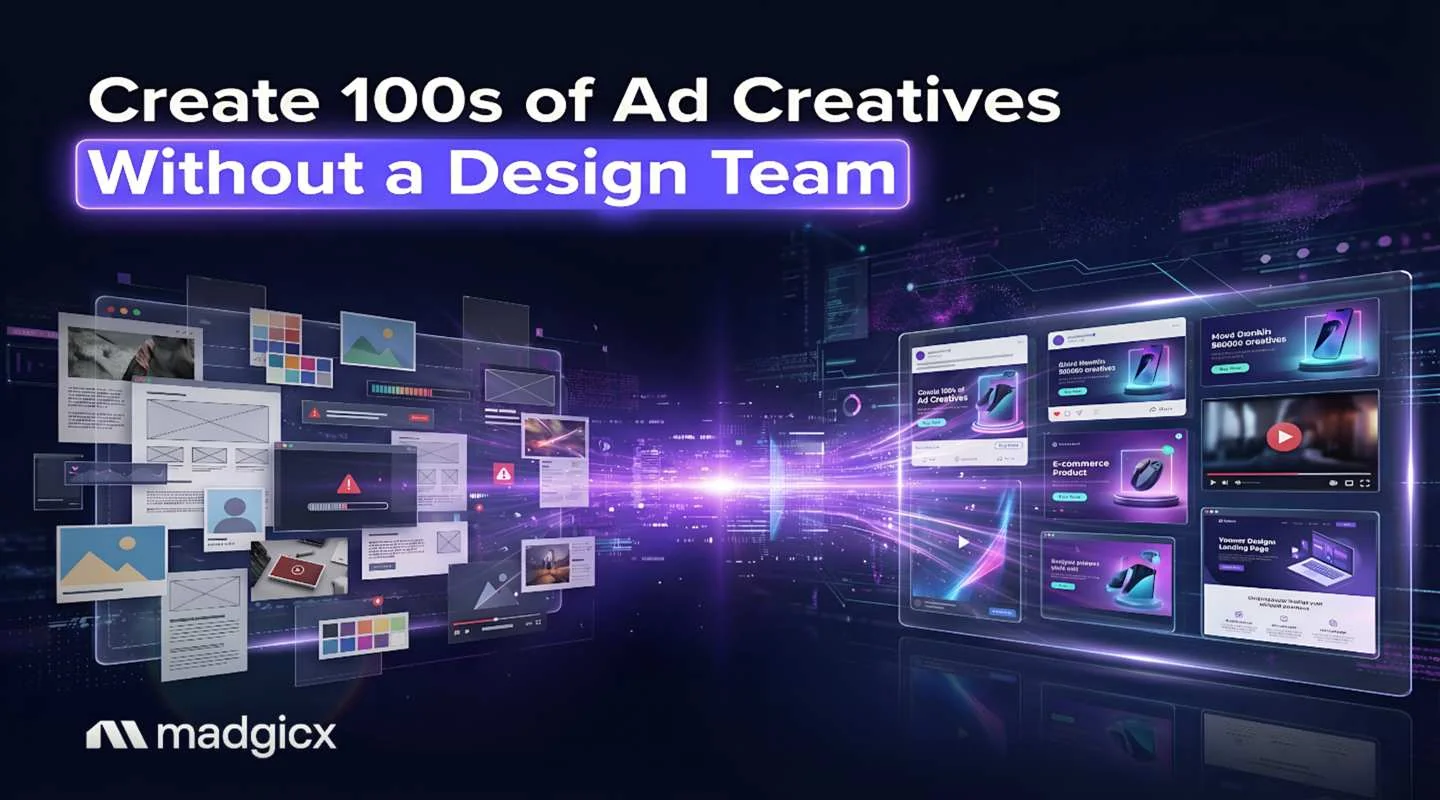
How to create hundreds of ad creatives without a design team: prepare data, connect it to templates, preview, fix errors, resize, add AI concepts and test the best versions.
You can create hundreds of ad creatives without a design team by building a few templates, filling them with data from a spreadsheet or product feed, and using AI to generate new concepts from a prompt, a product image or a winning ad. Then you preview the batch, fix mismatched fields, resize for each placement, and test the best versions. This guide walks through the steps and the tools that make each one fast.
Two methods work together. Template tools merge a spreadsheet into one design to produce many versions of it. AI generators make new concepts, so the batch does not all look the same. Madgicx's AI Ad Generator covers the second method for Meta ads, and the table below shows how other tools compare. Prices were checked in November 2026.
The AI Ad Generator turns a prompt, a photo or any Ad Library ad into image ads you can edit and launch.
Tools to create ad creatives in volume without a designer
| Tool | How it makes volume | Best for | Price (Nov 2026) |
|---|---|---|---|
| Madgicx | Image ads from a prompt, an image or a Meta Ad Library ad | Meta advertisers who want ads tied to performance data | From $45 a month, priced by ad spend; 7-day free trial |
| AdCreative.ai | Images, banners from templates, ad text and some video | High volume with a pre-launch score | Credits from $39 a month; 7-day trial with 20 credits |
| Pencil | Images and ads from briefs and assets | Small teams who want scoring on their own account data | Core $14 a month ($11 billed annually) |
| Creatify | Video from a product link; avatar and UGC-style video | Video ads from product pages | Free plan with watermarks; paid from $10 a month |
| Canva | Templates and a bulk create feature that merges data into a design | Hands-on teams who want control over every layout | See its pricing page |
How to create hundreds of ad creatives step by step
1. Set your brand guardrails first
Before you generate anything, collect your logo, colors, fonts and two or three past ads you are happy with. In template tools, save them as a brand kit so every design starts on brand. In AI generators, use a reference image or a past ad and say what to avoid, such as "no cartoons" or "no red backgrounds." Ten minutes here saves you from deleting half the batch later.
2. Prepare a spreadsheet for bulk output
For template-based bulk creation, one row equals one ad. Build columns for each part of the ad that changes: headline, subhead, offer, product name, price, image URL or file name. Keep column names short and consistent, put one value in each cell, and remove empty rows. If you sell products, export the data from your store or product feed so names, prices and images are never retyped. Test with five rows before you load five hundred.
3. Connect data fields to design elements
Open your master template and link each text box and image placeholder to a column. The headline box takes the headline column, the image frame takes the image column. Leave anything that never changes, such as the logo and the button, as a fixed element. Most template tools call this mapping or connecting data; the exact menu differs by tool, so use its help page for the step.
4. Preview the batch before you generate it
Always preview a handful of designs before you create all of them. Check the longest headline, the shortest, and one row with a missing value. Previews can differ slightly from the final output, so open a few finished designs too. Fixing the template once is far faster than fixing 300 ads.
5. Fix mismatched data and image fields
When a design shows the wrong picture or text, the cause is usually one of three things: a column mapped to the wrong element, an image link that is broken or private, or a cell with extra spaces or a hidden line break. Check the mapping first, then open the image URL in a browser, then clean the cell. Shorten text that overflows its box instead of shrinking the font until it is unreadable.
6. Add concepts with AI, not just copies of one design
Merging data gives you many versions of the same idea. Creative that wins usually comes from different ideas, so use an AI generator for the concept layer. In Madgicx's AI Ad Generator, you start from a prompt, a product image or any ad in the Meta Ad Library, and get new image ads ready to edit and use. Generate in batches of 10 to 20 with one hypothesis each, for example "bright backgrounds will get a higher click-through rate than minimal ones." Scroll through each batch quickly and keep only the ads that look sound and read correctly.
7. Resize for every placement
Meta runs ads in feeds, Stories and Reels, and each needs a different shape. Design the key message in the center safe area of your master, then resize the finished design for each format. Template tools offer one-click resize, and some AI tools produce several sizes per ad. Check each size, because text near the edges is the first thing to get cropped.
8. Know the limits on video, images and bulk output
Every tool caps something: rows per batch, image sizes, video support, or credits per month. Bulk merge tools usually handle text and images well but are weaker with video, and AI tools charge per generation. Read the limits before you plan a big batch. Madgicx's generator makes image ads, and video generation is not part of it. If you need video, tools such as Creatify make video ads from a product link, with avatar and UGC-style options.
9. Test the best versions and read the results
Do not launch all 100 at once. Pick the 3 to 5 strongest per concept, launch them in a low-budget test, and read results by creative. Creative Insights in Madgicx breaks down every creative to show what makes winning ads win and flags creative fatigue, so you know when to refresh. Our guides to testing ad creative on Meta and scaling creative testing explain how to run it.
How do fashion brands create unique visuals for 1,000+ products?
Brands with thousands of products do not design each ad by hand. They connect a product feed to a template so every item gets its own image, name and price, and they apply one brand style across the catalog. Tools built for catalog creative, such as Marpipe, apply designs to every product in a feed, with a free Catalog Creative plan and paid plans from $199 a month as of November 2026. Pair that with AI-generated concepts for the hero ads. For more, see our answers on ad creative for clothing brands.
Which software generates display ad creative for teams without a designer?
The tools in the table above all fit. Madgicx and AdCreative.ai generate images, Pencil adds scoring from your own account data, Creatify makes video, and Canva suits teams that want to edit templates by hand. Meta's own Advantage+ creative can adjust placements and apply enhancements to ads you build, and it is part of running ads on Meta. It improves ads you already have rather than creating hundreds of new concepts, so use it as the baseline and add a generator for volume.
Create more Meta ad creatives with Madgicx
Madgicx connects making ads to knowing which ones work. Generate new image ads in the AI Ad Generator, see which creatives win and which are tiring in Creative Insights, and let AI Marketer prepare recommendations that you review and approve in one click. Madgicx is an Official Meta Business Partner, trusted by 200,000+ advertisers and rated 4.6 out of 5 on G2 from 220+ reviews. For the wider process, read how to scale ad creative production with AI.
Try Madgicx free for 7 days and generate your first batch of ads
FAQ
How do I create hundreds of ad creatives without a design team?
Build a few on-brand templates, fill them from a spreadsheet or product feed, and use an AI generator such as Madgicx's AI Ad Generator to add new concepts. Preview the batch, fix mismatched data, resize for each placement, then test the best versions.
How do I make ad creative without a designer?
Start from a prompt, a product image or a winning ad in an AI generator, or from a template in a design tool. Edit the result for your brand and check the copy before you launch.
How do I test 50 ad creatives without a production team?
Generate them in batches by hypothesis, discard the weak ones in a quick review, then launch the best 3 to 5 per concept in a low-budget test. Read results by creative and refresh as winners tire.
Will AI ad generators replace my design team?
No. They take on repetitive volume work, so designers can spend time on strategy and hero assets.
How much do AI ad creative tools cost?
Entry plans run from about $10 to $45 a month as of November 2026: Creatify from $10, Pencil from $14, AdCreative.ai from $39 and Madgicx from $45. Most charge by credits, so cost grows with the number of ads you generate.