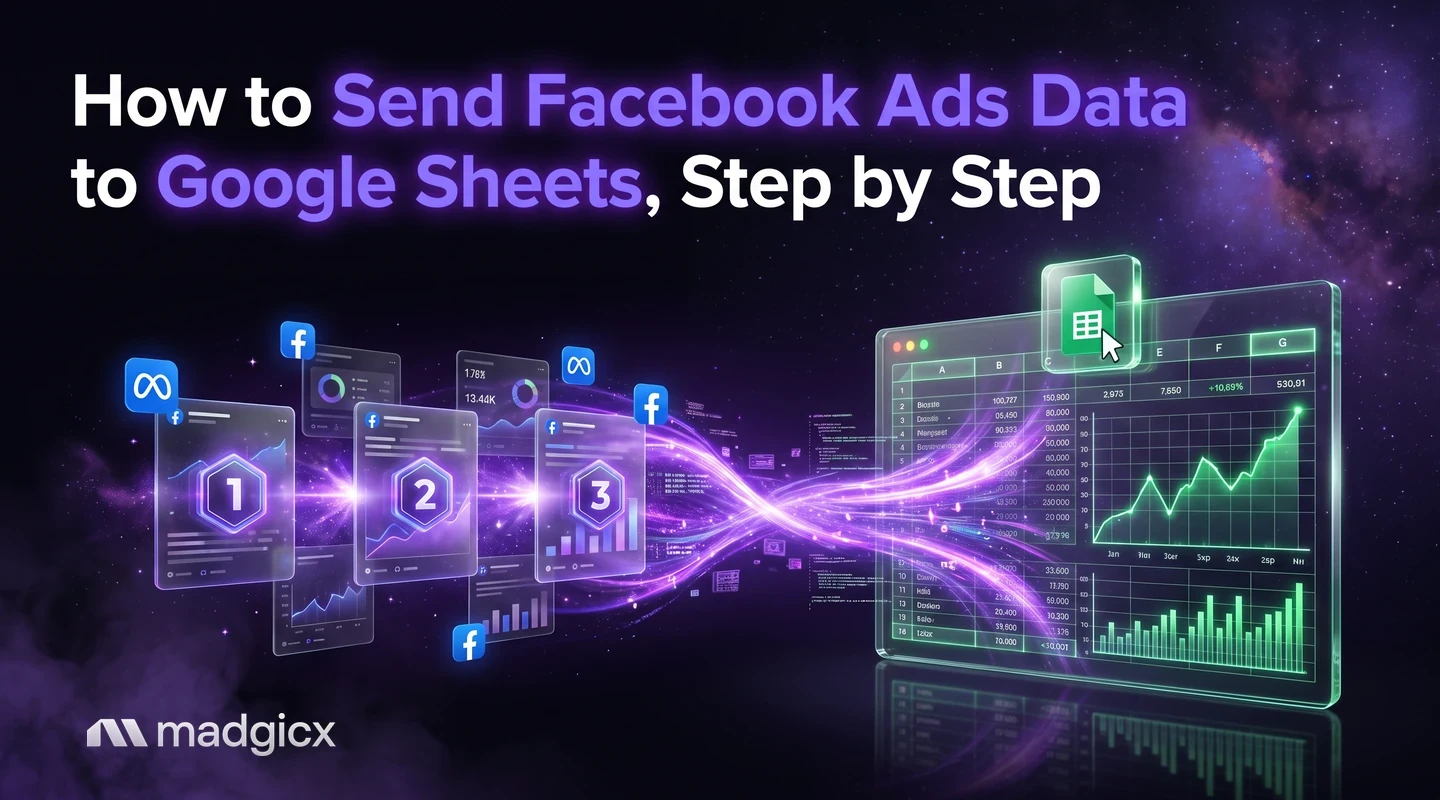
Three real routes for sending Facebook ads data to Google Sheets, where each stops, and how to cover the same needs without a connector.
There are three ways to get Facebook ads data into Google Sheets: download your lead ads data and import the file, connect a tool such as Zapier or LeadsBridge to send leads on, or write a script against Meta's Marketing API for performance numbers. Meta's own tools cover the download and the API. They do not keep a sheet updated for you.
Most people want a sheet for a reason that is not "a sheet": a custom report, a blend of store and ad data, something to send to a client, or a way to watch spend. This guide shows the real routes into Sheets, where each one stops, and how Madgicx covers each of those needs without a Sheets connector.
One-Click Report and Business Dashboard share by link or PDF.
What you can send to Sheets, and why people do it
"Facebook ads data" means two different things, and the route depends on which one you mean:
- Lead data: the names, emails and answers people submit through lead ads.
- Performance data: spend, clicks, results and costs for campaigns, ad sets and ads.
People send performance data to Sheets to build reports that Ads Manager does not make, to put ad results next to store sales or other channels, to share numbers with a client, and to watch spend against a plan. Keep that list in mind. Section by section, we will come back to which of those needs really require a sheet.
Option 1: download lead data, or connect a CRM
For leads, Meta's route is a CRM integration. According to Meta's page on CRM integrations for lead ads, once your CRM is connected to Meta Business Suite, new leads show up in one place without downloading a CSV file each time. Meta lists three types of integration:
- Direct integration, which connects your CRM straight to Meta Business Suite.
- Third-party integration, using tools such as Zapier and LeadsBridge, which Meta describes as needing no coding.
- Custom integration, where you build your own tool that uploads leads with Webhooks and the Graph API.
An integration is optional. Meta says you can still download the leads data you collect from Ads Manager or Meta Business Suite without one. For a small number of leads, that means a CSV you import into Sheets by hand (File, Import, Upload in Sheets).
Lead data stops at the leads. It does not include the spend and cost numbers you use to judge campaigns, so it cannot answer "what did a lead cost?" without a second source.
Option 2: connector tools
A connector tool sits between Meta and the sheet and refreshes the data on a schedule. Meta names Zapier and LeadsBridge for lead data. For performance numbers, there are other connector tools, and they all work the same way: you authorize your ad account, pick fields and a date range, and the tool writes rows to a sheet.
Check these before you pick one:
- Which data it pulls: leads, performance, or both.
- Which level it reads: account, campaign, ad set or ad. Pulling at ad level gives the most rows.
- How it refreshes: on a schedule or only when you click. Look for the refresh limits in its plan.
- What it costs when you add accounts: a connector that suits one account can get expensive across ten.
We don't list connector prices here, because they change often and you should read them on the tool's own site.
Option 3: Marketing API script
If you have a developer, a script against the Ads Insights API gives you the most control. The API can return nearly any metric you see in Ads Manager, and it is available at the ad account, campaign, ad set and ad level.
The steps in outline:
- Create an app and get the
ads_readpermission. - Call the insights endpoint for your level, for example
/{ad-account-id}/insights. - Set the time range (for example
date_preset=last_7d), the fields you want, and any breakdowns. - Write the response into your sheet with the Sheets API or an Apps Script.
- Run the script on a timer.
By default a GET request returns basic metrics, typically from the past 30 days, so set the range on purpose. Meta also asks you to review its Platform Terms and Developer Policies for the Marketing API before you build a solution that includes this data. And Meta advises setting up your ads to track the actions you care about, with the Conversions API or Meta Pixel, because the API can only report what was tracked.
Field mapping and refresh gotchas
Whatever the route, the same few problems show up once the data lands in a sheet:
- Names change. A field called "results" means purchases in one campaign and leads in another. Map each campaign's result to a named column.
- Windows differ. Check that the attribution window in the sheet matches the one in Ads Manager, or your totals will not agree.
- Overwrites. A refresh that writes to the same range wipes edits you made there. Keep raw data on one tab and your formulas on another.
- Late conversions. Recent days change as conversions come in. Re-pull the last few days each time rather than appending.
- Currency and time zone. Confirm the ad account's currency and time zone match the other data you are joining.
Custom reports without a sheet: One-Click Report and Business Dashboard
Madgicx has no Google Sheets connector. For custom reports and client sharing, it offers One-Click Report and the Business Dashboard instead. They bring Meta, Google Ads, TikTok, Shopify and Klaviyo data into one place, and you share a report with a client by link or as a PDF.
For many people, that replaces the sheet entirely: the report is built, the client reads it, and there is no formula to break. If you want a quick look at what a marketing dashboard should show, see our glossary entry for marketing dashboard.
Blending store and channel data: the Business Dashboard
The second reason people use a sheet is to line up ad spend against store revenue. The Business Dashboard shows blended business metrics, which are measured across all your channels and your store instead of inside one ad platform. If your question is "is the business growing, not just Meta?", this is the view, and it needs no export.
Questions on your own data: Copilot and the Madgicx MCP
A third reason is analysis: slicing results a way no report offers. In Madgicx, Copilot answers questions about your ad account in plain language and shows charts. If you work in Claude or ChatGPT, the Madgicx MCP for Meta ads pulls your account data into your AI assistant. Our guide to the best Meta ads MCP servers compares the options, and the Facebook ads report page shows the kind of report you can ask for.
To build a report across both Meta and Google, see the Facebook and Google Ads report use case, or the overview of Madgicx MCP use cases.
Pacing spend without a pacing sheet
The fourth reason is pacing: checking whether you will hit this month's budget. A simple pacing sheet needs three numbers: the monthly budget, spend so far, and days left. Divide spend so far by days passed to get the daily rate, then multiply by the days in the month to see where you will land. If you only need to plan the budget, our ad budget calculator is a free tool for planning the budget itself.
Pick the right method
| Your goal | Best route | What you give up |
|---|---|---|
| Leads in a sheet or CRM | Meta's CRM integration, or a CSV download | Spend and cost data |
| Performance data in a sheet, no code | A connector tool | A monthly fee and its refresh limits |
| Performance data in a sheet, full control | A Marketing API script | Developer time and upkeep |
| A report a client can read | Madgicx One-Click Report, by link or PDF | A sheet you can edit |
| Ad and store data together | Madgicx Business Dashboard | Row-level control |
| Answers to a specific question | Copilot or the Madgicx MCP | A saved file |
Start with the goal, not the sheet. If the goal is a report people read, build a report. If it is data you will compute on, take the API or a connector.
FAQ
Can I connect Facebook Ads to Google Sheets directly?
Meta does not offer a direct sync for performance data. You can download lead data, connect a CRM, use a third-party tool such as Zapier, or script the Marketing API.
How do I send Facebook lead ads to Google Sheets?
Download the leads from Ads Manager or Meta Business Suite and import the CSV, or connect them through a third-party integration such as Zapier or LeadsBridge, which Meta says needs no coding.
How do I pull Facebook ads performance data into a sheet automatically?
Use a connector tool, or write a script against the Ads Insights API that runs on a timer. The API needs an app and the ads_read permission.
Does Madgicx connect to Google Sheets?
No. Madgicx shares reports by link or PDF, shows blended store and channel metrics in the Business Dashboard, and answers questions in Copilot.
Can ChatGPT or Claude read my Facebook ads data?
Yes, through the Madgicx MCP for Meta ads, which connects your account data to an AI assistant such as Claude or ChatGPT.