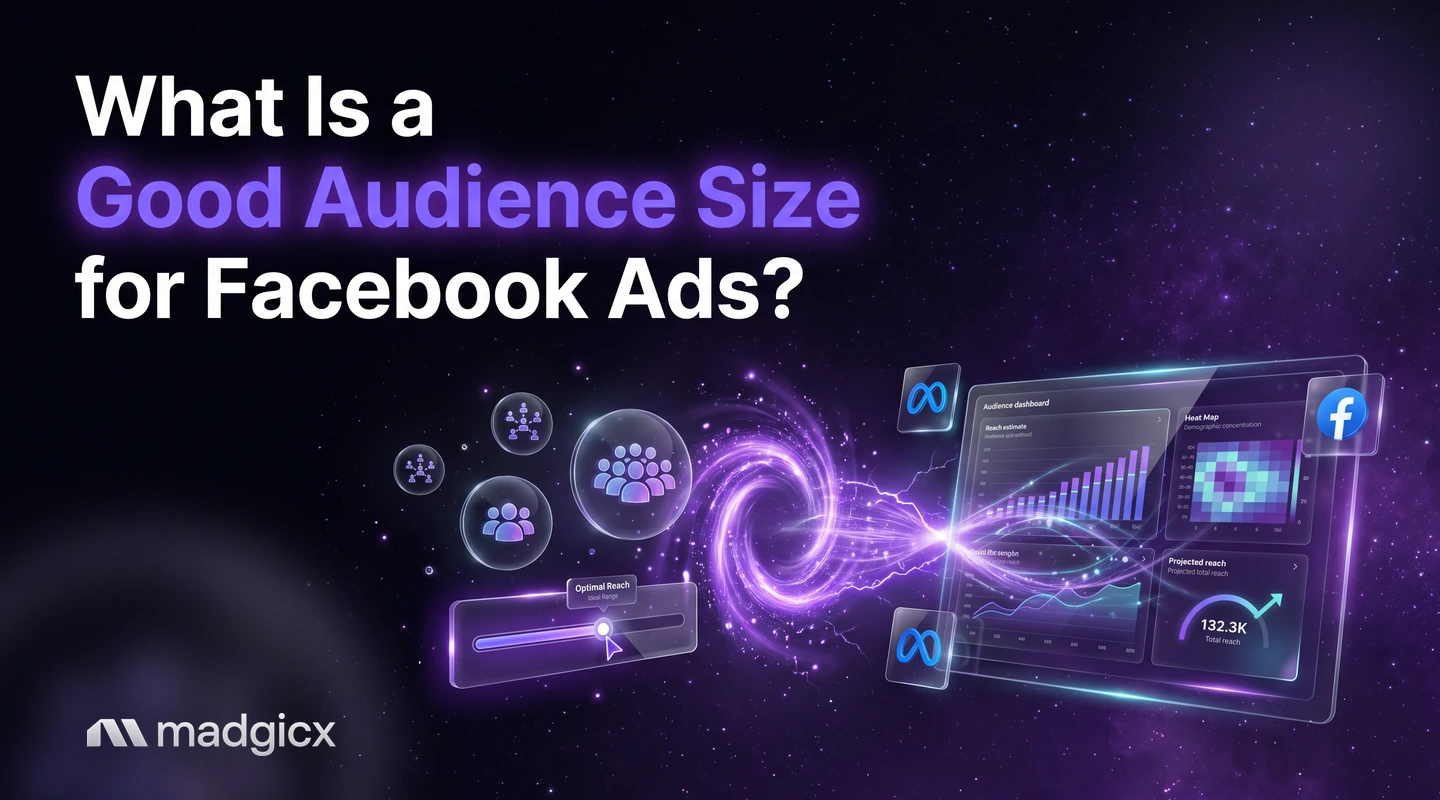
A budget-based rule for choosing a Facebook ads audience size, how Meta estimates it, how to check overlap, and when broad beats narrow.
A good audience size for Facebook ads is one big enough that your budget can reach new people for the whole test without showing the same ad to the same people over and over. There is no single magic number: the right size depends on your daily budget, your cost per result and how many conversions Meta can learn from.
This guide gives you a budget-based rule you can calculate yourself, shows how to check size and overlap in Ads Manager, and explains when broad targeting beats narrow targeting.
Mix lookalikes and interests in Audience Studio and see who responds.
Why audience size matters
Audience size sets how much room your ads have. Too small, and your budget has to keep reaching the same people, so frequency climbs, results slip and cost per result rises. Too large, and you may spend on people who will never buy, especially if your tracking gives Meta little to learn from.
The goal is not the biggest audience or the smallest one. It is an audience that matches what your budget can buy.
How Meta estimates audience size
Before you choose a size, know what the number on your screen means. According to Meta's estimated audience size guide, the estimate generally shows how many Meta Accounts meet the targeting criteria you select while creating an ad. Some details matter when you read it:
- It updates in real time as you change targeting while you build the ad.
- It draws on recent activity. Meta says estimates consider how many Meta Accounts were shown ads across Meta in the past 30 days, along with self-reported demographics such as age and gender and where accounts see ads, such as Facebook Feed or Instagram Stories.
- Many settings change it: location, audience targeting (age, gender, language, custom audiences, detailed targeting), placements and devices, and brand suitability settings.
- It is not a forecast. Estimates may vary over time and should not be read as the number of accounts that will actually view your ads. How many accounts your campaign reaches depends on your budget and performance.
- Advantage+ changes it. When Advantage+ products or other features expand your audience, the estimate does not reflect the total number of accounts that meet your targeting criteria.
- One person is one account. Facebook, Instagram or WhatsApp profiles added to the same Meta Account count together as a single Meta Account.
The size shows in Ads Manager when you create an ad using a custom audience, lookalike audience or saved audience. Meta also says it is not a proxy for monthly or daily active users, or for engagement, so do not compare it with how many people use the platform.
A budget-based rule for audience size
Meta gives no official "ideal" size, so use arithmetic from your own account. Work through three steps.
- Estimate results per day. Divide your daily budget by your recent cost per result. This is how many results the ad set can buy each day.
- Multiply by the test length. This gives the total results you expect before you decide anything.
- Compare with the audience. Because most people who see an ad do not convert, the audience needs to be far larger than your total expected results. If it is only a small multiple of that number, you will saturate it quickly.
An example with made-up numbers. Say you spend $100 a day and your cost per purchase is $20. That is about 5 purchases a day, or about 35 in a week. A buyer pool that small is not something a tiny audience can sustain, since only a small share of the people reached will buy. If the estimated audience size reads in the thousands, you will likely see frequency rise within days.
The cheaper your result and the smaller your budget, the smaller the audience you can run on. As budget grows, widen the audience with it. If you raise spend and keep the same narrow audience, you are buying the same people more often.
Match size to goal
| Goal | Audience size that fits | Why |
|---|---|---|
| Prospecting for purchases | Large, with room to grow as budget grows | Needs many new people to find the few who buy |
| Retargeting site visitors | Small by nature; check it has enough people to spend on | Limited to people who already know you, so a small pool is expected |
| Testing a new interest or lookalike | Mid-size, kept the same across variants | Equal sizes make results comparable |
| Brand awareness | Broad | The aim is reach, not a narrow slice of buyers |
When broad beats narrow
Broad targeting often beats narrow when Meta has good conversion data to work from. Meta's Advantage+ audience guide says the feature uses Meta's AI to find the audience for your campaign instead of you defining it, working from signals such as past conversions, Meta Pixel data and interactions with previous ads. Meta says turning it on can help you reach people you might not have targeted manually, which can lower your cost per result.
Meta reports these cost per result figures: 14.8% lower with the Awareness objective, 9.7% lower with Traffic, Engagement and Leads, and 7.2% lower with Sales and App promotion.
Narrow still wins in a few cases:
- Retargeting. Meta says Advantage+ audience isn't recommended for retargeting campaigns. A defined list of past visitors or customers is the point.
- Few conversion signals. If your pixel records few purchases, the AI has little to learn from, and a well-chosen defined audience can give it a head start.
- A very specific offer. A product for a small group of people may waste budget on a broad audience.
Rather than argue, test it. Meta recommends A/B testing with Advantage+ audience for almost all campaign types. Run broad against your best defined audience with the same creative and budget, and keep what wins on cost per result.
Checking overlap and saturation
Size alone does not tell you whether an audience has room. Two checks do.
Overlap
If several ad sets draw on the same people, the real audience is smaller than the sum of their sizes. Meta's overlap guide says that when ad sets from the same advertiser enter the same auction, Meta enters the one with the best performance history and prevents the others from competing to get shown. To check, go to Audiences in Ads Manager, select up to 5 audiences, then click Actions and Show audience overlap. The data is only useful for audiences with at least 10,000 Accounts Center accounts. Our glossary has a plain definition of audience overlap.
Saturation
Saturation means your audience has seen your ads enough times that results fall. Watch three numbers for each ad set over time: frequency, click-through rate and cost per result. Frequency up with click-through down and cost per result up usually means the audience is used up. The fix is a larger audience, fresh creative, or both.
Lookalike and interest sizes
You control size differently depending on the audience type.
Lookalike audiences
For a lookalike, you set a percentage range. Per Meta's lookalike audience guide, smaller percentages match your source audience more closely, while larger percentages create a bigger, broader audience. So a tight lookalike is a smaller and closer audience, and a wide one gives more reach with a looser match. Start with a mid-range, then test a tighter and a wider version in separate ad sets. Meta also notes that a source made from your best customers may give better results than one that includes all your customers.
Interest audiences
For interests, size follows what you add. Each added interest or other detailed targeting option changes the estimate. Check the number as you build, and prefer a few related interests per ad set over a long mixed list, so you can tell what is working.
Fixing an audience that is too small
If the estimate is low or frequency is climbing, work down this list from least to most disruptive.
- Widen the location if your business can serve more areas.
- Loosen demographics such as a tight age range, unless the product needs it.
- Remove narrowing layers in detailed targeting, so people only need to fit one option.
- Add a wider lookalike range or a second lookalike from a different source.
- Try Advantage+ audience in a test ad set. Remember its estimate will not show the full number of people it can reach.
- Refresh the creative. A small audience can last longer when the ads change before people tire of them.
Cut overlap at the same time. Merging ad sets that target the same people can free up delivery without changing any size at all.
Build and size audiences with Madgicx
Madgicx has three tools for this job. Audience Studio mixes lookalikes and interests into one audience, so you can build bigger, better-defined groups than a single type gives you. Prebuilt and AI audiences launch in a few clicks, so you can test new options without building each by hand. And audience insights show who your ads actually reach and who responds, which tells you whether a size is working.
With AI Marketer, you also get recommendations prepared from your own account, which you review and approve before anything changes.
FAQ
What is a good audience size for Facebook ads?
One large enough that your budget can reach new people for the whole test without frequency climbing. Divide your daily budget by your cost per result to see how many results you can buy per day, then make sure the audience is far larger than the number of buyers you expect.
Is a bigger audience always better?
No. A bigger audience gives Meta room to find buyers, but it only helps if Meta has enough conversion signals. Meta recommends A/B testing Advantage+ audience for almost all campaign types, so test broad against your best defined audience.
Is estimated audience size the number of people who will see my ad?
No. Meta says estimates should not be read as the number of Meta Accounts who will actually view your ads. How many your campaign reaches depends on your budget and performance.
How do I check audience overlap on Facebook?
Go to Audiences in Ads Manager, select up to 5 audiences, then click Actions and Show audience overlap. Meta says the data is only useful for audiences with at least 10,000 Accounts Center accounts.
What lookalike percentage should I use?
Meta says smaller percentages match your source more closely and larger ones are broader. Test a tight and a wide range in separate ad sets with the same ads and keep the one with the lower cost per result.
What do I do if my audience is too small?
Widen the location, loosen demographics, remove narrowing layers, add a wider lookalike range or test Advantage+ audience. Also merge ad sets that overlap and refresh your creative.