What Facebook ad software a startup needs at $1,000 and $10,000 a month, how SaaS lead gen differs from e-commerce and when to cancel a tool.
A startup spending its first $1,000 a month on Facebook ads needs a tool that is cheap, quick to set up and shows what to change. Start with a 7-day free trial of Madgicx, which prices plans by monthly ad spend from $45 a month, and add other tools only when a specific job demands one.
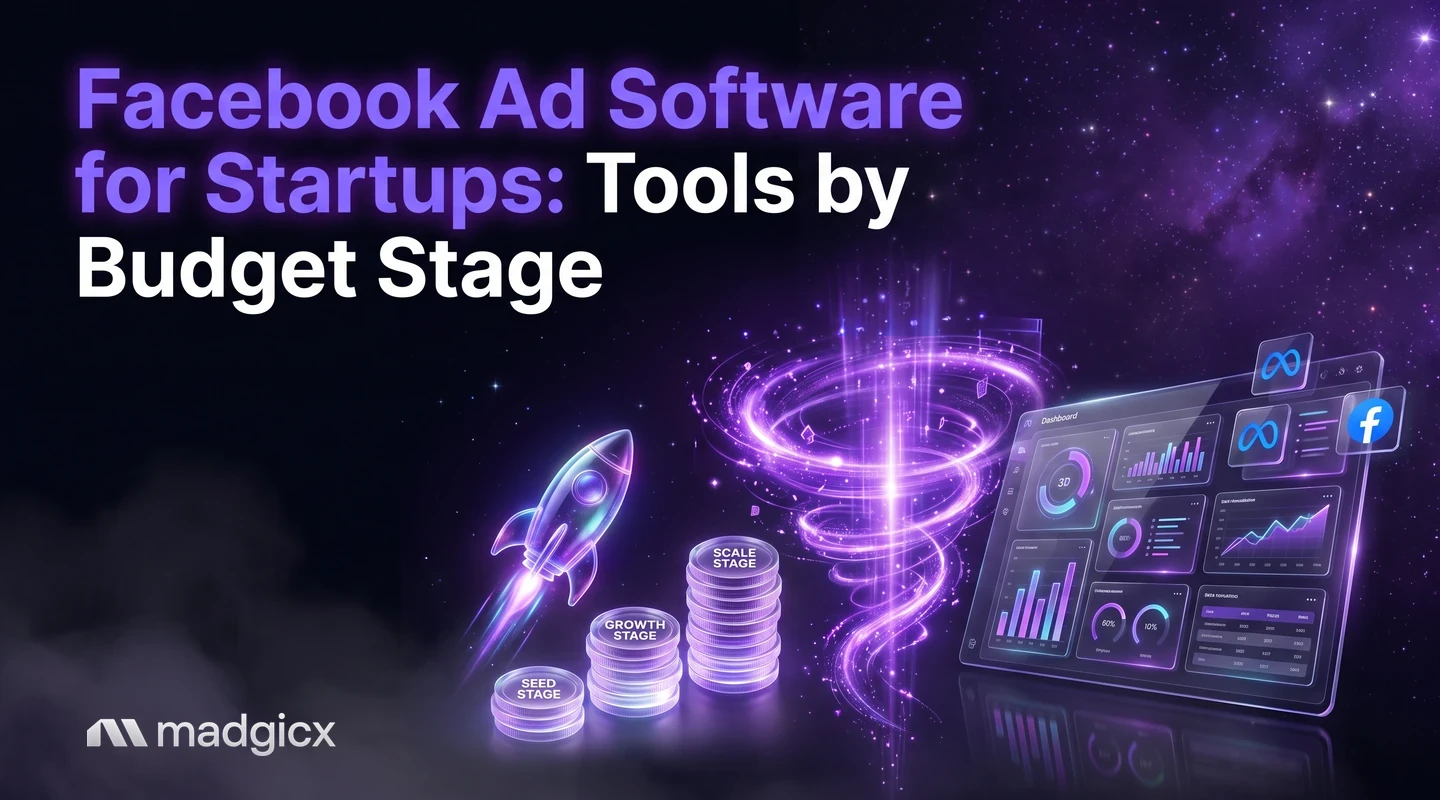
What you need changes with your budget. This guide gives a startup stack by stage (your first $1,000 a month, your first $10,000 a month and growth), covers how SaaS lead generation differs from e-commerce, and ends with a rule for when to stop paying for a tool. Prices were checked in November 2026.
Try Madgicx on your own Meta ad account for 7 days.
What a startup needs from ad software
A startup has little money, little time and no history in the ad account. Software earns its place by doing one of five jobs:
- Set up campaigns without learning every Ads Manager setting.
- Make creative when you have no designer.
- Show what is working so you cut waste early.
- Track conversions so Meta can optimize on real results.
- Report to a founder, an investor or a client.
Match tools to the jobs you do each week, and ignore the rest. Plan your budget first: our ad budget calculator helps you set a monthly number to build the stack around.
Madgicx first: the 7-day free trial and what to test
Madgicx is an AI advertising platform for Meta ads. Plans are priced by monthly ad spend and start at $45 a month, so a small account pays a small price, and extra ad accounts cost $9 each. You can try it free for 7 days. See the pricing page for the price at your spend.
Use the trial to test four things on your own account:
- AI Marketer: connect your ad account and read the daily recommendations it prepares. You complete or dismiss each one.
- Copilot: ask plain-language questions about your own numbers and get answers with charts. It can also create campaigns, ad sets and ads in your Meta account, with copy written for you, and everything it creates is paused until you switch it on.
- AI Ad Generator: make image ads from a prompt, an image or an ad in the Meta Ad Library.
- Madgicx Cloud Tracking: it sends conversions to Meta from the server, so Meta sees and attributes more of them. It is also sold on its own.
Madgicx optimizes Meta (Facebook) ads only. If your first channel is Google or LinkedIn, pair it with a tool for that channel.
Stage 1: your first $1,000 a month
At $1,000 a month, you are learning what works, so you want signal, not a stack. Keep it to one platform and one creative tool at most.
| Job | Option (as of November 2026) | Cost |
|---|---|---|
| Campaigns, recommendations, copy, image ads | Madgicx | From $45 a month, priced by ad spend; 7-day free trial |
| Hands-on campaign builder with split tests | AdEspresso Starter | $49 a month, up to $1,000 of ad spend; 14-day free trial |
| Image and video ads with a score before launch | AdCreative.ai Starter | $39 a month (20 credits, 1 brand, 1 user); 7-day free trial with 20 credits |
| Store, ad and email numbers in one dashboard | Triple Whale | A free plan for up to 10 users, with 12 months of data and limited AI use |
Your plan at this stage is to test creative, not tools. Run a few ads, learn which angle gets results, and let a platform such as Madgicx point out what to pause. AdEspresso Starter tops out at $1,000 of monthly ad spend, so it is a short stop if you plan to grow. AdCreative.ai charges credits when you download an ad, so it fits when creative is your bottleneck.
Stage 2: your first $10,000 a month
At $10,000 a month, time becomes the constraint. You launch more ads, check more numbers and may add a teammate.
- Keep your main platform. Madgicx's plan follows your ad spend, so check the pricing page at the new level. Rules in Madgicx Automation run on your Meta campaigns around the clock, on the conditions you set.
- Read your creative results. Creative Insights shows which creatives win and flags creative fatigue, so you know when to refresh.
- Fix tracking. If Meta sees too few of your conversions, it optimizes on less data. Madgicx Cloud Tracking sends conversions from the server.
- Add a store dashboard if you sell online. Triple Whale prices its paid plans by your store's annual revenue, and its price grows as the store grows.
- Watch your team size. AdEspresso Plus is $99 a month with no spend limit and up to 15 seats.
Optmyzr starts at EUR 209 a month billed annually and is built first for Google Ads, with Meta tools on every plan. It is a fit when you run Google and Meta together. For a Meta-only startup, it is more tool than you need at this stage.
SaaS lead gen versus e-commerce
The goal differs, so the tools do too.
| SaaS and lead generation | E-commerce | |
|---|---|---|
| What the ad drives | A form fill, a demo request or a trial start | A purchase on your store |
| What to track | Lead quality after the form, not only the lead count | Purchases and revenue by ad |
| Where tools help | Fast creative testing, lead follow-up in your CRM | Server-side tracking, creative analysis, store dashboards |
| Madgicx fit | Creative testing and recommendations; Cloud Tracking for events | Creative Insights, Cloud Tracking and One-Click Report with Shopify data |
For lead generation, Meta's Help Center on lead ads says they come in three types: lead ads with calling, with an instant form and ones that click to message. Instant forms can include custom questions, and after a form is submitted you can download the leads from Ads Manager or Leads Center, or connect to a CRM system. For a SaaS startup, the CRM connection is the important part, because it lets you see which ads produce leads that become customers.
One rule to know: for housing, employment or financial products and services based in or aimed at the US or Canada, you may not collect certain information in lead ads, such as age, gender, marital status or location details like street address. Check Meta's rules for your category.
For e-commerce, the numbers that matter are purchases and revenue, so tracking comes first. Our guide to Meta ad tools for a tight budget covers more options at low spend.
Other tools by job
| Job | Tool | What it does |
|---|---|---|
| Meta ads platform | Madgicx | AI recommendations you approve, campaign creation in chat, image ads, creative analysis, rules, reporting and server-side tracking |
| Manual builder and split tests | AdEspresso | Builds Facebook and Instagram campaigns by hand with a spreadsheet tool called Grid Composer for many ad variations. We saw no AI features on its pages |
| Creative generation and scoring | AdCreative.ai | Makes images, video and ad text, scores ads before you spend on them and shows competitors' best ads. It does not describe building campaigns |
| Rules and reports, Google first | Optmyzr | A Rule Engine, a Rapid Campaign Launcher and reports, with Meta tools on every plan |
| Store and ad dashboard | Triple Whale | Store, ad and email data in one place with an AI chat; built for e-commerce brands |
For longer lists, see the best marketing software and the best ad management software.
When to stop paying for a tool
- You have not opened it in two weeks. Cancel it. You can come back.
- It does a job you now do faster by hand.
- Two tools overlap. Two dashboards and two creative tools are one too many for a small team.
- It hits a limit before you do. AdEspresso Starter stops at $1,000 of ad spend, so you either upgrade or switch.
- Its price grows faster than your results. Triple Whale's paid price rises with store revenue, and 4 of the 10 recent G2 reviews we read name that growth as the main complaint, so check your price at twice your revenue.
A seven-day plan for your first trial
A trial only helps if you use it. Here is a simple way to spend the 7 days on Madgicx with a small budget.
- Day 1: connect and check tracking. Connect your Meta ad account and ask Copilot to check your dataset quality, so you know Meta is receiving the conversions you care about.
- Days 2 and 3: make creative. Generate a handful of image ads with the AI Ad Generator, starting from your own product image or from an ad you like in the Meta Ad Library.
- Day 4: build the campaign. Ask Copilot to create the campaign, ad sets and ads with copy written for you. Review everything while it is paused, then switch it on.
- Days 5 to 7: read and decide. Open AI Marketer, complete or dismiss the recommendations and note which ones you would have missed yourself.
At the end, write down two numbers: what the tool found that you did not, and how many hours it saved. If both are small, the plan fee is not worth paying yet. If either is large, you know which plan to look at.
Start your stack with a free trial of Madgicx
You do not need a full stack to start. Connect your Meta ad account to Madgicx, read what AI Marketer recommends, make a few image ads and check your tracking, then decide what else you need based on what you saw. The trial lasts 7 days.
FAQ
What Facebook ad software should a startup use?
Start with a Meta-focused platform you can try before paying. Madgicx has a 7-day free trial and plans from $45 a month priced by ad spend. Add a creative or dashboard tool only when a specific job needs one.
Is Facebook ad software worth it at $1,000 a month?
It can be, if it saves you time or cuts waste. Compare the monthly fee with the hours it saves and the spend it recovers. A tool at $45 a month is 4.5% of $1,000.
What is the best Facebook ad software for SaaS?
SaaS runs on lead quality, so look for creative testing, recommendations and a CRM connection to see which ads bring leads that become customers. Meta's lead ads can send leads to a CRM system.
Do e-commerce startups need different tools than SaaS?
Yes. E-commerce startups track purchases and revenue, so server-side tracking, creative analysis and store dashboards matter most.
Are there free ad tools for startups?
Some third-party tools have free plans, such as Triple Whale's for up to 10 users with limited AI use. Madgicx is free to try for 7 days.
When should a startup add a second tool?
Add one when a job takes more of your time than the tool costs, and the platform you already use does not do it. Drop it if you do not open it for two weeks.