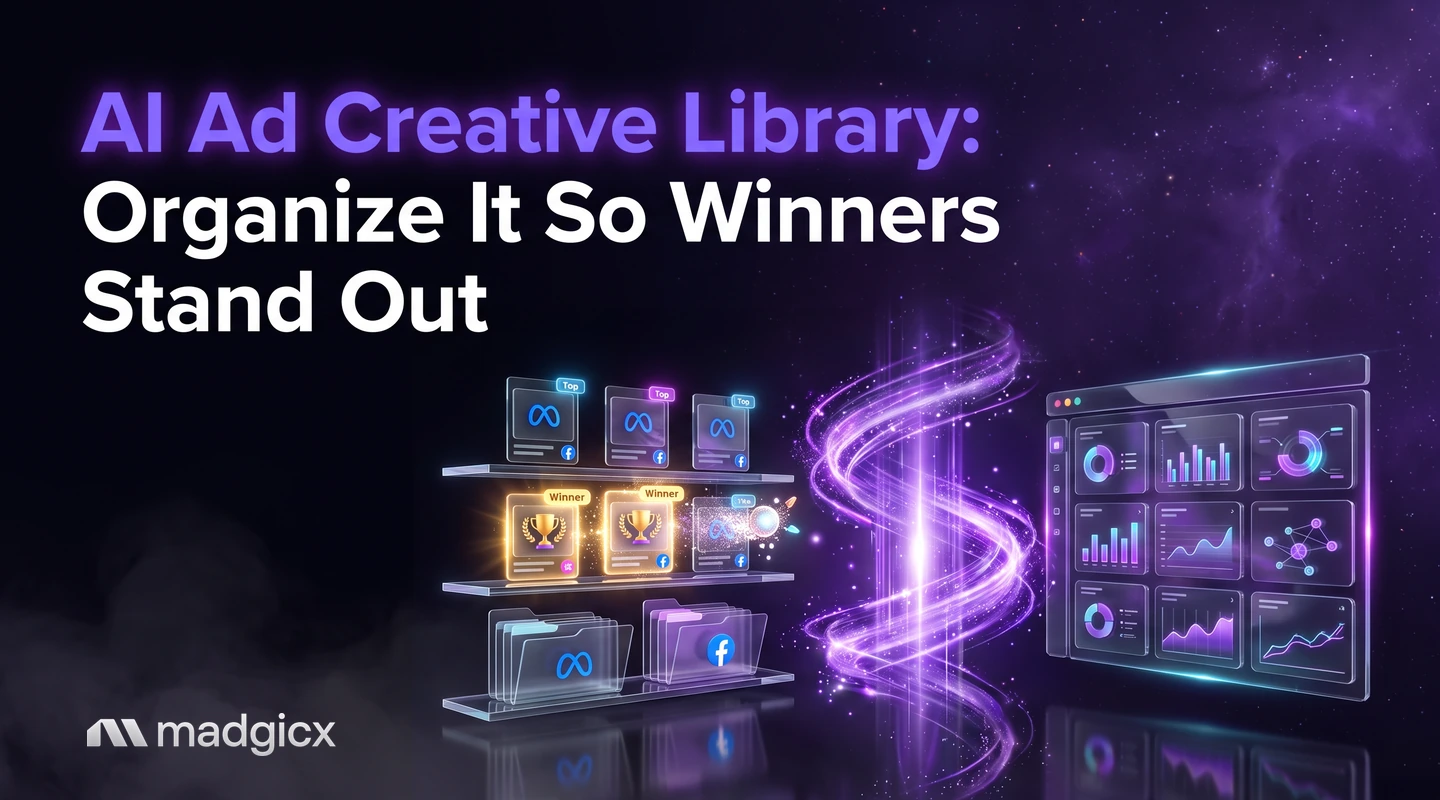
How to organize an ad creative library with AI: five tags worth keeping, a winners view with numbers, fatigue status and a one-week setup plan.
An AI ad creative library is a searchable record of every ad you have made, with a few consistent tags and live results attached, so you can see at a glance which creatives win. You do not need a months-long build: five tags, an AI breakdown of each creative, a winners view and a status field are enough for a small team.
The reason most libraries fail is that they start as a folder of files. Files tell you what you made; they do not tell you what worked. This guide shows the smallest setup that does, and how to let AI do the tagging instead of doing it by hand.
Creative Insights shows what makes winners win and flags fatigue.
Why creative libraries turn into folders
A library that is just folders has three problems. The files are named by date or by whoever uploaded them, the results live in a different tool, and nobody agrees on what a "hook" or a "winner" is. Six months later, finding the best-performing testimonial video means opening twenty ads in Ads Manager and guessing.
Big teams fix this with a long taxonomy project: dozens of tags, scoring rules by campaign goal and a dedicated owner. That is a sensible answer for a large team and an unrealistic one for a founder, a two-person in-house team or a small agency. The fix for a small team is the opposite: fewer tags, filled in by AI, tied to numbers.
Let AI break down each creative
Tagging by hand is where small teams give up. You have two hundred existing ads, and nobody wants to watch each video and type five values. This is the part AI does well: it reads an image or a video and describes the hook, the proof and the format, then you correct the few it gets wrong.
Madgicx Creative Insights breaks down every creative, video included, to show what makes winning ads win. A newer version of Creative Insights adds AI tags for hook, proof, format and production style, which map straight onto the tag set above. It's in beta; contact our support team to get beta access.
Whatever tool you use, run this routine for the backlog:
- Export or list the ads that spent money in the last six months. Skip anything that never got delivery.
- Let the AI tag them all in one pass.
- Review a sample of twenty. If it gets the hook right most of the time, trust it and fix the rest as you meet them. If not, tighten your tag values.
- Apply the same tags to every new ad before it launches, so the backlog is the last time you tag in bulk.
Build a winners view with data attached
A winners view is one screen that lists your best creatives with their numbers next to them. Without the numbers it is a mood board. With them, it is a briefing for the next round of ads.
Define "winner" before you look, using the result you actually pay for: cost per purchase or return on ad spend for a store, cost per lead for lead generation. Then show these columns:
| Column | Why it is there |
|---|---|
| Creative preview | You recognize the ad without opening it |
| Tags (hook, proof, format) | Shows the pattern behind the result |
| Spend | Separates a real result from a lucky one |
| Your main result (CPA or ROAS) | The reason it is called a winner |
| Click-through rate | Shows whether the hook earns attention |
| Days live | Tells you how long it has held up |
| Status | Winner, testing, fatigued or retired |
Then group by tag. The useful question is not "which ad won?" but "which hook wins across ads?" If three of your top five creatives open with a customer review, the next brief writes itself. To compare your own results with market norms before you call something a winner, see the Madgicx Meta ads benchmarks.
Track fatigue and status
Winners do not stay winners. A creative that carried your account in September can drift in November as the same people see it again. The status field is how the library stays honest: when a winner slows down, mark it fatigued and move it out of the winners view.
Look at three signs together rather than one: results getting worse for the same ad, click-through rate falling, and cost per thousand impressions rising. Any one of them can be noise; all three moving the wrong way usually is not. Creative Insights flags creative fatigue so you know when to refresh, and the guide to checking Facebook creative fatigue with AI shows how to ask for it in plain language.
For what to do next, preventing Meta creative burnout covers refresh habits. A fatigued winner is often worth remaking: keep the hook and proof, change the visual.
Use other brands' ads as input, not as a template
A library should hold ideas as well as your own ads. Meta's Ad Library lets you search all the ads currently running across Meta technologies by keyword or advertiser, and an ad appears there within 24 hours of its first impression. Save the ones that fit your tags and tag them the same way, so you can compare their hooks with yours. Our guide to using the Meta Ad Library for creative research walks through the search.
Connect it to bulk launching
A library only pays off if it feeds the next batch of ads. Close the loop: take the top hook and the top proof from your winners view, brief several new versions, tag them before launch and push them live together.
Launching many ads one by one is the step teams skip. Madgicx's Ad Launcher launches ads in bulk, so a round of ten new versions does not cost a day of clicking. If you need ideas for producing that many versions, read how to scale creative production with AI, and for a wider look at tools that analyze creatives, see AI ad creative analysis tools.
A one-week setup plan
- Day 1: Pick the five tags and write down the allowed values. Define what a winner is for your account.
- Day 2: List the ads that spent in the last six months and decide which to keep.
- Day 3: Run the AI tagging pass and review a sample of twenty.
- Day 4: Build the winners view with the columns above and set the status for each ad.
- Day 5: Rename live ads with the naming pattern and agree the pattern for new ones.
- Day 6: Write the next brief from the top hook and proof, and produce the first versions.
- Day 7: Launch the batch, and put a recurring weekly slot in the calendar to review fatigue and update statuses.
After that, the upkeep is small: tag new ads before launch, update statuses weekly and move fatigued winners out of the view.
Organize your creative library with Madgicx
You can do most of this in a spreadsheet, but the pain is keeping results current. In Madgicx, Creative Insights breaks down every creative and shows what the winners have in common, and it flags fatigue so the status field stays current. The AI Ad Generator makes new image ads from a prompt, an image or any ad in the Meta Ad Library, and Ad Launcher puts the new batch live. For wider context on the tools in this space, see our roundup of the best AI tools for Meta ad creatives.
Try Madgicx free for 7 days and tag your first ten winners.
FAQ
What is an ad creative library?
It is an organized record of your ads, with consistent tags and live results next to each one. It answers "which hooks, angles and formats work for us?" instead of just storing files.
How many tags should an ad creative library have?
Start with five: format, hook, angle, proof and production style, plus a status field. Add a tag only when it changes a decision you make.
Can AI tag my existing ads?
Yes. AI can read images and videos and describe the hook, proof and format, which saves hand-tagging a backlog. Review a sample and correct the misses.
How do I find my winning ads quickly?
Define a winner by the result you pay for, such as cost per purchase, then build one view that shows spend, that result, click-through rate and tags for each ad. Sort by result and group by hook.
How often should I update the library?
Tag new ads before they launch and review status once a week. Fatigue shows up gradually, so a weekly check catches it before spend is wasted.