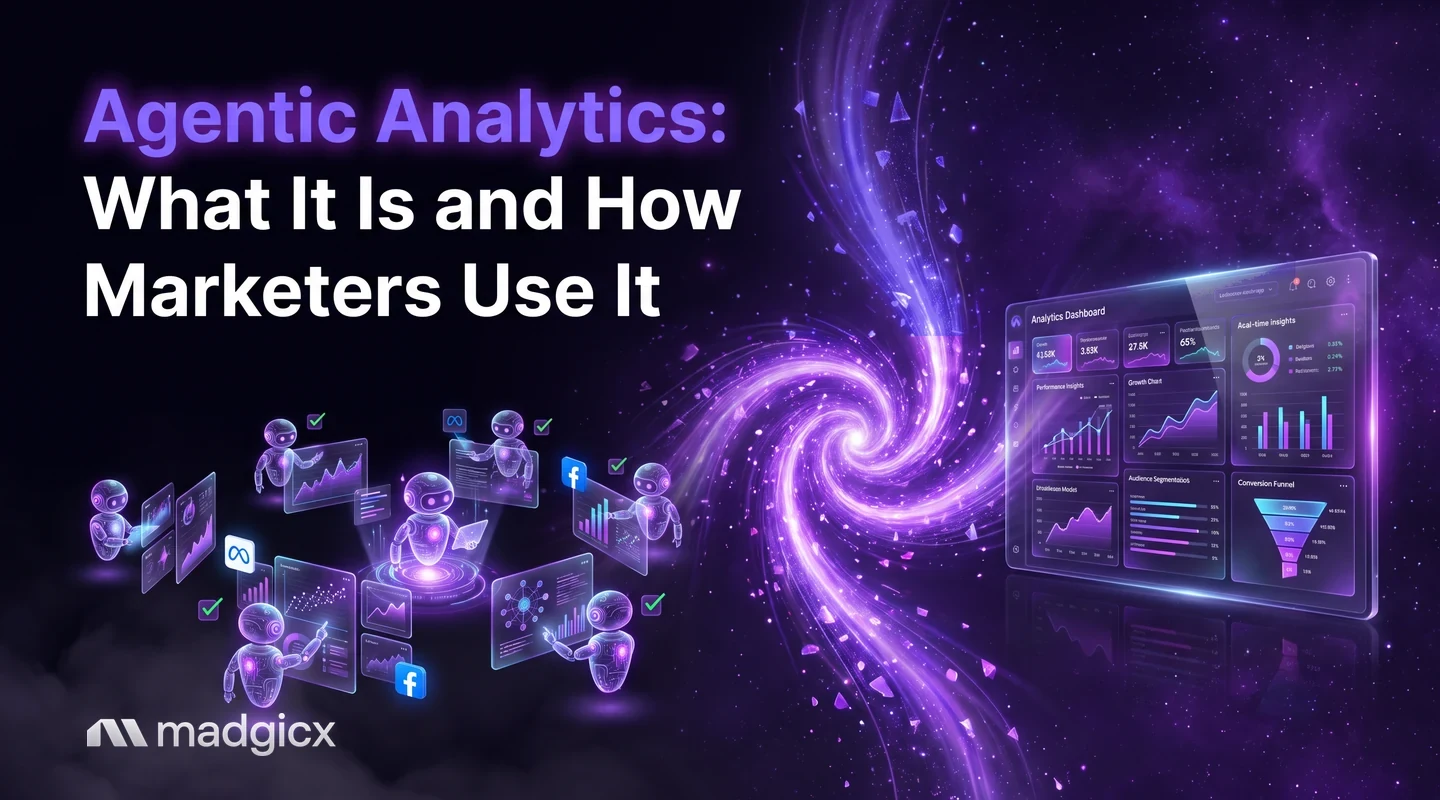
Agentic analytics is AI that investigates your data and prepares the next step. See how it works for Meta ads, what to keep human and how to start in a week.
Agentic analytics is analytics where an AI does the analysis work for you: it reads your data, finds what changed, explains why and prepares the next step, instead of waiting for you to build a chart and interpret it. For Meta ads, that means an assistant that can answer "why did cost per purchase jump on Tuesday?" from your own account data and suggest what to do about it.
It is different from a dashboard, which shows numbers, and from a plain chatbot, which answers questions but stops there. The useful version still keeps you in charge: you review the numbers, approve the actions and decide what the business needs.
Get answers from your own Meta ad data, and approve changes yourself.
Agentic analytics in one paragraph
Traditional analytics has three steps, and a person does all three: pull the data, spot the pattern, decide what to do. Agentic analytics hands the first two steps, and part of the third, to AI. You state a goal ("keep cost per purchase under $30") or ask a question, and the system pulls the numbers, checks them, explains what it found and proposes an action. A human approves before anything changes.
Vendors define the term in different ways, so treat this as a working definition: AI that investigates your data and prepares actions, with a person approving. What matters in practice is not the label but whether the tool shows its numbers, explains its reasoning and waits for your approval.
How it differs from dashboards and chatbots
| Approach | What it does | What you still do |
|---|---|---|
| Dashboard | Shows the numbers you set it up to show | Spot the pattern, work out the cause, decide the action |
| Chat with your data | Answers a question you ask, in plain language | Know which questions to ask, then decide the action |
| Agentic analytics | Investigates a goal or question, explains the cause and prepares an action | Review the numbers and approve or reject the action |
The line between the second and third rows is blurry, and vendors draw it differently. A good test is whether the tool does the next step of work, not just the next answer.
What it looks like for Meta ads
Here are four tasks where an AI that works on your own account data saves real time.
- Explaining a change: "Why did my ROAS drop last week?" The assistant compares periods, then points to the campaign, ad set or ad that moved.
- Building a report: ask for a weekly summary by campaign instead of assembling the table yourself.
- Checking data quality: confirm your events and tracking data are sound before you trust any result.
- Preparing budget changes: the assistant proposes moving budget from a weak ad set to a strong one and waits for your approval.
For background on the Meta side of ad analytics, see our guides to Meta analytics and ad analytics.
Questions to ask an analytics assistant
The quality of the answer depends on the question. These prompts work for most Meta ad accounts:
- "Compare this week with last week and list the three biggest changes in cost per purchase."
- "Which ads spent more than the account average but returned less than it?"
- "Are any of my ads showing falling click-through rates over the last 14 days?"
- "Is my conversion data complete? Check for missing or duplicated events."
- "Draft a one-page summary of last month for a client, with the main reason results moved."
Notice what these have in common: a date range, a metric and a decision the answer should support. Vague questions such as "how are my ads doing?" get vague answers.
What to keep human: approvals and checks
Analytics that can act needs rules about what it may do. Use this split:
- Let it read freely: pulling data, comparing periods, drafting summaries.
- Make it ask first: anything that changes spend, such as budgets, bids, pausing or starting ads.
- Keep for yourself: the goal, the offer, the margin and the decision about what counts as a good result.
An assistant knows your account data. It does not know that you are running a sale next week or that a product is going out of stock. That context is yours, and it is why approvals matter.
How to check an agent's numbers
Treat every AI answer like a junior analyst's work: useful, and worth checking. Run this list before you act on a result:
- Check the date range and account. Most wrong answers come from the wrong window or the wrong ad account.
- Spot-check one number in Ads Manager. Pick spend or results and compare it with the source.
- Ask for the calculation. A good tool shows how it got the answer, such as the numerator and denominator of a rate.
- Check the tracking behind the answer. If your conversion events are missing or duplicated, every answer built on them is off.
- Look at the sample size. A conclusion drawn from a handful of conversions is a guess.
- Review the action, not just the insight. Read what the tool wants to change and by how much before you approve it.
- Log what you approved. A one-line note makes it easy to undo and to learn from.
Where agentic analytics goes wrong
- Confident wrong answers: an assistant can state a cause that fits the data but is not the real one, such as blaming creative when tracking broke.
- Missing context: it cannot see a sale, a stock-out or a new offer unless you tell it.
- Too much trust too soon: approving changes before you have checked a few answers against Ads Manager.
- Unclear scope: if you cannot say what the tool may change, assume it should change nothing without asking.
How to start in a week
- Day 1: write down the three questions you ask about your ads every week.
- Day 2: connect one ad account and check the data against Ads Manager.
- Days 3 and 4: ask those three questions in plain language and compare each answer with your own check.
- Day 5: have the tool prepare one change, such as a budget move, and approve or reject it yourself.
- Days 6 and 7: note what was right, what was wrong and what you would automate next.
By the end of the week you will know which questions the tool answers well, which it gets wrong and where your own checks still matter. That tells you how much to trust it next month. Start read-only and add approvals for changes only once the answers match your own checks.
Use agentic analytics on your Meta ads with Madgicx
Madgicx puts this approach in three places:
- Copilot: an AI assistant built into every page of the app. You ask about your ad account and get answers from your own data, with charts. It can also run dataset quality checks. Changes such as pausing, duplicating or changing budgets run through approval cards, so nothing changes until you say so.
- AI Marketer: Madgicx's AI media buyer for Meta ads. It audits your account and prepares daily recommendations that you complete or dismiss.
- Madgicx MCP for Meta ads: a connector that lets you analyze Meta ad accounts from Claude, ChatGPT or another AI assistant you already use.
For more on how these ideas apply to advertising, see our answers on agentic advertising on Meta and the agentic marketing platform.
FAQ
What is agentic analytics?
Agentic analytics is analytics where an AI investigates your data, explains what changed and prepares the next step, instead of only showing charts or answering one question at a time. A person reviews and approves before anything changes.
How is agentic analytics different from business intelligence?
Business intelligence shows the numbers you set it up to show, and you work out the cause. Agentic analytics goes further by looking for the cause and proposing an action.
Can AI analyze my Facebook ads data?
Yes. Madgicx's Copilot answers questions from your own ad account data with charts, and the Madgicx MCP lets Claude, ChatGPT or another AI assistant analyze it as well. Check the numbers against Ads Manager before you act on them.
Should AI be allowed to change my ad budgets?
Only with your approval. In Madgicx, budget changes and pausing or duplicating ads run through approval cards you confirm first.
How do I know an AI's numbers are right?
Check the date range and ad account, spot-check one figure against Ads Manager, ask how it was calculated and confirm your conversion tracking is sound.