Instant Experience ads explained: how they differ from carousels and landing pages, the specs Meta lists, and how to judge results fairly.
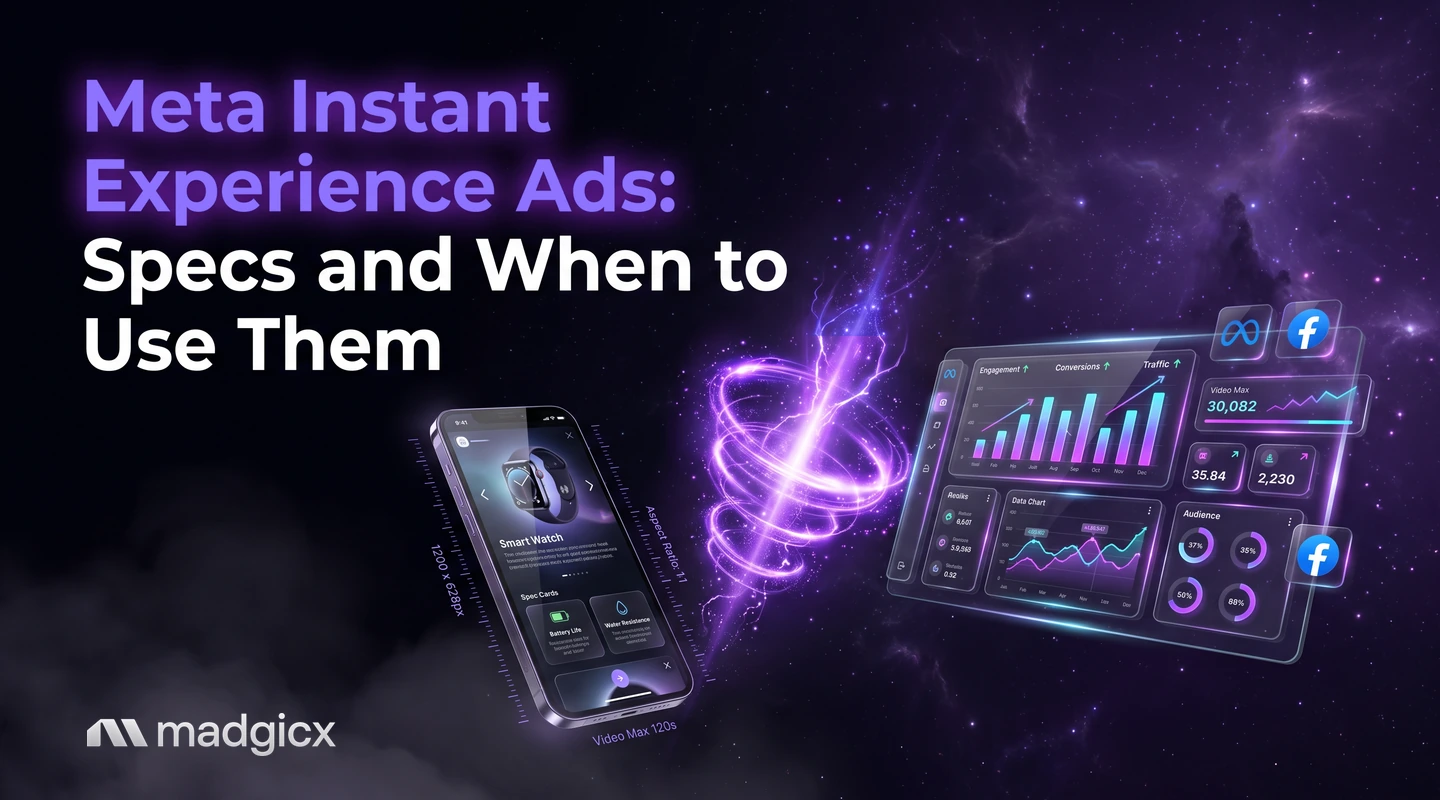
An Instant Experience is a full-screen experience that opens when people tap your ad on a mobile device. It works with every ad format (single image, video, carousel and collection), and you build it from a template or from scratch with your own images, videos, products, text and buttons.
Use one when a person needs more than one screen of information before they act, such as browsing several products or watching a video before a tap to your site. Use a carousel or a plain landing page when the next step is simple. The sections below give you a decision table, what Meta says about specs, and how to judge results fairly.
Creative Insights shows what wins; Ad Launcher launches the variants.
What Instant Experience ads are
According to Meta's guide to Instant Experience, you can create a custom experience or choose among multiple templates. You guide people through it with descriptive text, creative elements, buttons and links. Inside one, people can watch videos, swipe through carousel photos, view products from your catalog, explore images with tagged products and tap buttons to visit web pages.
A few more facts from Meta that shape how you use it:
- You can connect your catalog with select templates to use more features.
- You can link 2 or more Instant Experiences together to add more content to one ad.
- The placements available depend on your ad format and Instant Experience components.
- Starting in June 2025, Instant Experiences no longer count as a landing page view.
Canvas is the previous name for this format, so older guides that talk about Canvas ads are describing the same thing. Collection ads are built on it: according to Meta's collection ads documentation, the in-feed ad features three products under a hero image or video and opens into a full-screen Instant Experience.
How they differ from carousel ads
| Question | Carousel ad | Instant Experience |
|---|---|---|
| What the viewer gets | Cards they swipe through in the ad | A full-screen page that opens on tap, with videos, carousels, products and buttons |
| Where the viewer stays | In the ad until they tap through | Inside the experience until they tap a button to a web page |
| Build effort | Upload the cards | Pick a template or build custom, then write each element |
| Reading results | Cost per result, like any ad | Adds Instant Experience view time and view percentage |
The two are not rivals, because Meta says an Instant Experience works with carousel ads too. The real choice is whether people should leave the ad for a page, or stay in a full-screen space that you build inside Meta.
When Instant Experience beats a carousel or landing page
| Your situation | Start with | Why |
|---|---|---|
| One product, one offer, a fast checkout page | Landing page | The next step is one tap, so extra screens only delay it |
| A few products or a short story | Carousel | The build is quick and the ad stays simple |
| A catalog to browse, and a mobile-first audience | Instant Experience or collection ad | People browse products in a full-screen space without a page load |
| A product that needs a video and a few details first | Instant Experience | You can combine video, images and buttons in one flow |
| Your site loads slowly on phones | Instant Experience | It opens inside Meta, so the first screen does not depend on your site |
That last row is a judgment, not a Meta claim. Test it with your own numbers. For a wider view of the formats, see our answer on the types of ad creative on Meta.
How to build one in Ads Manager
The exact clicks change as Ads Manager changes, so we have not written screen-by-screen steps. Meta's help center is the place to follow them. What stays the same is the order of decisions:
- Choose the ad format first. Single image, video, carousel or collection. The placements you can use depend on this choice and on the components inside the experience.
- Pick a template or build custom. Templates give a fixed layout that you fill with your own images, videos, products, text and links. That is the faster route.
- Connect your catalog if you sell products and pick a template that supports it.
- Add the content people need in order: an image or video that matches the ad, a short line of text, the products or details, then a button to the page where the action happens.
- Check it on a phone before you publish, because the experience opens on mobile devices.
Specs and common build mistakes
Meta publishes few fixed numbers for a custom Instant Experience, because the layout depends on the template and components you choose. Here are the ones we could confirm for collection ads, which include an Instant Experience:
| Item | What Meta says |
|---|---|
| Products in the in-feed ad | Three, under a hero image or video |
| Thumbnails | Four are required |
| Types | Image-based and video-based, depending on the asset you provide |
| Placements | Facebook Feed, Facebook Reels, Instagram Feed and Instagram Stories |
| Objectives | Traffic, Conversions, Product Catalog Sales, Store Visits, Brand Awareness and Reach |
For other sizes, check the spec page for the format you pick, and our Facebook ad size and specs guide. Common mistakes come from the design, not the specs:
- Too many screens. Every extra element is one more reason to leave. Cut anything that does not help the next tap.
- A mismatch with the ad. The first screen should continue what the ad promised.
- No clear button. People tap buttons to visit web pages, so give each screen one obvious next step.
- Judging it as a landing page. See the next section.
How to measure it and what to test first
Judge an Instant Experience on cost per result, the same as any other ad. Two Meta facts change how you read the rest:
- Instant Experiences no longer count as a landing page view, as of June 2025. A drop in landing page views after you add one does not mean fewer visitors.
- The metrics include Instant Experience view time and Instant Experience view percentage, which show how far people got inside the experience.
Because the build costs more than a carousel, set a bar before you start. Work out the cost per result you need to break even with our break-even ROAS calculator, then compare the experience against a carousel and a landing page ad at the same budget. If you are unsure which return metric to use, ROAS vs. ROI explains the difference.
A good first test order:
- Instant Experience against a carousel, same product, same audience, same budget.
- The winning one against a landing page ad.
- Template against custom build, only if the first test shows promise.
Test your formats side by side with Madgicx
Madgicx fits at the measurement step. Creative Insights shows what makes your ads win, so you can see whether the creative inside an Instant Experience, a carousel or a static ad is doing the work. The Ad Launcher helps you launch the carousel and static variants you test against it.
FAQ
What are Meta Instant Experience ads?
An Instant Experience is a full-screen experience that opens when people tap your ad on a mobile device. It works with single image, video, carousel and collection ads.
Is Instant Experience the same as Canvas?
Yes. Meta's documentation says Canvas is the previous name for the Instant Experience format.
Are Instant Experience ads better than carousel ads?
Not by default. A carousel is quicker to build and keeps the ad simple. An Instant Experience fits a browsing flow, and it works with carousel ads too, so test them against each other.
Do Instant Experiences count as landing page views?
No. Meta says that starting in June 2025, Instant Experiences no longer count as a landing page view.
What metrics does an Instant Experience have?
Meta lists Instant Experience view time and Instant Experience view percentage, along with other metrics.
Can I link more than one Instant Experience together?
Yes. Meta says you can link 2 or more Instant Experiences to add more content to one ad.