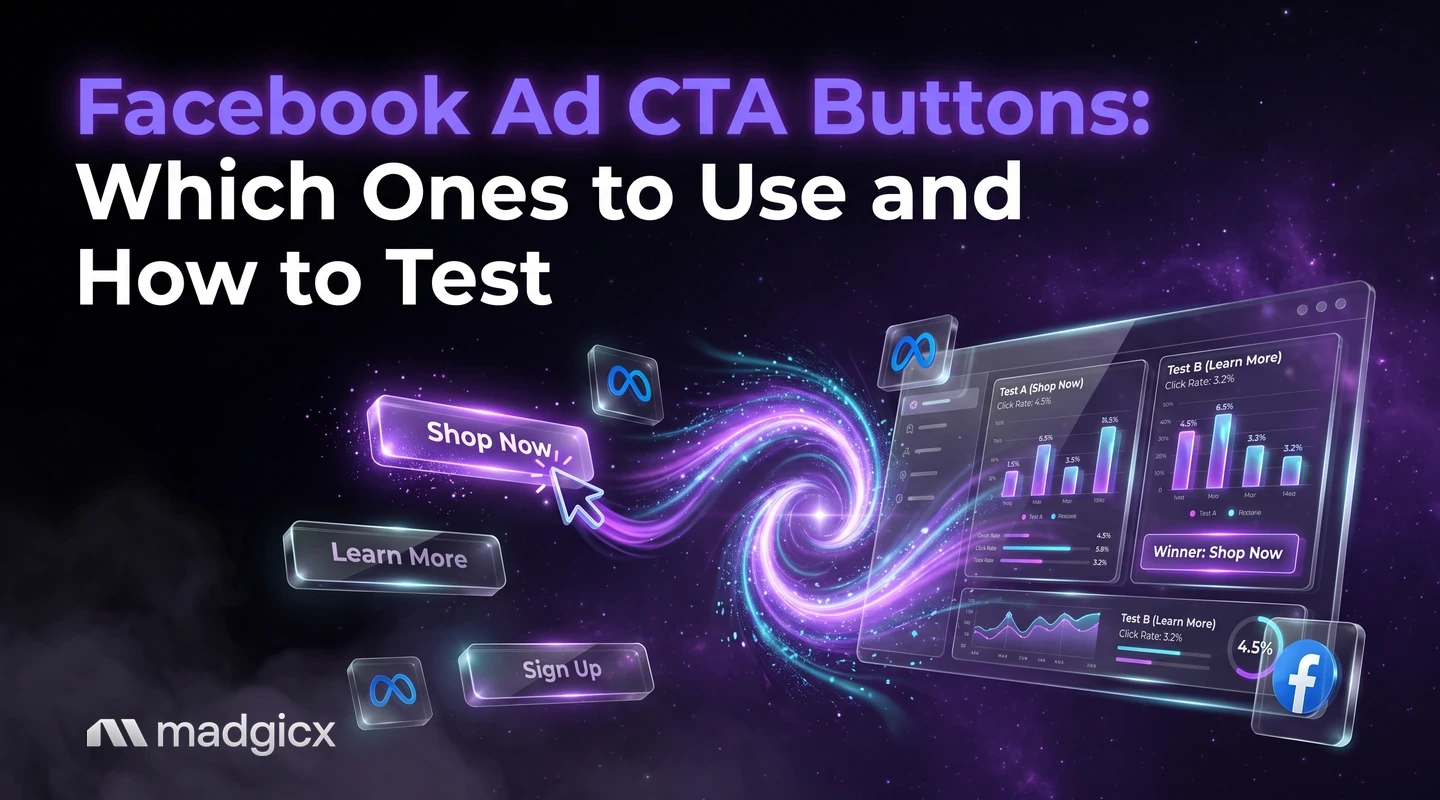
Which Facebook ad CTA buttons fit sales, leads, messages and installs, and a repeatable test you can run with your own budget.
Pick the call to action button that matches the result your campaign is built for: a sales objective needs a button that leads to a purchase step, a leads objective needs one that leads to a form or a message, and an app promotion objective needs one that leads to an install. Meta's list of buttons differs for each campaign objective, so your objective already narrows the choice before you test anything.
The button is a small part of an ad, so test it like one: change only the button, give both versions the same budget and read the result after enough spend. This guide shows how the options map to goals and gives you a test you can repeat with your own budget.
Creative Insights shows what winning ads have in common.
Which CTA to pick for leads, sales, messages and installs
Use these as starting points, then confirm the name in your dropdown.
Sales
Choose a button that points at a purchase step, such as Shop now. If your landing page is a single product page, a direct buy button fits. If it is a category page where people browse, a softer button such as Learn more can match the click better.
Leads
Match the button to how people give their details. For an Instant form, a button like Sign up or Apply now sets the right expectation. For a call or a booking, choose the button that names that action.
Messages
When your conversion location is Messenger or WhatsApp, pick the button that names the chat, such as Send message. Make sure someone is ready to answer, because a person who taps and waits will leave.
App installs
For app promotion Meta selects the app as the conversion location for you, and the buttons include Install now, Download and Sign up. Choose Install now when you want the install itself, and Sign up when the first step inside the app is creating an account.
Reading CTA test results without fooling yourself
- Look at the cost per result, not the click-through rate. A button that gets more clicks from people who do not buy is worse, not better.
- Check that spend was close to equal. If one version got far more budget, the comparison is not clean.
- Ignore small gaps. If the two costs are close, call it a tie and keep the simpler button.
- Do not carry a result across goals. A button that wins for leads may lose for sales. Retest when the objective changes.
- Log it. Write the hypothesis, the dates, the spend and the result in one place so you do not rerun the same test in six months.
Once you know which button wins, the next question is why the whole ad wins. That takes a look at the image, the hook and the copy together, which is where a creative breakdown helps.
Common CTA mistakes
- The button and the landing page disagree. "Shop now" that lands on a blog post breaks the promise. Send people to the page the button describes.
- The button and the copy disagree. If the text says "Book a call" and the button says Download, people hesitate.
- Changing several things at once. A new image, headline and button in one test tells you nothing about the button.
- Testing before there is enough traffic. With very few conversions, the result is noise.
- Using the first button on the list. Check the dropdown and choose on purpose.
Learn what makes your winning ads win
A button test tells you which version won, not why the ad around it works. Madgicx's Creative Insights breaks down every creative, including video, to show what makes winning ads win, and flags creative fatigue so you know when to refresh. Use it after a button test to see whether the winning ads share a hook, a format or a style.
For a wider look at tools that help with ad results, see our list of AI advertising tools. And because every test depends on clean conversion data, read how the Conversions API and Meta Pixel work together.
Start your 7-day free trial and see what your best ads have in common
FAQ
What are Facebook ad CTA buttons?
They are the buttons on an ad, such as Shop now or Sign up, that tell people what happens when they tap. Meta lets you add one to match your campaign goal.
Which CTA button is best for Facebook ads?
The one that matches your objective and your landing page. Meta's list of buttons differs for each objective, so test two options that both fit your goal and let your own cost per result decide.
How do I add a call to action button to a Facebook ad?
In Ads Manager, open the ad, find the call to action field in the creative section and choose a button from the dropdown. The options you see depend on your objective and conversion location.
How do I test CTA buttons?
Duplicate an ad, change only the button, give both versions the same budget and compare cost per result. Meta's A/B test tool in Ads Manager or Experiments runs it with split audiences.
Does the CTA button change the cost per result?
It can, but only your own test will tell you by how much. The button matters most when it sets the right expectation for the landing page.
Which CTA buttons work for app installs?
For app promotion, Meta selects the app as the conversion location, and the buttons include Install now, Download and Sign up.